

Rendered sample video
SKILL.md contents
Premium subscribers can read, copy, and install this skill.
Unlock with Premium Sign inEvent Rundown
Description
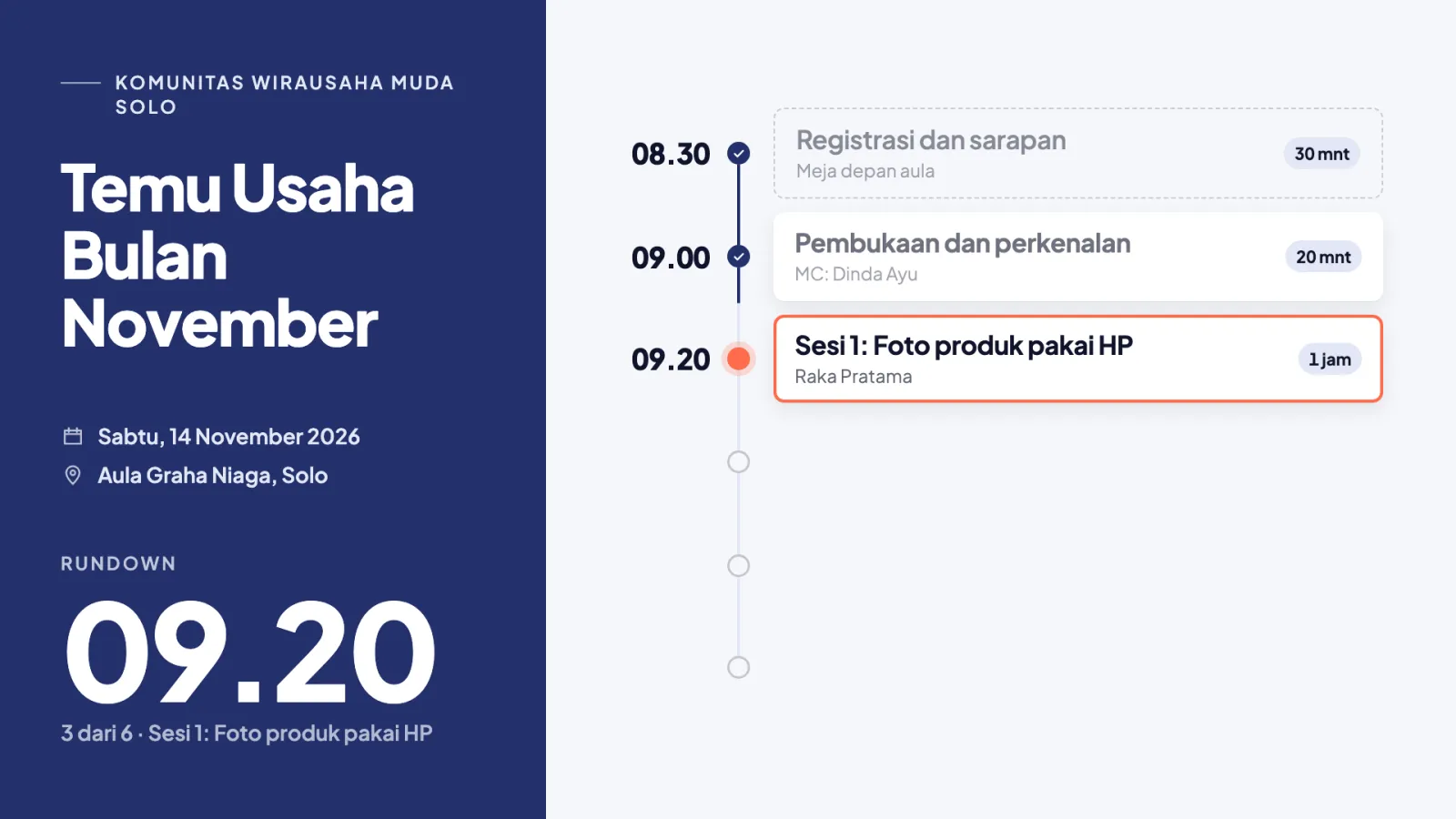
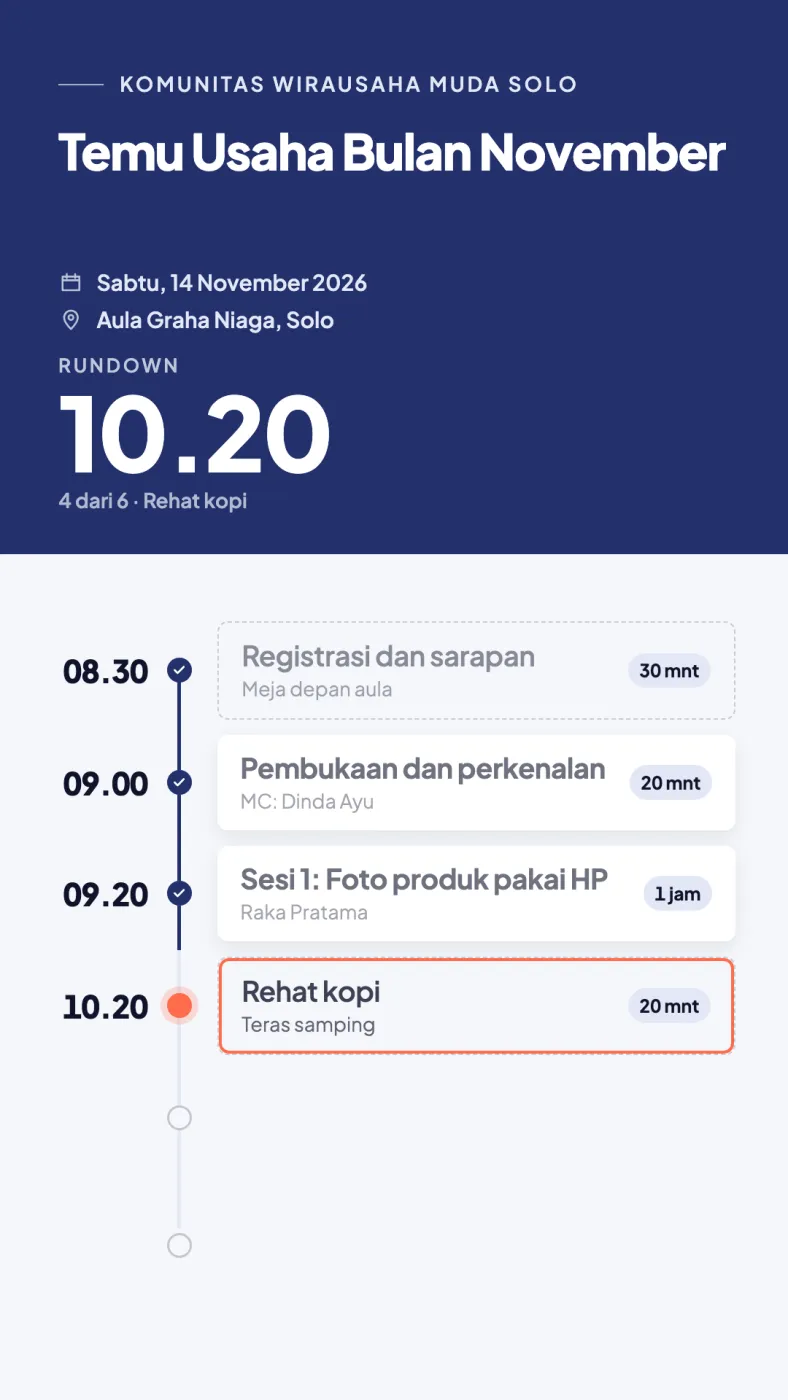
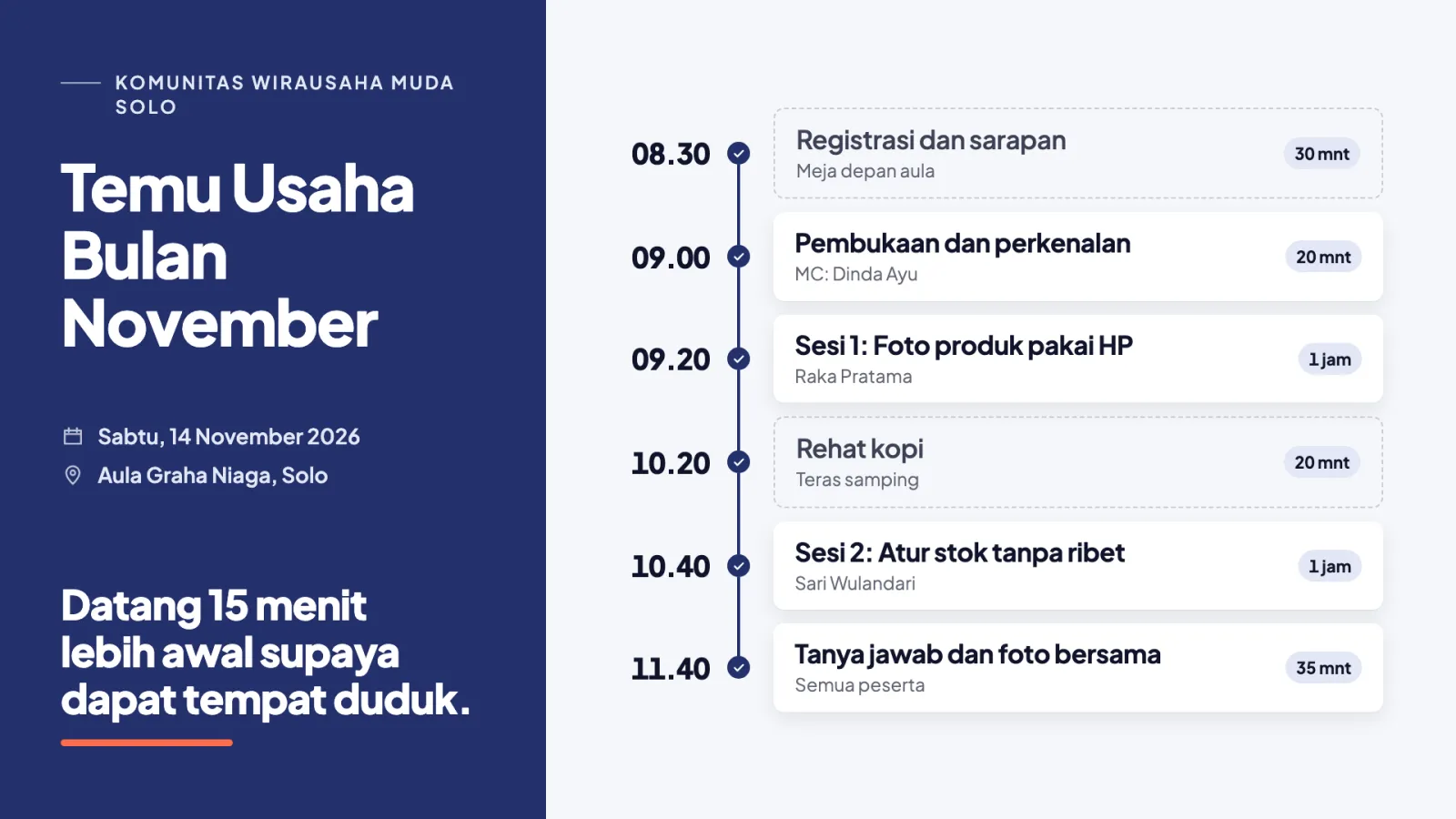
A rundown video with 4 to 8 agenda items for office and community events: times and item names line up on a vertical line that fills in order from top to bottom, the current item is highlighted, finished items tick off, and a large clock in the panel follows along. Each item's length (e.g. 20 min, 1 h 15 min) is worked out from the next start time, breaks show as dashed cards, and one closing line for attendees ends it. 16:9 and 9:16, 10 to 20 seconds, rendered to MP4 with one command.
Verified by SkillFlow
We checked every file in this skill automatically: no command that downloads and runs a program, no hidden code, no instruction telling your AI to ignore you.
- Loads from outside
- Fonts: Google Fonts
See the 5 files inside
skill.json8 KBSKILL.md7 KBprompt.md5 KBprompt.en.md5 KBfiles/scene.html20 KB
Checked 14 Nov 2026
Part of SkillFlow Pro
Pro opens every skill in every category: copy, ZIP, Send to AI, install, save, and request new skills.
Get Pro Already subscribed? Sign inWhat you get
- A rundown script: event name, date and venue, 4-8 items with times and notes, a closing line
- An animated HTML scene driven by one config object
- Each item's length worked out from the next start time, with breaks marked
- MP4 1920x1080 (16:9) or 1080x1920 (9:16), 30 fps, 10-20 seconds
- A last frame holding the full rundown that can be shared as an image
- 3 ready palettes, plus your own brand colours
Good fit
- Committees for office events such as planning meetings, trainings, and gatherings
- Community organisers running meetups, workshops, or bazaars
- Seminar organisers who want the rundown playing on screen during registration
Not for
- At most 8 items per video; a full-day event is split into morning and afternoon
- No speaker photos; use Event Speaker Lineup for that
- Not a work process flow or a repeating weekly class schedule
- It does not check for clashes; times appear exactly as you write them
About this skill
/rundown-acara Make a rundown video for our community business meetup on Saturday: registration at 08:30, opening at 09:00, two sessions, a coffee break, Q&A, ending at 12:15, in 9:16 for our WhatsApp group
Show more
A rundown video with 4 to 8 agenda items for office and community events: times and item names line up on a vertical line that fills in order from top to bottom, the current item is highlighted, finished items tick off, and a large clock in the panel follows along. Each item's length (e.g. 20 min, 1 h 15 min) is worked out from the next start time, breaks show as dashed cards, and one closing line for attendees ends it. 16:9 and 9:16, 10 to 20 seconds, rendered to MP4 with one command.
User reviews
FAQ
Where does each item's length come from?
From the gap between that item's start time and the next one. The last item uses the end time you fill in. If you leave the end time empty, the last item shows no length chip.
Can I use it as an image too?
Yes. The last frame holds the whole ticked rundown and the closing line, so you can save it as a PNG and send it to a group or print it small.
Which AI can I use it with?
Copy the prompt into a chat AI (ChatGPT, Claude, Gemini, DeepSeek): you get an HTML file; open it in Chrome and press Download MP4 (silent video, a minute or two to render); or download the ZIP and install it in an AI agent (Claude Code, Codex, Antigravity, Hermes Agent, Cursor, GitHub Copilot, Gemini CLI, OpenCode, Kimi Code, Trae), which then builds the files for you.
What is in the ZIP?
One folder named rundown-acara with SKILL.md (the instructions an AI agent reads) and the prompt, 5 files in all. Extract it into your agent's skills folder, or install it with npx skillflow-ai add rundown-acara. Pro only.
Is there a per-use fee or credits?
Not from SkillFlow. The skill runs on the AI you already use, so any cost follows that plan.
Which plan includes it?
SkillFlow Pro. It opens every skill in every category.
Can I use my own colours and brand?
Yes. Pick a colour theme on this page, or fill in your brand profile once; both go into the prompt you copy and into the ZIP.
Can I share what I made?
Pro members can upload the result and get a page at share.skillflow.ai.id to send to anyone. The page carries a small "Made with SkillFlow AI" mark.
Is there a download limit?
Yes, per day: 50 skills on Pro, 10 on other plans. Downloading a skill again on the same day does not count.



