

Rendered sample video
SKILL.md contents
Premium subscribers can read, copy, and install this skill.
Unlock with Premium Sign inService Before and After
Description
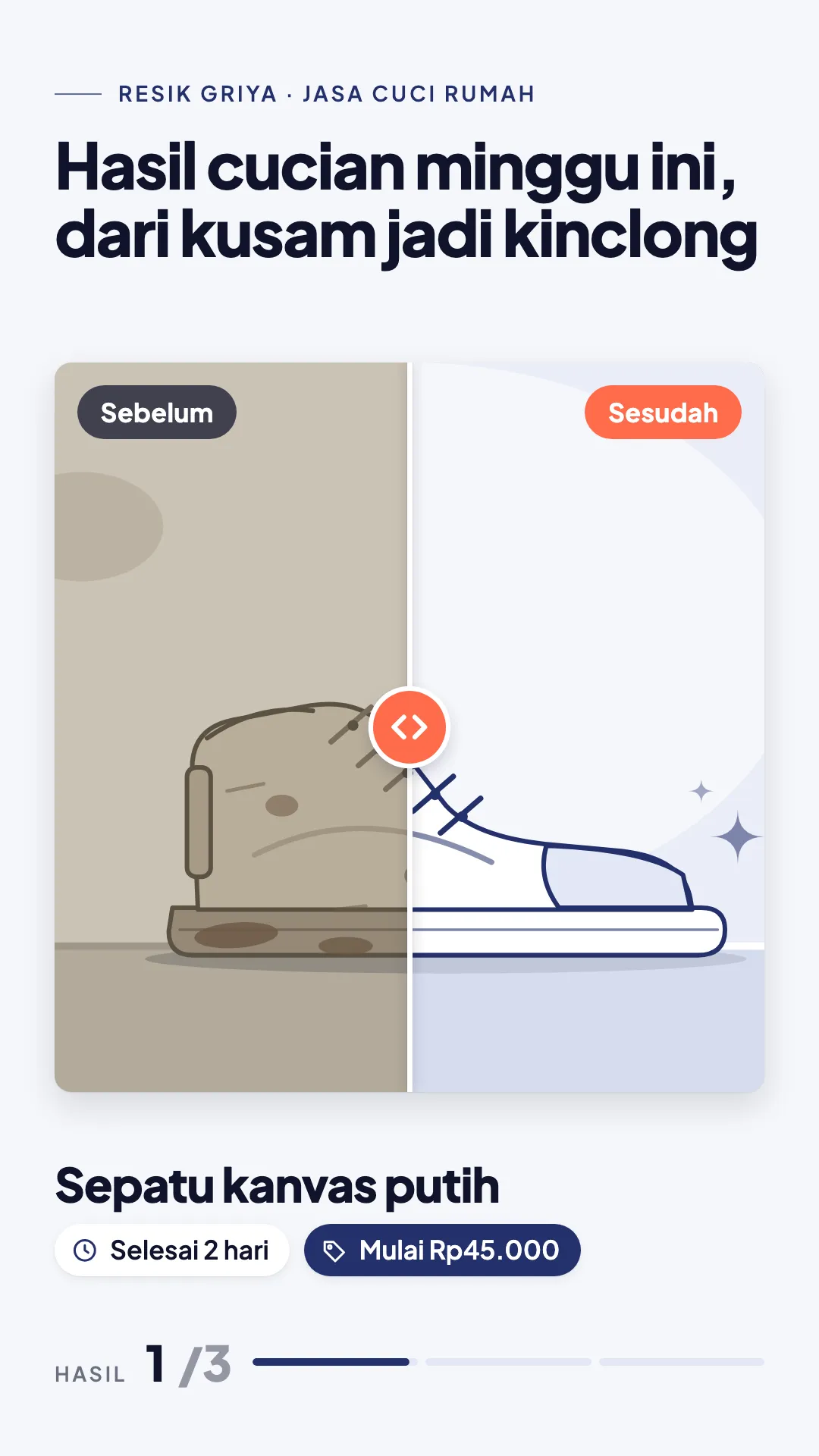
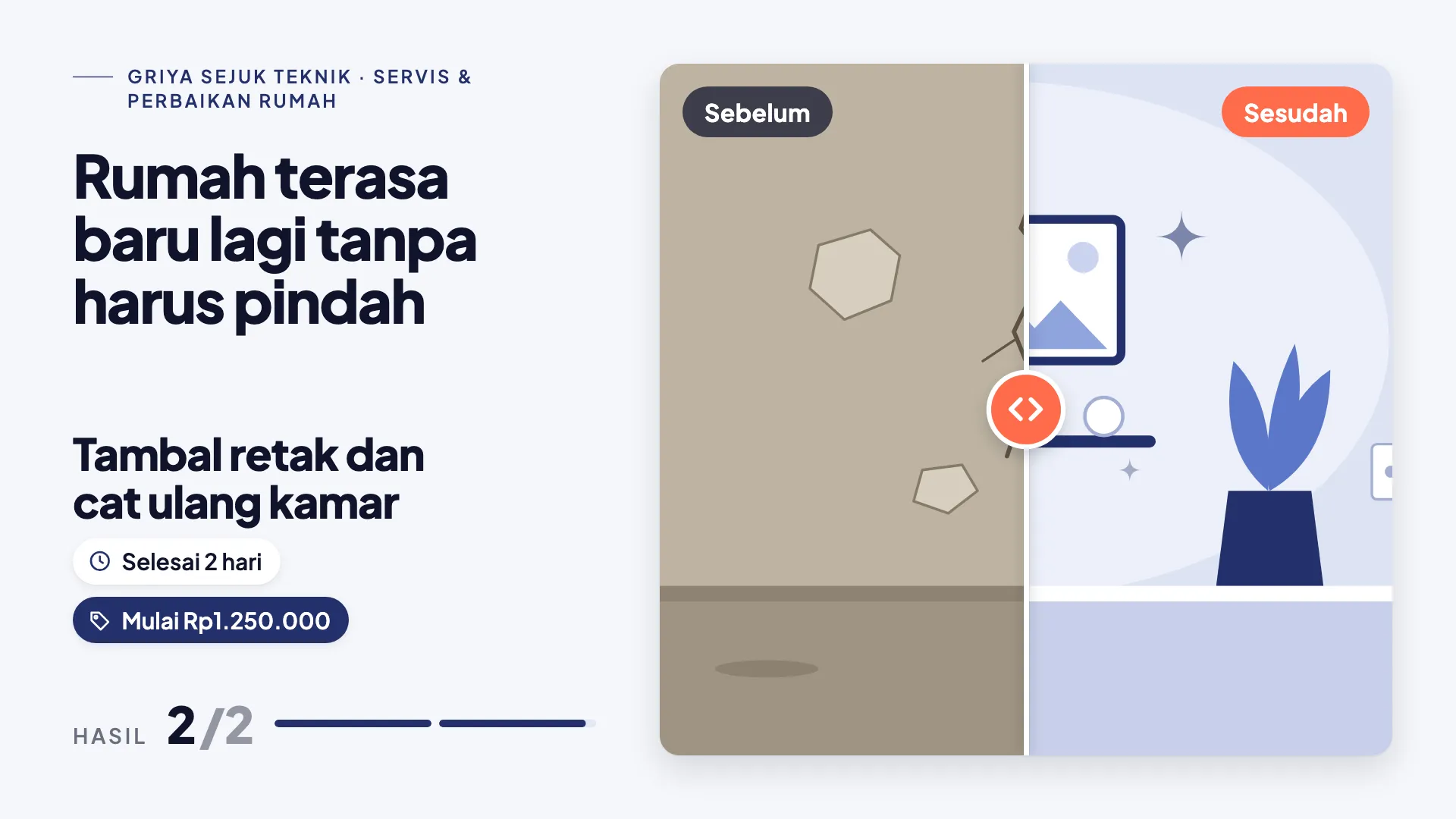
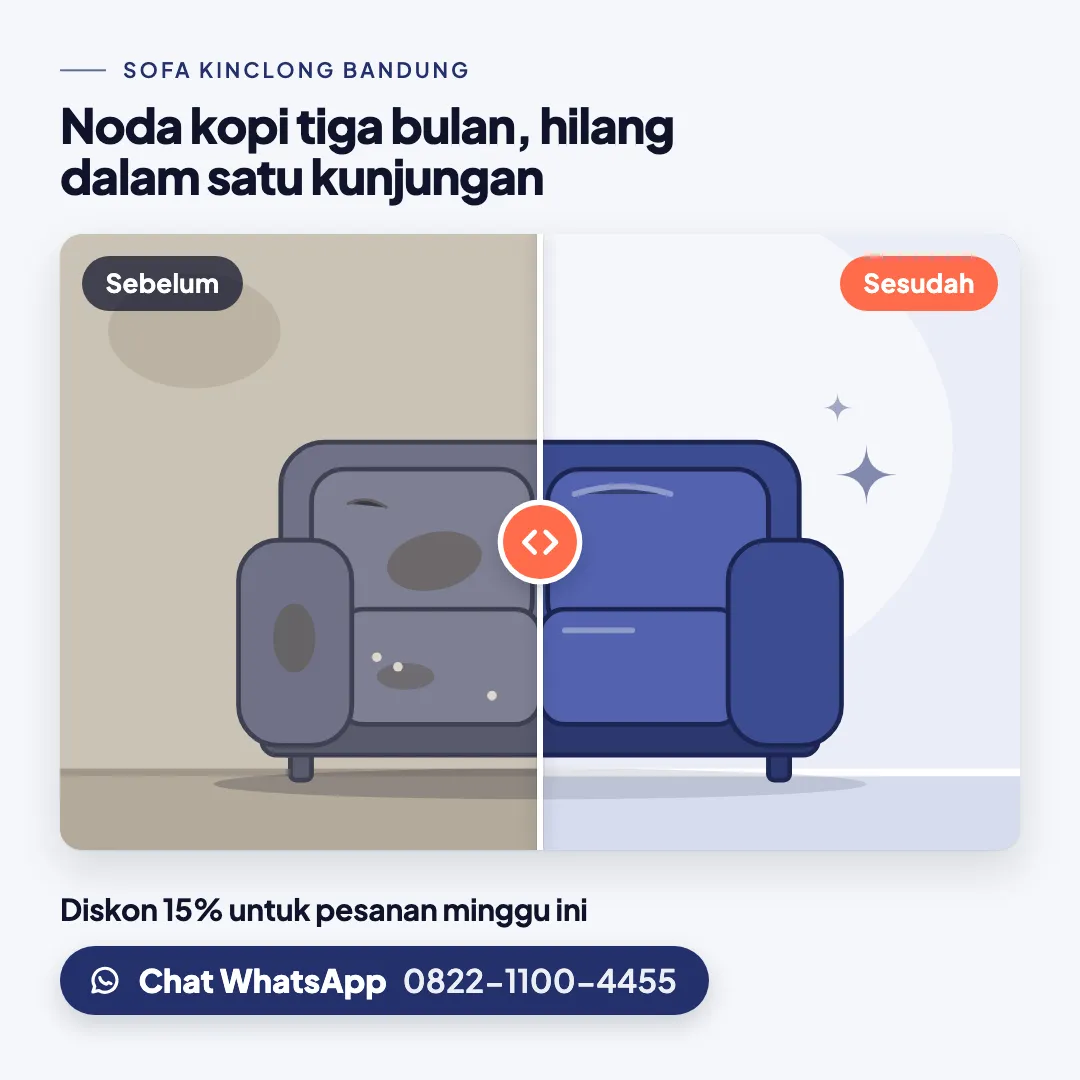
A proof-of-work clip for service businesses: shoe cleaning, sofa cleaning, salons, air-con servicing, renovation, even logo redesigns. Before and after photos are stacked, then a divider sweeps from right to left until the result shows in full and settles in the middle with Before and After labels. Holds 1 to 3 photo pairs, each with turnaround time and a starting price, and ends on a WhatsApp button. 8 to 15 seconds, in 9:16, 1:1, and 16:9.
Verified by SkillFlow
We checked every file in this skill automatically: no command that downloads and runs a program, no hidden code, no instruction telling your AI to ignore you.
- Loads from outside
- Fonts: Google Fonts
See the 7 files inside
skill.json8 KBSKILL.md8 KBprompt.md6 KBprompt.en.md6 KBfiles/contoh-cuci-sofa-1x1.html31 KBfiles/contoh-servis-rumah-16x9.html31 KBfiles/scene.html31 KB
Checked 14 Nov 2026
Part of SkillFlow Pro
Pro opens every skill in every category: copy, ZIP, Send to AI, install, save, and request new skills.
Get Pro Already subscribed? Sign inWhat you get
- Short copy: title, name of each result, turnaround time, starting price, closing offer
- An animated HTML before/after sweep scene driven by one config object
- Use your own photos, or 4 built-in sample illustrations (shoe, sofa, air-con, wall) to try it
- MP4 1080x1920 (9:16), 1080x1080 (1:1), or 1920x1080 (16:9), 30 fps, 8-15 seconds
- 3 ready palettes, plus your own brand colors
Good fit
- Cleaning and care services for shoes, bags, sofas, mattresses, carpets, cars, or air conditioners
- Salons, barbershops, nail art, and makeup with customer consent
- Renovation, repainting, handyman, garden, and house cleaning services
- Designers comparing an old and new logo or packaging
Not for
- Built-in illustrations are just for trying it; real promos must use photos of your actual work
- It does not edit your photos; after shots should not be heavily filtered
- Not a comparison of two different products or a text testimonial
- At most 3 photo pairs per video
About this skill
/sebelum-sesudah-jasa Make a before and after video for our shoe cleaning service, 3 photo pairs of real work with turnaround time and starting prices, a free pickup offer, in 9:16
Show more
A proof-of-work clip for service businesses: shoe cleaning, sofa cleaning, salons, air-con servicing, renovation, even logo redesigns. Before and after photos are stacked, then a divider sweeps from right to left until the result shows in full and settles in the middle with Before and After labels. Holds 1 to 3 photo pairs, each with turnaround time and a starting price, and ends on a WhatsApp button. 8 to 15 seconds, in 9:16, 1:1, and 16:9.
User reviews
FAQ
How do I shoot good before and after photos?
Shoot from the same angle, distance, and direction with the object in the same spot, similar light, and the same ratio. Keep the object centred because photo edges can be cropped.
Can the Before and After labels change?
Yes, for example Old logo and New logo for design work. Turnaround time and starting price can also be left empty.
I have lots of results, what then?
Make several videos, such as week 1 and week 2, so every reveal gets seen. One video holds 1 to 3 pairs.
Which AI can I use it with?
Copy the prompt into a chat AI (ChatGPT, Claude, Gemini, DeepSeek): you get an HTML file; open it in Chrome and press Download MP4 (silent video, a minute or two to render); or download the ZIP and install it in an AI agent (Claude Code, Codex, Antigravity, Hermes Agent, Cursor, GitHub Copilot, Gemini CLI, OpenCode, Kimi Code, Trae), which then builds the files for you.
What is in the ZIP?
One folder named sebelum-sesudah-jasa with SKILL.md (the instructions an AI agent reads) and the prompt, 7 files in all. Extract it into your agent's skills folder, or install it with npx skillflow-ai add sebelum-sesudah-jasa. Pro only.
Is there a per-use fee or credits?
Not from SkillFlow. The skill runs on the AI you already use, so any cost follows that plan.
Which plan includes it?
SkillFlow Pro. It opens every skill in every category.
Can I use my own colours and brand?
Yes. Pick a colour theme on this page, or fill in your brand profile once; both go into the prompt you copy and into the ZIP.
Can I share what I made?
Pro members can upload the result and get a page at share.skillflow.ai.id to send to anyone. The page carries a small "Made with SkillFlow AI" mark.
Is there a download limit?
Yes, per day: 50 skills on Pro, 10 on other plans. Downloading a skill again on the same day does not count.



