

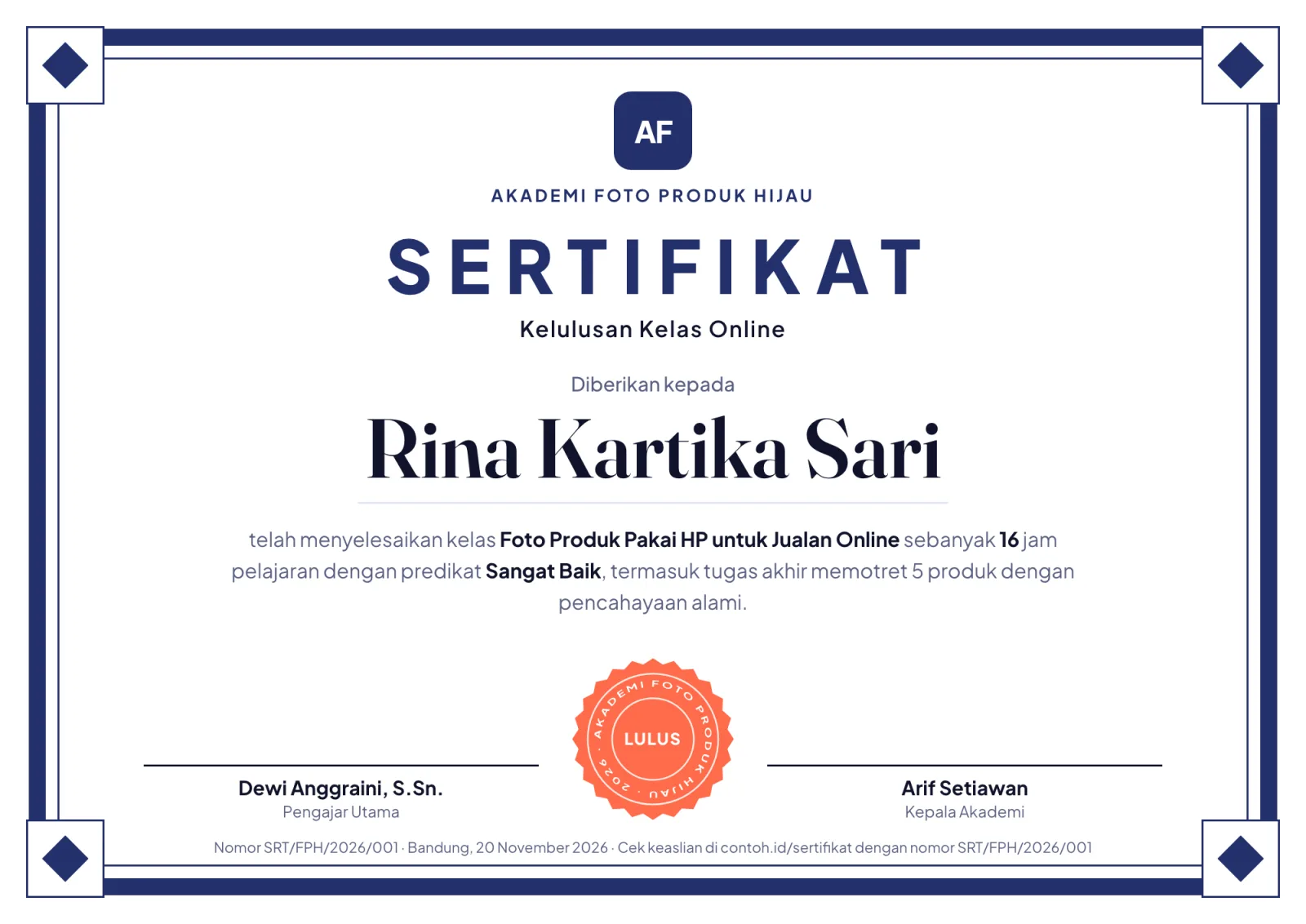
Frame style: a large serif name, the grade, two signatures, a Passed seal, and a serial number
SKILL.md contents
Premium subscribers can read, copy, and install this skill.
Unlock with Premium Sign inOnline Course Certificate
Description
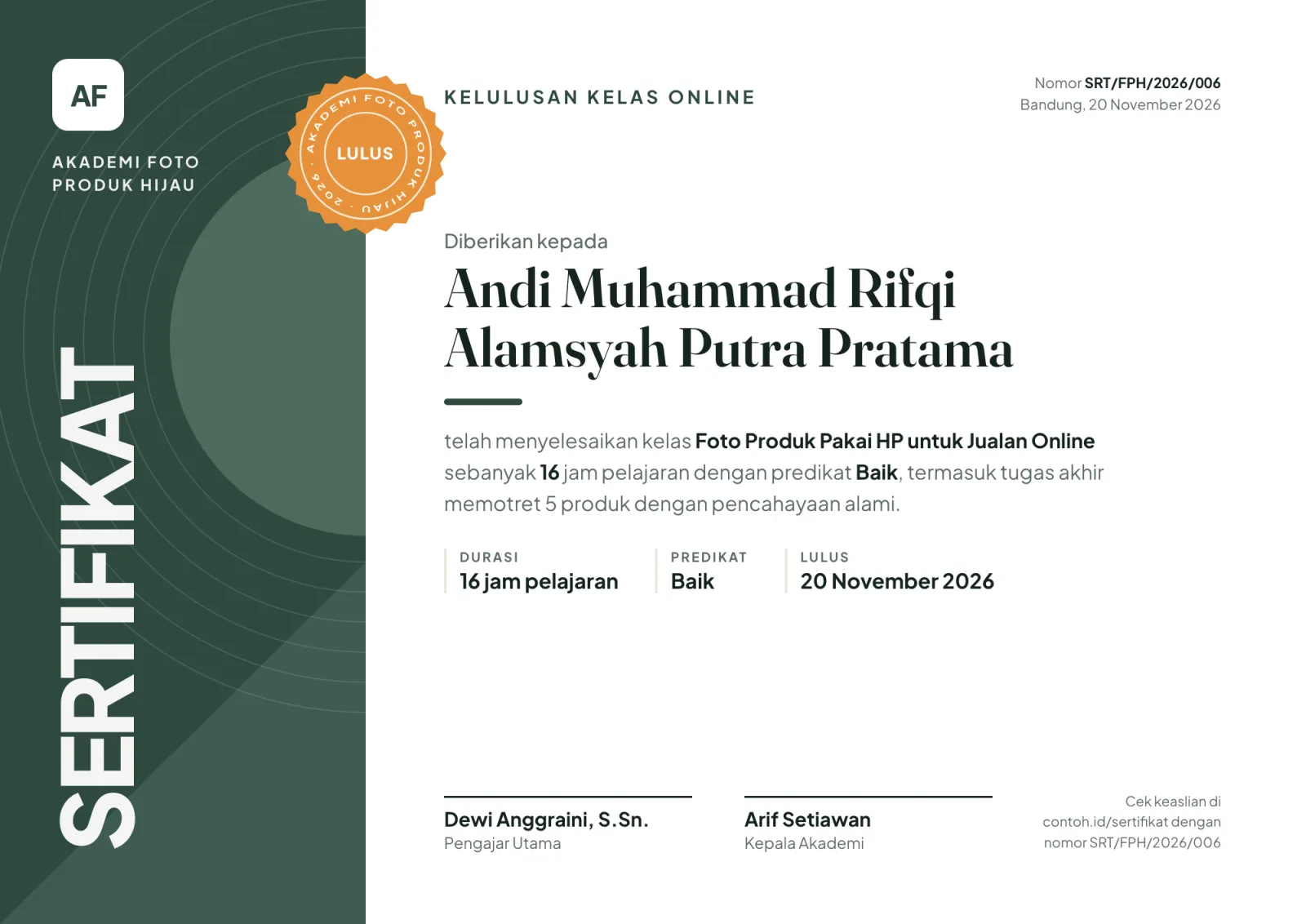
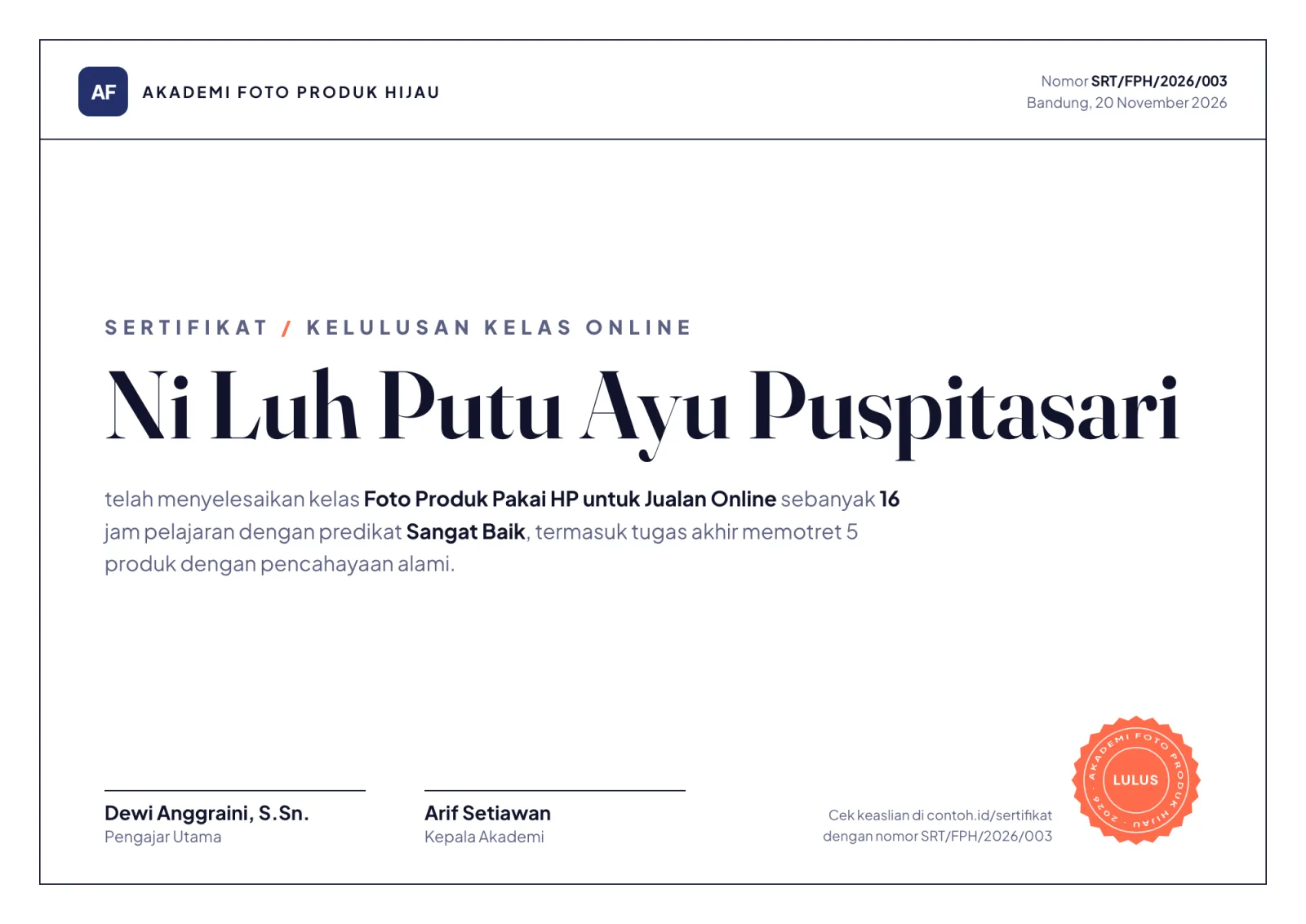
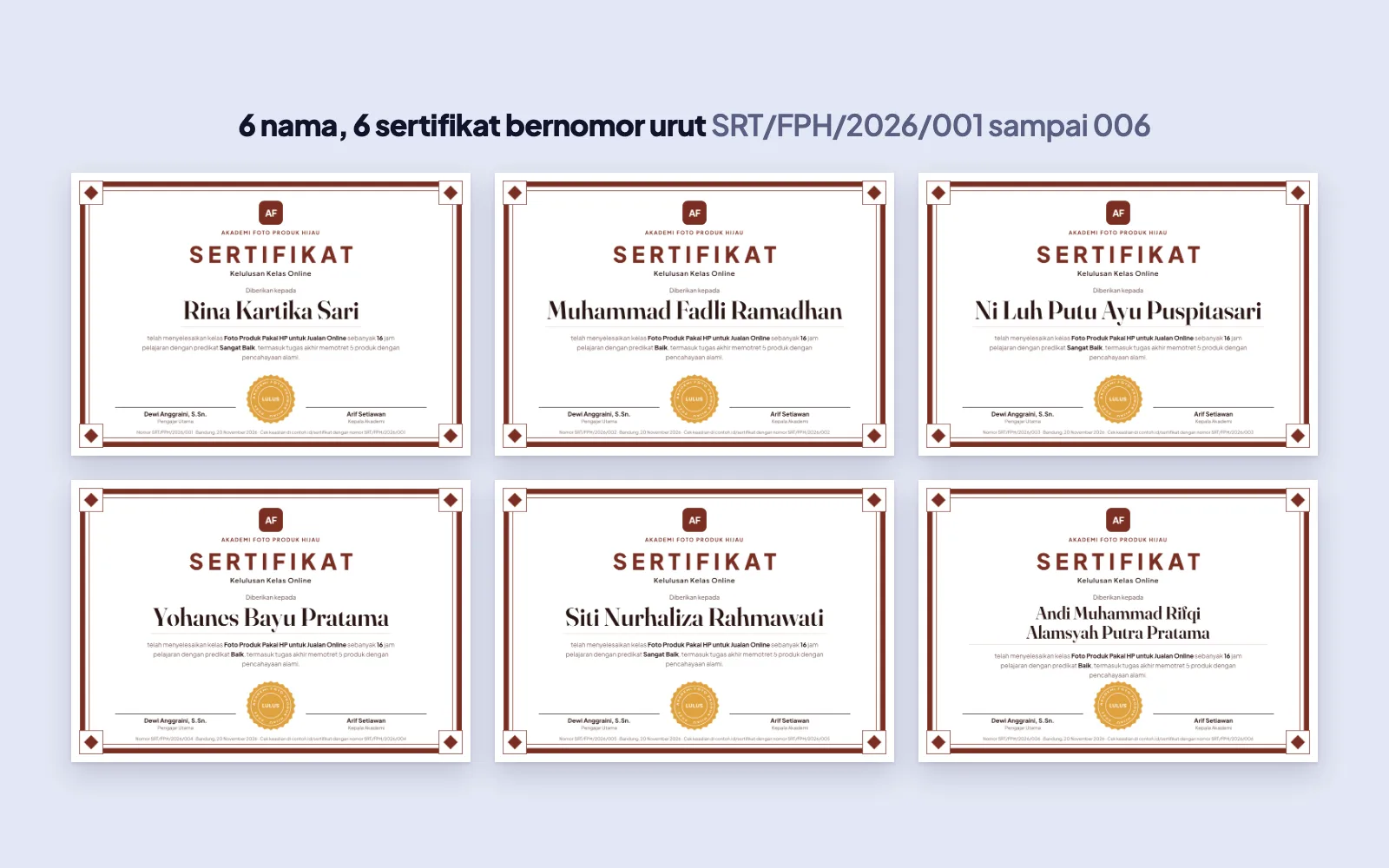
Certificates for online course, workshop, or training participants, made in bulk from one list of names you can paste straight from a spreadsheet. Each one carries the participant's name, shrunk automatically to fit, a sequential certificate number, the issue date, a grade, the course name and hours, one or two signatures, a seal, and a verification line. Three styles (classic frame, modern colour band, minimal) and three palettes; you get a landscape A4 PDF with one page per participant, a PNG per person, and a CSV log of the numbers.
Verified by SkillFlow
We checked every file in this skill automatically: no command that downloads and runs a program, no hidden code, no instruction telling your AI to ignore you.
- Loads from outside
- Fonts: Google Fonts
See the 5 files inside
skill.json8 KBSKILL.md7 KBprompt.md4 KBprompt.en.md4 KBfiles/sertifikat.html26 KB
Checked 14 Nov 2026
Included in Basic and Pro
Basic copies the prompt. Pro also downloads the ZIP, sends to AI, installs into agents, and opens every category.
Get Pro Get Basic Already subscribed? Sign inWhat you get
- A 2000x1414 (landscape A4) HTML certificate template driven by one SERTIFIKAT object
- A participant list pasted from a spreadsheet: name, grade, date, custom number (optional)
- Sequential certificate numbers from your own format, e.g. SRT/FPH/2026/001
- Long names shrink or wrap to two lines automatically, a description with optional parts
- Print / Save as PDF: one A4 page per participant, plus a PNG per person via the render tool
- A CSV log of numbers and warnings for duplicate names, duplicate numbers, or odd capitalisation
- 3 styles (frame, modern, minimal), 3 palettes (indigo, sage, brick), an automatic seal and monogram
Good fit
- Online class, workshop, and training hosts issuing certificates in bulk
- Communities wanting sequential certificate numbers with no duplicates
- Committees with the participant list in a spreadsheet
Not for
- Not an accredited official certificate; its standing depends on your institution
- It does not send certificates to participants; you share the PDF or PNG
- The authenticity line is text only, not an online verification system
About this skill
/sertifikat-kelas-online Make certificates for 40 participants of Harsa Photo Academy's Phone Product Photography class, numbered SRT/AFH/2026/001 onward, 12 lesson hours, two signatures
Show more
Certificates for online course, workshop, or training participants, made in bulk from one list of names you can paste straight from a spreadsheet. Each one carries the participant's name, shrunk automatically to fit, a sequential certificate number, the issue date, a grade, the course name and hours, one or two signatures, a seal, and a verification line. Three styles (classic frame, modern colour band, minimal) and three palettes; you get a landscape A4 PDF with one page per participant, a PNG per person, and a CSV log of the numbers.
User reviews
FAQ
Will long participant names fit?
Names shrink automatically to fit, or wrap to two lines if still too long, including four-word names and titles.
What gets flagged automatically?
Duplicate names, duplicate numbers, and odd capitalisation such as all-lowercase names. A number recap is also exported to CSV.
Which AI can I use it with?
Copy the prompt into a chat AI (ChatGPT, Claude, Gemini, DeepSeek); or download the ZIP and install it in an AI agent (Claude Code, Codex, Antigravity, Hermes Agent, Cursor, GitHub Copilot, Gemini CLI, OpenCode, Kimi Code, Trae), which then builds the files for you.
What is in the ZIP?
One folder named sertifikat-kelas-online with SKILL.md (the instructions an AI agent reads) and the prompt, 5 files in all. Extract it into your agent's skills folder, or install it with npx skillflow-ai add sertifikat-kelas-online. Pro only.
Is there a per-use fee or credits?
Not from SkillFlow. The skill runs on the AI you already use (and, for image prompts, the image AI you pick), so any cost follows that plan.
Which plan includes it?
Basic and Pro. Basic copies the prompt; Pro also downloads the ZIP, sends to AI, installs into agents and shares results by link.
Can I use my own colours and brand?
Yes. Pick a colour theme on this page, or fill in your brand profile once; both go into the prompt you copy and into the ZIP.
Can I share what I made?
Pro members can upload the result and get a page at share.skillflow.ai.id to send to anyone. The page carries a small "Made with SkillFlow AI" mark.
Is there a download limit?
Yes, per day: 50 skills on Pro, 10 on other plans. Downloading a skill again on the same day does not count.



