

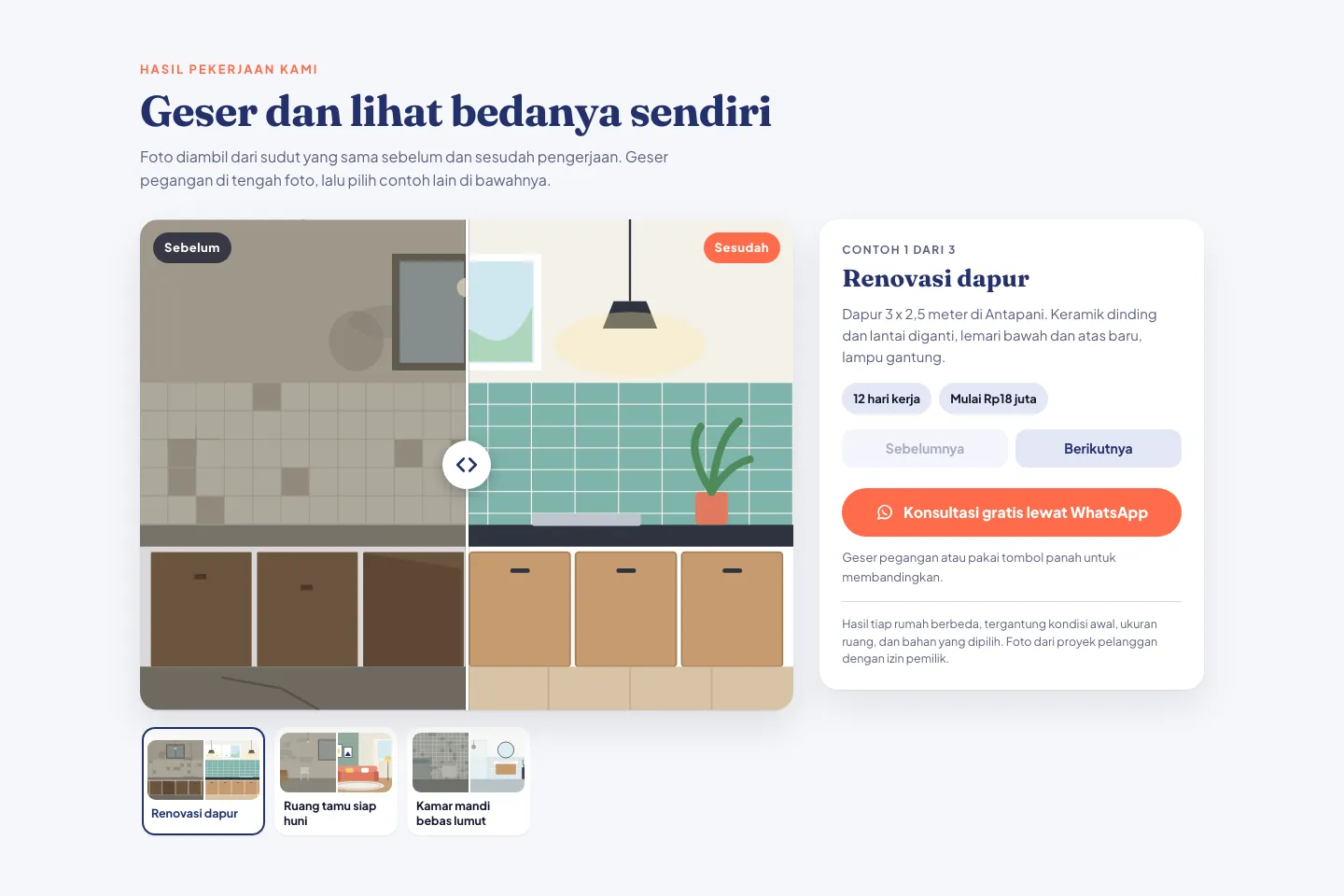
A renovation service, 3 examples: drag to compare the kitchen before and after
SKILL.md contents
Register for free, then open this skill. Already registered? Sign in.
Get free access Sign inBefore After Slider (Section)
Description
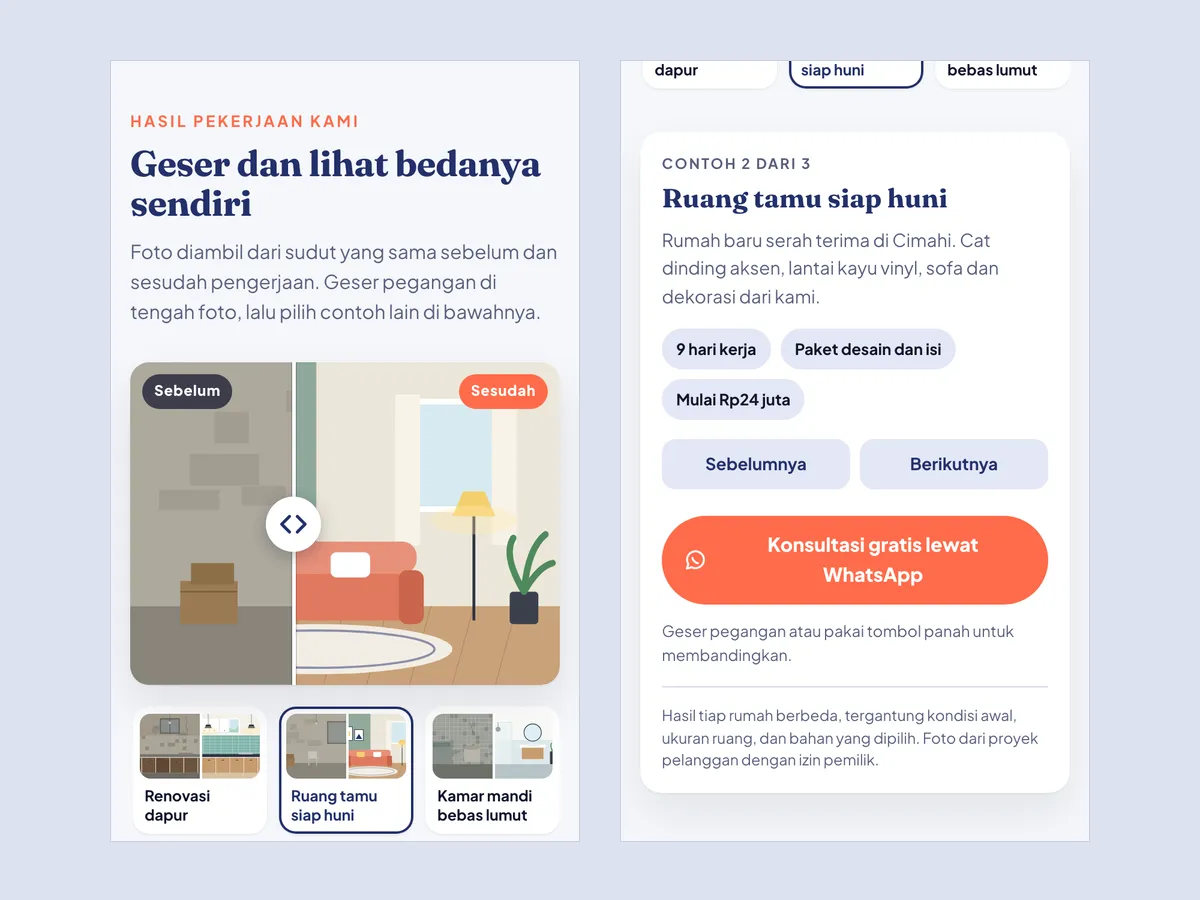
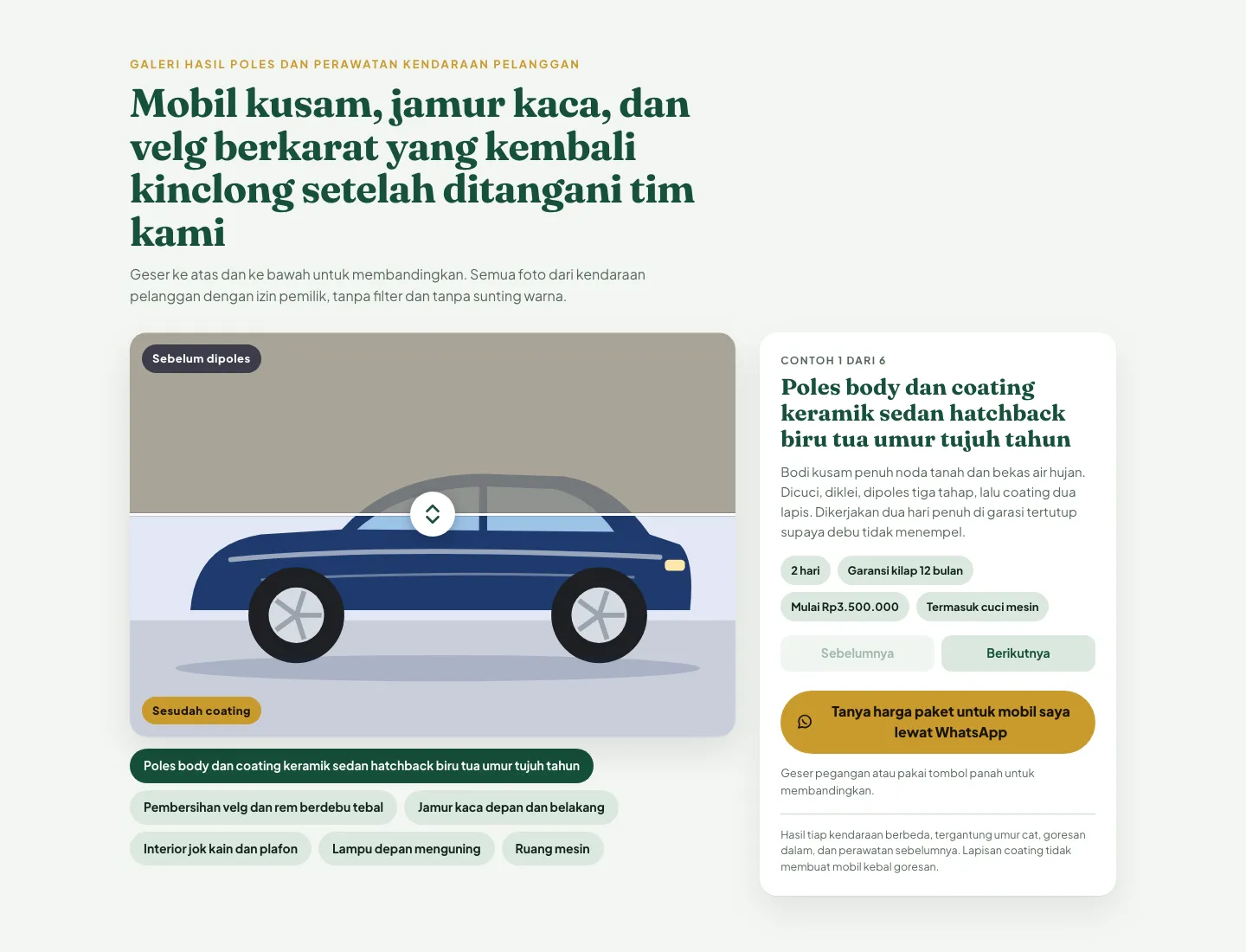
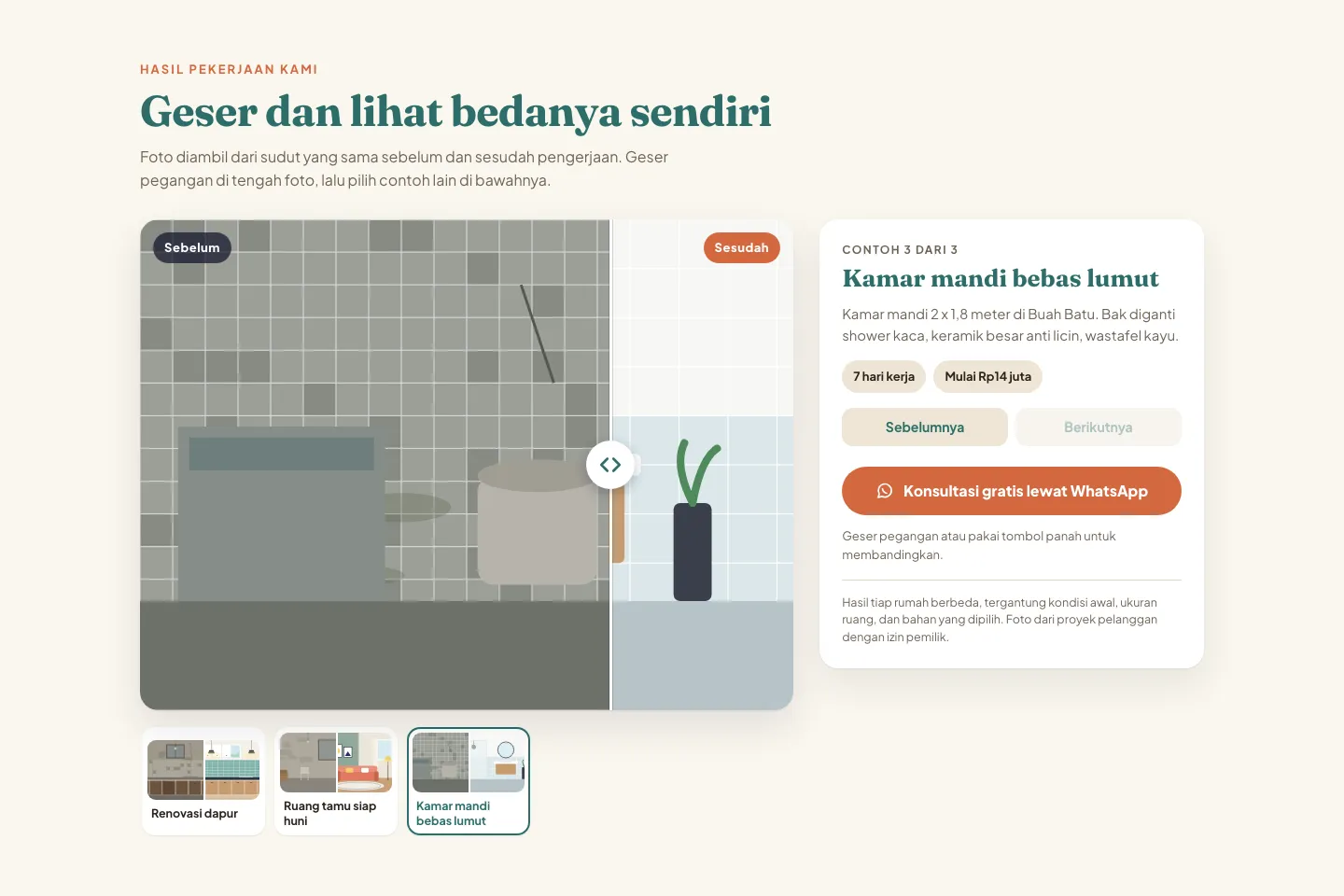
A before and after photo comparison section for renovation, interior design, car detailing, and care services: two stacked photos with a handle you drag with a mouse, a finger, or the arrow keys, several examples chosen with thumbnails or tabs, horizontal or vertical direction, a clear placeholder when a photo is missing, a description and detail chips per example, a results-vary note, and a WhatsApp button that names the example being viewed. One responsive HTML file with no library.
Verified by SkillFlow
We checked every file in this skill automatically: no command that downloads and runs a program, no hidden code, no instruction telling your AI to ignore you.
- Loads from outside
- Fonts: Google Fonts
See the 16 files inside
skill.json10 KBSKILL.md7 KBprompt.md5 KBprompt.en.md5 KBfiles/contoh/detailing-6-pasangan-vertikal.html20 KBfiles/gambar-contoh/dapur-sebelum.svg10 KBfiles/gambar-contoh/dapur-sesudah.svg10 KBfiles/gambar-contoh/kamar-mandi-sebelum.svg16 KBfiles/gambar-contoh/kamar-mandi-sesudah.svg8 KBfiles/gambar-contoh/mobil-sebelum.svg5 KBfiles/gambar-contoh/mobil-sesudah.svg2 KBfiles/gambar-contoh/ruang-tamu-sebelum.svg2 KBfiles/gambar-contoh/ruang-tamu-sesudah.svg3 KBfiles/gambar-contoh/velg-sebelum.svg8 KBfiles/gambar-contoh/velg-sesudah.svg1 KBfiles/slider.html20 KB
Checked 14 Nov 2026
Get this skill for free
A free account opens every free skill. Premium unlocks everything.
Get free access I already have an accountWhat you get
- A two-photo comparison frame with a drag handle and Before and After labels
- Dragging with a mouse, a finger, and the keyboard, with role slider and aria-valuenow
- Several photo pairs through thumbnails or tabs, horizontal or vertical
- A clear placeholder for photos that are missing or fail to load
- A description, detail chips, and a results-vary note per example
- A WhatsApp button with the example name filled in, responsive from 320 to 1440 px
Good fit
- Renovation, painting, and interior design services that want to show their work
- Car or motorbike detailing, polishing, and coating
- Care and cleaning services: sofa cleaning, garden care, shoe repair
Not for
- It does not edit photos or create an after photo from a before photo
- It does not store or upload photos; you write the photo addresses in the settings object
- Not a gallery for dozens of unpaired photos
- It does not take orders or payments; the button only opens a chat
About this skill
/slider-sebelum-sesudah Make a before and after slider section for my renovation business with 3 examples (kitchen, living room, bathroom) that visitors can drag and then ask about on WhatsApp
Show more
A before and after photo comparison section for renovation, interior design, car detailing, and care services: two stacked photos with a handle you drag with a mouse, a finger, or the arrow keys, several examples chosen with thumbnails or tabs, horizontal or vertical direction, a clear placeholder when a photo is missing, a description and detail chips per example, a results-vary note, and a WhatsApp button that names the example being viewed. One responsive HTML file with no library.
User reviews
FAQ
What kind of photos work?
Before and after photos from the same angle, distance, and light, in the same ratio as the frame. If the angle differs, the line in the middle no longer compares the same spot and the result looks dishonest.
Can it be used without a mouse?
Yes. The handle can be focused with Tab and moved with the arrow keys, Shift + arrow for big steps, and Home and End for the ends. Screen readers announce how much of each side is showing.
What if the after photo is not ready yet?
Leave its address empty. The frame shows a striped placeholder saying the photo has not been added, so the section stays tidy while the job is finished.
Which AI can I use it with?
Copy the prompt into a chat AI (ChatGPT, Claude, Gemini, DeepSeek); or download the ZIP and install it in an AI agent (Claude Code, Codex, Antigravity, Hermes Agent, Cursor, GitHub Copilot, Gemini CLI, OpenCode, Kimi Code, Trae), which then builds the files for you.
What is in the ZIP?
One folder named slider-sebelum-sesudah with SKILL.md (the instructions an AI agent reads) and the prompt, 16 files in all. Extract it into your agent's skills folder, or install it with npx skillflow-ai add slider-sebelum-sesudah.
Is there a per-use fee or credits?
Not from SkillFlow. The skill runs on the AI you already use, so any cost follows that plan.
Is this skill free?
Yes. Create a free account, then press Open access.
Can I use my own colours and brand?
Yes. Pick a colour theme on this page, or fill in your brand profile once; both go into the prompt you copy and into the ZIP.
Can I share what I made?
Pro members can upload the result and get a page at share.skillflow.ai.id to send to anyone. The page carries a small "Made with SkillFlow AI" mark.
Is there a download limit?
Yes, per day: 50 skills on Pro, 10 on other plans. Downloading a skill again on the same day does not count.



