

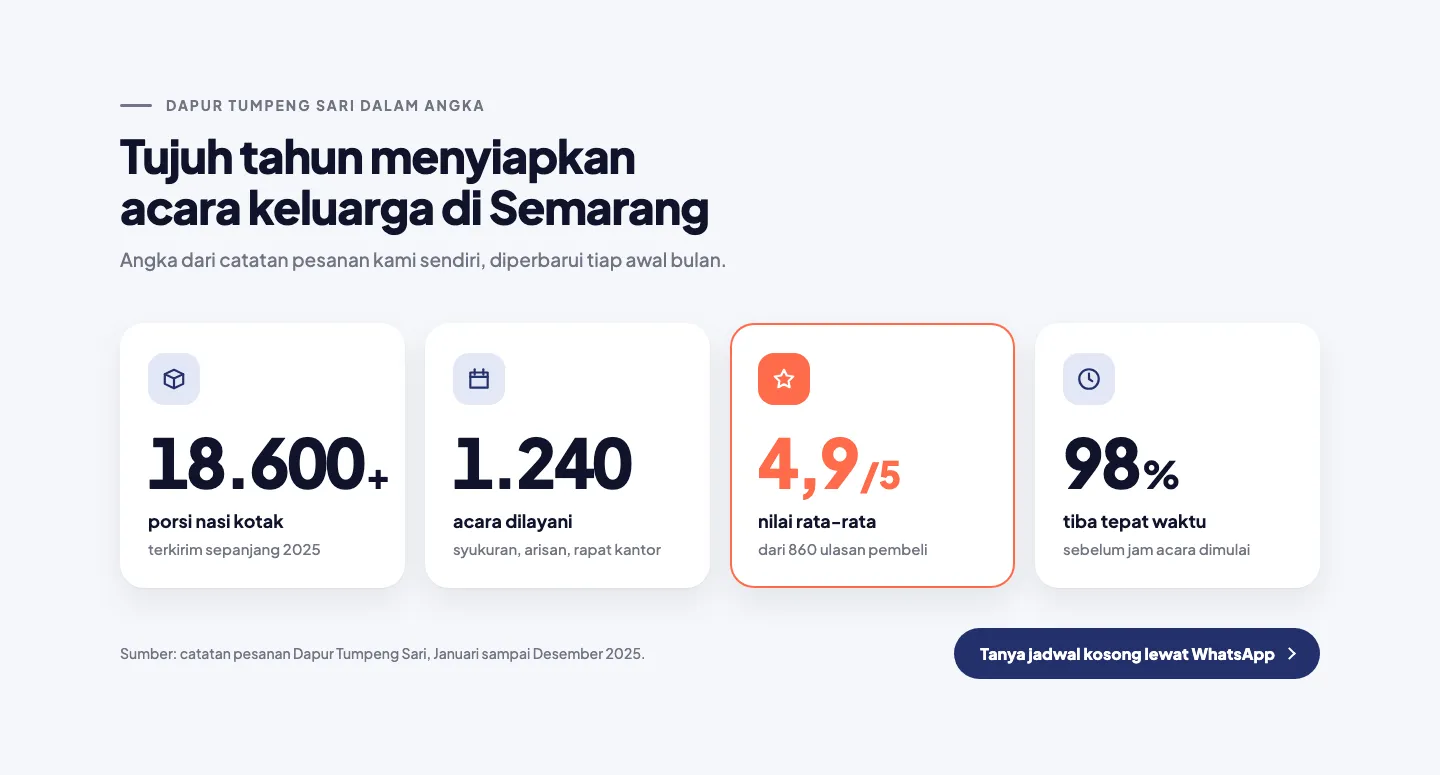
Card layout: four numbers with icons, one highlighted, a data source note and a chat button
SKILL.md contents
Premium subscribers can read, copy, and install this skill.
Unlock with Premium Sign inCounting Stats (Section)
Description
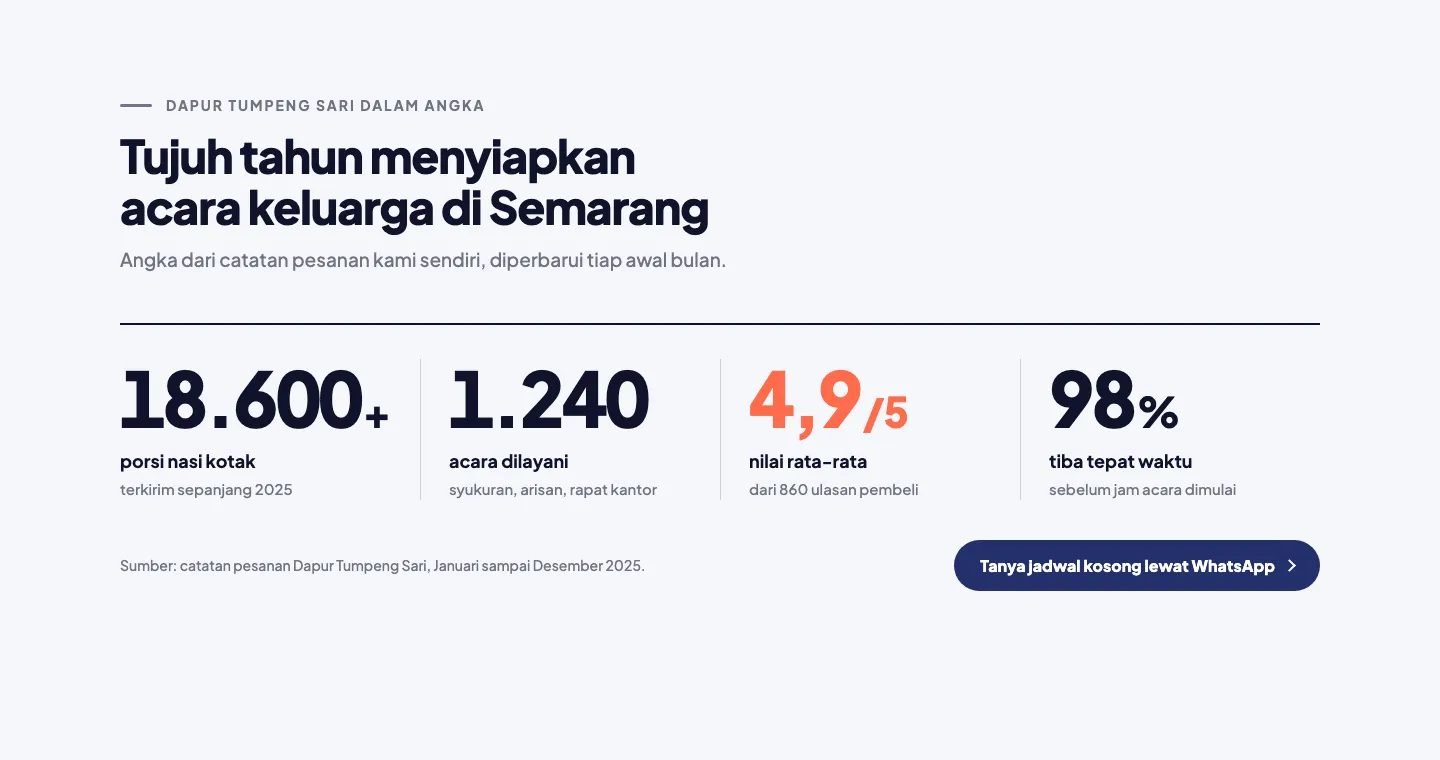
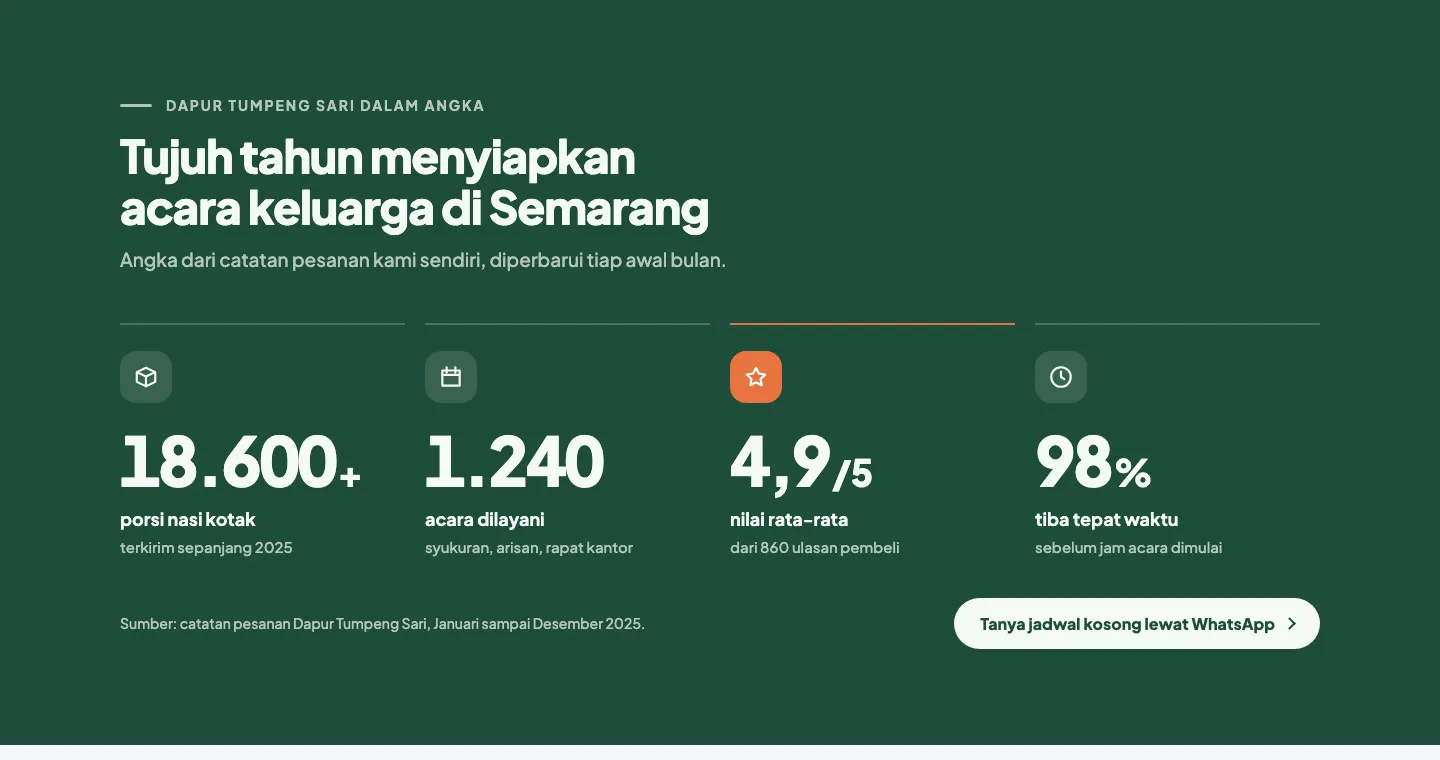
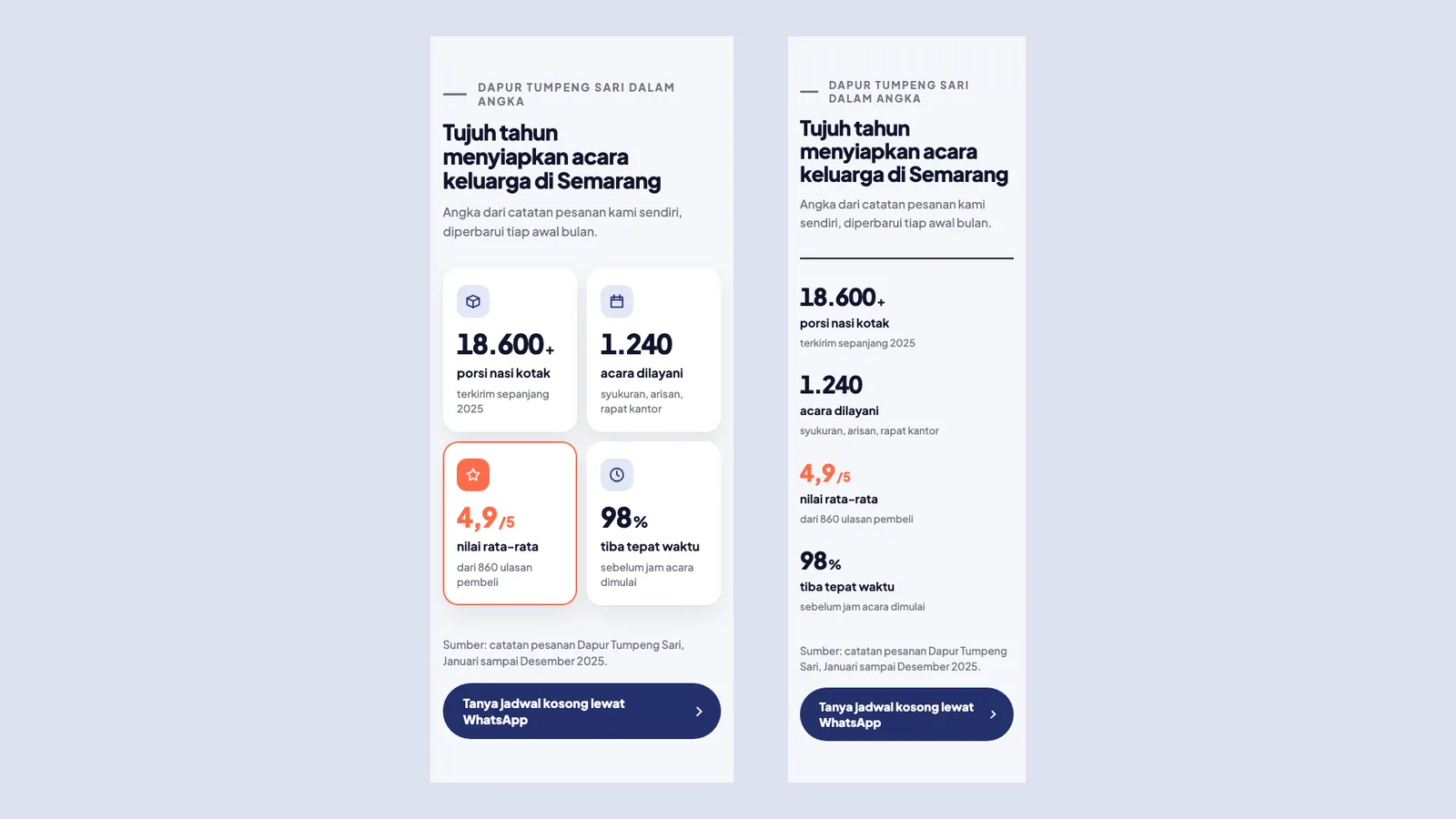
A stats section with two to four achievement numbers that count up from zero when the section scrolls into view, with short labels, small notes, line icons, and one highlighted number. Three layouts from one config object: four cards, one row split by dividers, or a full-width dark band, with three palettes. Indonesian number formatting (18.600, 4,9), reserved number width so the layout never shifts, respect for the reduced-motion setting, plus a data source note and a WhatsApp button. One HTML file that is safe to paste into any landing page.
Verified by SkillFlow
We checked every file in this skill automatically: no command that downloads and runs a program, no hidden code, no instruction telling your AI to ignore you.
- Loads from outside
- Fonts: Google Fonts
See the 5 files inside
skill.json8 KBSKILL.md6 KBprompt.md3 KBprompt.en.md3 KBfiles/statistik.html14 KB
Checked 14 Nov 2026
Part of SkillFlow Pro
Pro opens every skill in every category: copy, ZIP, Send to AI, install, save, and request new skills.
Get Pro Already subscribed? Sign inWhat you get
- A one-file HTML stats section, scoped CSS so it is safe to paste into other pages
- 2-4 numbers that count up when visible (IntersectionObserver), with any prefix and suffix
- 3 layouts: cards, divided row, dark band, and 3 ready palettes
- Indonesian number format with decimal commas, reserved number width with no layout shift
- Respects the reduced-motion setting and reads as the final value for screen readers
- A data source note and an optional WhatsApp button
Good fit
- Product, service, or course landing pages with real numbers
- Company profiles or about us pages
- Donation or programme pages showing achievements
- Pages that want numbers first, then stories or testimonials
Not for
- Not for businesses without numbers yet; never fill in estimates
- Not a chart of change over time
- At most 4 numbers per section
- It never rounds up; rounding down is fine with a + sign
About this skill
/statistik-angka-berhitung Build a stats section for our catering business, 4 real numbers for 2025: portions delivered, office clients, cities served, and a rating from 860 reviews, card layout, WhatsApp button
Show more
A stats section with two to four achievement numbers that count up from zero when the section scrolls into view, with short labels, small notes, line icons, and one highlighted number. Three layouts from one config object: four cards, one row split by dividers, or a full-width dark band, with three palettes. Indonesian number formatting (18.600, 4,9), reserved number width so the layout never shifts, respect for the reduced-motion setting, plus a data source note and a WhatsApp button. One HTML file that is safe to paste into any landing page.
User reviews
FAQ
When do the numbers start counting?
When about 35 percent of the section is on screen, once only, with a curve that slows at the end. For a section near the top, choose start immediately. Visitors with reduced motion see the final values straight away.
How do I write millions or ratings?
Pick one way and stay consistent, such as 2.4 with 1 decimal and the suffix mn, shown as 2.4 mn. Ratings are written like 4.9 with /5, and the review count goes in the note.
Which layout should I choose?
Cards are the safest and suit light backgrounds, lines look tidy for company profiles, and the dark band breaks up long pages. One number can be highlighted in the accent colour as the most convincing.
Which AI can I use it with?
Copy the prompt into a chat AI (ChatGPT, Claude, Gemini, DeepSeek); or download the ZIP and install it in an AI agent (Claude Code, Codex, Antigravity, Hermes Agent, Cursor, GitHub Copilot, Gemini CLI, OpenCode, Kimi Code, Trae), which then builds the files for you.
What is in the ZIP?
One folder named statistik-angka-berhitung with SKILL.md (the instructions an AI agent reads) and the prompt, 5 files in all. Extract it into your agent's skills folder, or install it with npx skillflow-ai add statistik-angka-berhitung. Pro only.
Is there a per-use fee or credits?
Not from SkillFlow. The skill runs on the AI you already use, so any cost follows that plan.
Which plan includes it?
SkillFlow Pro. It opens every skill in every category.
Can I use my own colours and brand?
Yes. Pick a colour theme on this page, or fill in your brand profile once; both go into the prompt you copy and into the ZIP.
Can I share what I made?
Pro members can upload the result and get a page at share.skillflow.ai.id to send to anyone. The page carries a small "Made with SkillFlow AI" mark.
Is there a download limit?
Yes, per day: 50 skills on Pro, 10 on other plans. Downloading a skill again on the same day does not count.



