

Rendered sample video
SKILL.md contents
Premium subscribers can read, copy, and install this skill.
Unlock with Premium Sign inTyped Storytime
Description
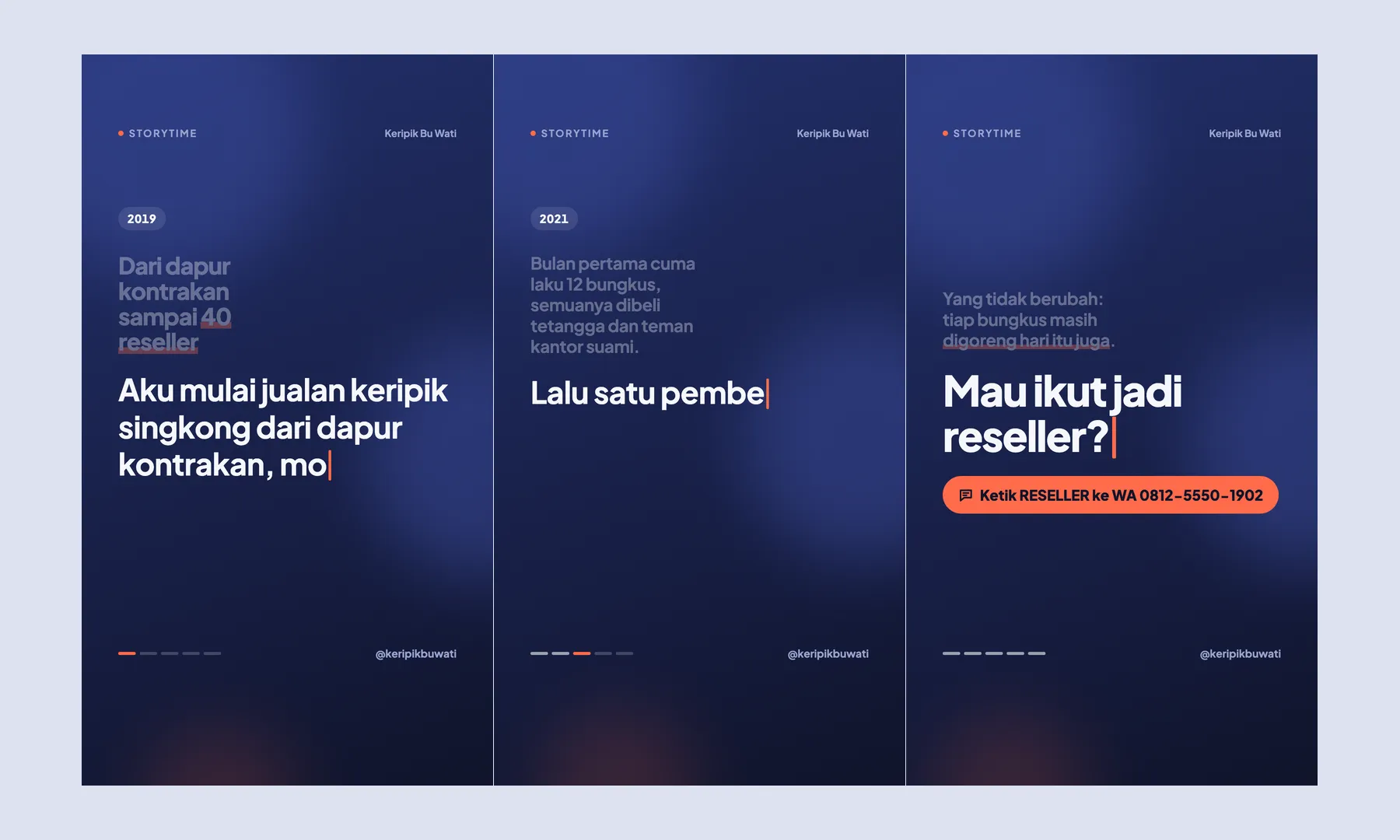
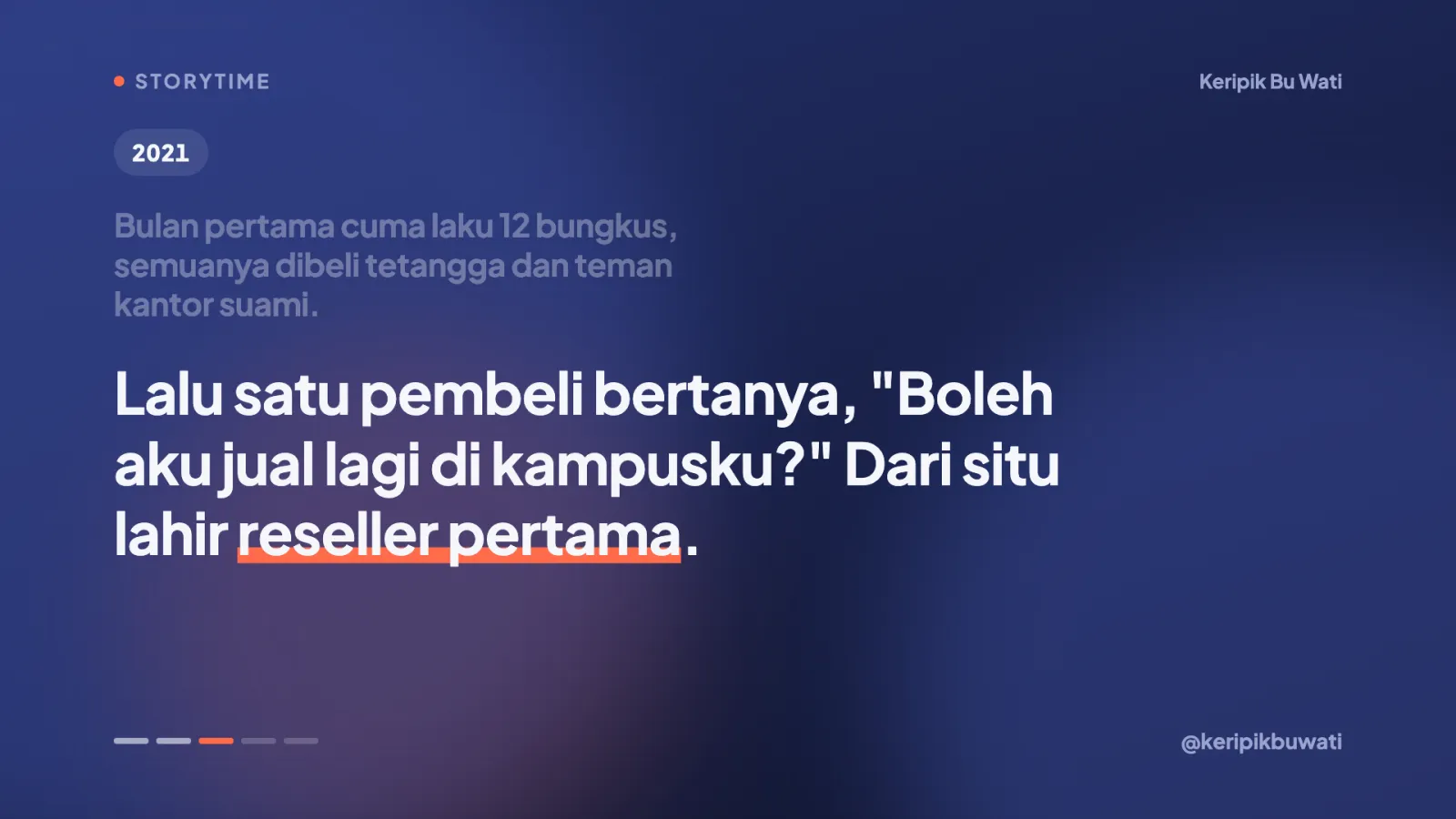
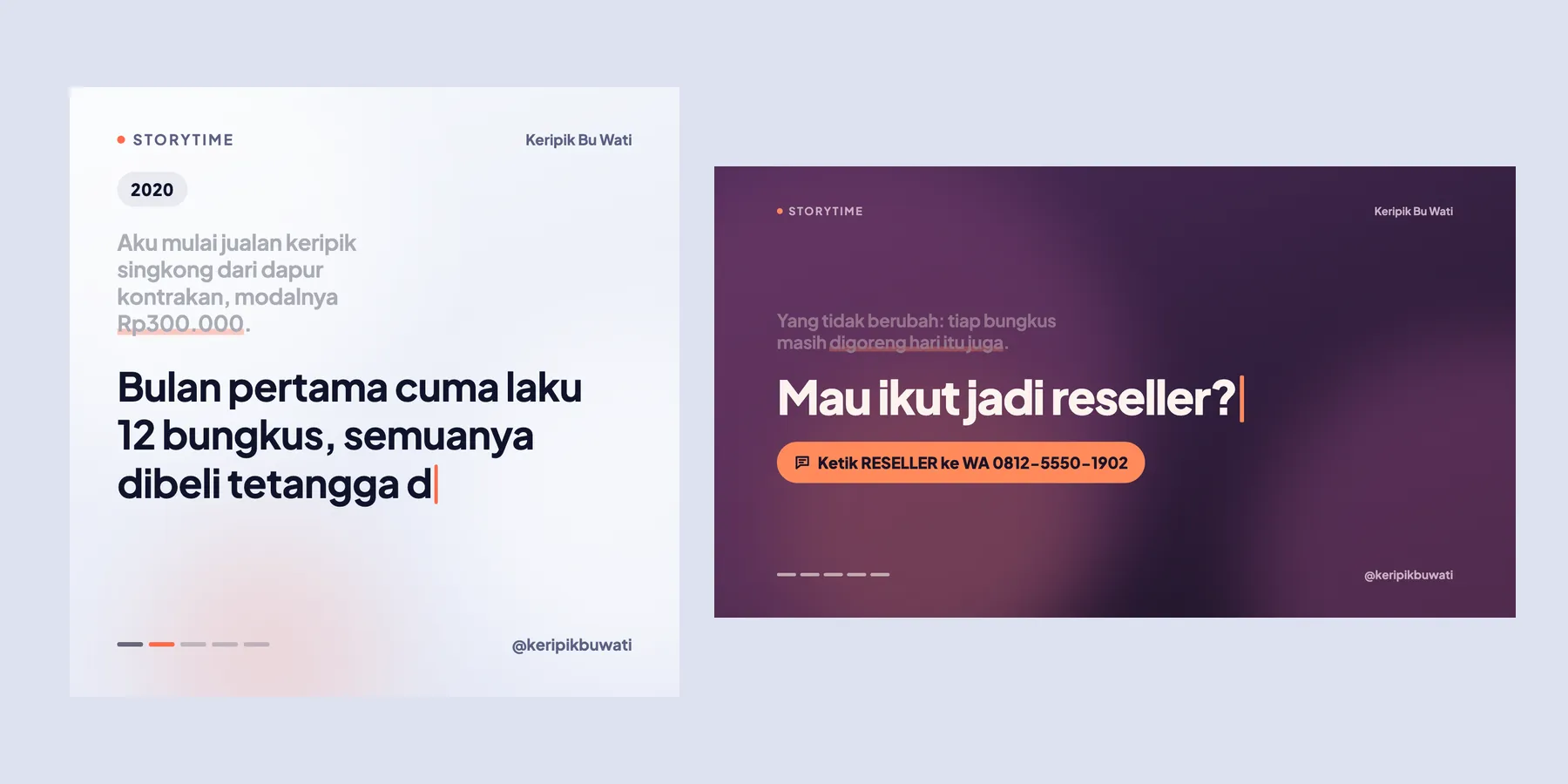
A faceless business story video: story lines typed letter by letter over a calm, slowly drifting background, with a blinking cursor, natural pauses at commas and full stops, and one key phrase per line highlighted in the accent colour once it is typed. Lines already read float up, shrink, and fade, a time marker (year, month n) changes above them, and it closes with a call to action and a chat button. Duration is worked out from the story length, 3 to 8 lines, 9:16, 16:9, and 1:1, rendered to MP4 with one command.
Verified by SkillFlow
We checked every file in this skill automatically: no command that downloads and runs a program, no hidden code, no instruction telling your AI to ignore you.
- Loads from outside
- Fonts: Google Fonts
See the 5 files inside
skill.json8 KBSKILL.md7 KBprompt.md2 KBprompt.en.md2 KBfiles/scene.html20 KB
Checked 14 Nov 2026
Part of SkillFlow Pro
Pro opens every skill in every category: copy, ZIP, Send to AI, install, save, and request new skills.
Get Pro Already subscribed? Sign inWhat you get
- A 3-8 line story script with time markers, an opening title, and a closing line
- A one-config HTML template; duration and typing pauses are worked out from the text
- A highlighted phrase per line, with the previous line still readable and dimmed above
- MP4 in 9:16 (Reels, TikTok, Story), 16:9, or 1:1 at 30 fps
- 3 calm background palettes (indigo, paper, dusk) and self-adjusting type size
- A caption and the script text for an optional voice-over
Good fit
- Business owners telling their story without appearing on camera
- Creators making storytime or behind-the-product content
- Founders wanting a short introduction video with a personal tone
- Affiliates telling their own experience with a product in their own words
Not for
- It does not overlay text on your recorded footage; the background is a calm animation from the template
- It does not make audio; add your own voice-over or music when rendering
- Not a terminal or code screen look; for software releases use the terminal-style release video
- Up to 8 lines and about 22 words per line so it stays readable
About this skill
/storytime-teks-diketik Make a 9:16 storytime video for our snack shop: from a rented kitchen in 2019 to 40 resellers, 5 lines, ending with an invitation to become a reseller on WhatsApp
Show more
A faceless business story video: story lines typed letter by letter over a calm, slowly drifting background, with a blinking cursor, natural pauses at commas and full stops, and one key phrase per line highlighted in the accent colour once it is typed. Lines already read float up, shrink, and fade, a time marker (year, month n) changes above them, and it closes with a call to action and a chat button. Duration is worked out from the story length, 3 to 8 lines, 9:16, 16:9, and 1:1, rendered to MP4 with one command.
User reviews
FAQ
How long is the video?
It is worked out from the story: typing speed, pauses at commas and full stops, and reading time per line. Five lines usually run 30 to 40 seconds. Set speed to 1.2 for faster or 0.85 for slower; duration stays between 10 and 60 seconds.
Can I add music or my own voice?
Yes. When rendering, add --audio with a royalty-free music file or your voice recording. The script lines double as your voice-over text.
Which AI can I use it with?
Copy the prompt into a chat AI (ChatGPT, Claude, Gemini, DeepSeek): you get an HTML file; open it in Chrome and press Download MP4 (silent video, a minute or two to render); or download the ZIP and install it in an AI agent (Claude Code, Codex, Antigravity, Hermes Agent, Cursor, GitHub Copilot, Gemini CLI, OpenCode, Kimi Code, Trae), which then builds the files for you.
What is in the ZIP?
One folder named storytime-teks-diketik with SKILL.md (the instructions an AI agent reads) and the prompt, 5 files in all. Extract it into your agent's skills folder, or install it with npx skillflow-ai add storytime-teks-diketik. Pro only.
Is there a per-use fee or credits?
Not from SkillFlow. The skill runs on the AI you already use, so any cost follows that plan.
Which plan includes it?
SkillFlow Pro. It opens every skill in every category.
Can I use my own colours and brand?
Yes. Pick a colour theme on this page, or fill in your brand profile once; both go into the prompt you copy and into the ZIP.
Can I share what I made?
Pro members can upload the result and get a page at share.skillflow.ai.id to send to anyone. The page carries a small "Made with SkillFlow AI" mark.
Is there a download limit?
Yes, per day: 50 skills on Pro, 10 on other plans. Downloading a skill again on the same day does not count.



