

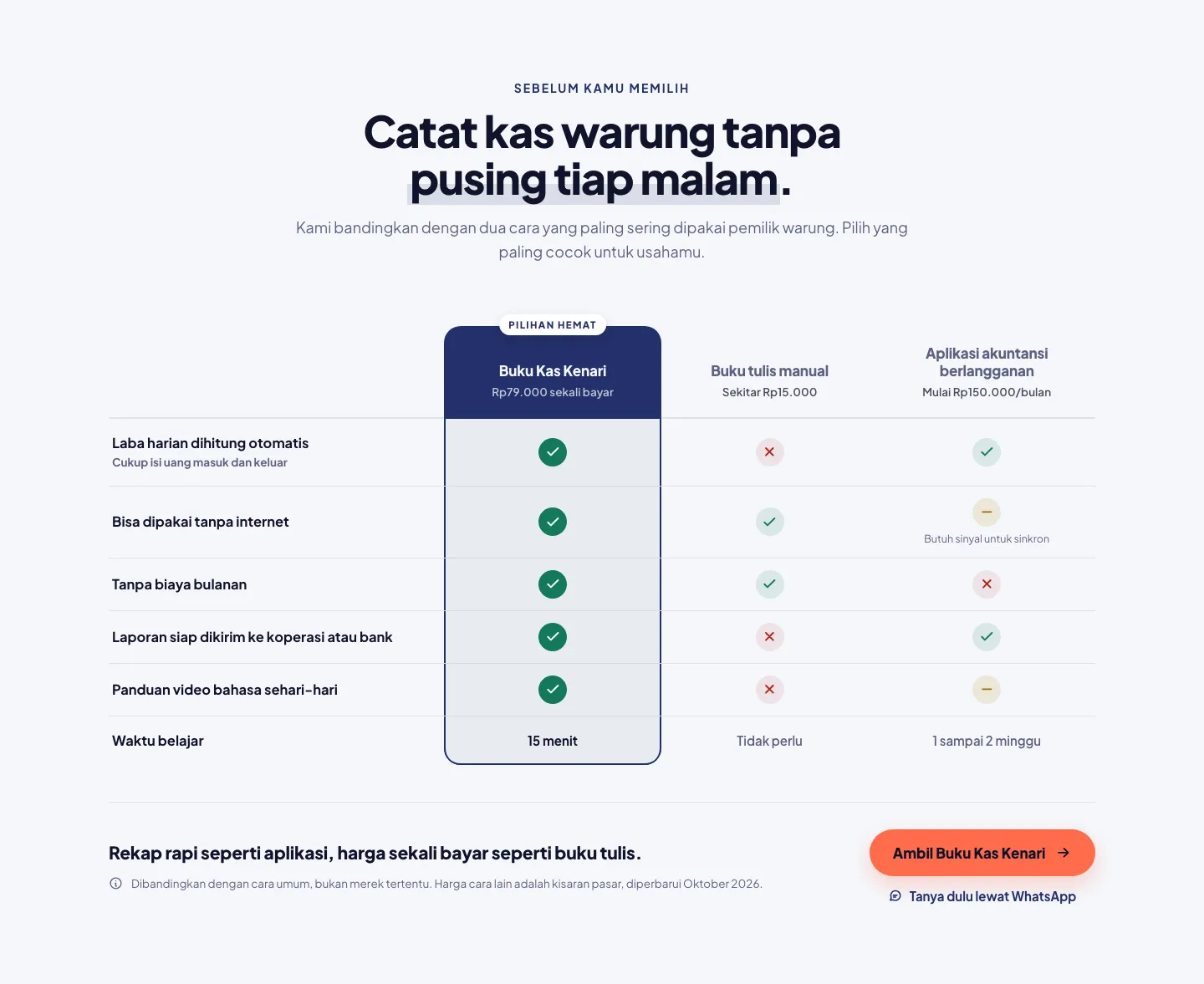
Table layout: a cash book template compared with a paper notebook and a subscription app
SKILL.md contents
Premium subscribers can read, copy, and install this skill.
Unlock with Premium Sign inUs vs Alternatives Table (Section)
Description
A comparison section for a sales page: your product set against the old way or the other kinds of solution buyers usually use, without naming anyone's brand. Your column is raised with a ribbon label, each row gets a has, does-not-have, or partly mark (plus a small note), text rows cover cost or time, then a one-line summary, a note on what the comparison is based on, a buy button, and an ask-on-WhatsApp link. Two layouts (a 2-4 column table or a two-card duel), three palettes, it turns into one card per row on phones, one paste-safe file.
Verified by SkillFlow
We checked every file in this skill automatically: no command that downloads and runs a program, no hidden code, no instruction telling your AI to ignore you.
- Loads from outside
- Fonts: Google Fonts
See the 5 files inside
skill.json10 KBSKILL.md8 KBprompt.md5 KBprompt.en.md5 KBfiles/banding.html30 KB
Checked 14 Nov 2026
Part of SkillFlow Pro
Pro opens every skill in every category: copy, ZIP, Send to AI, install, save, and request new skills.
Get Pro Already subscribed? Sign inWhat you get
- A one-file HTML section, scoped CSS so it is safe to paste into other pages
- A 2 to 4 column table with your column raised, plus a ribbon label, name, and price per column
- Has, does-not-have, and partly marks, a small note per cell, and text rows for cost or time
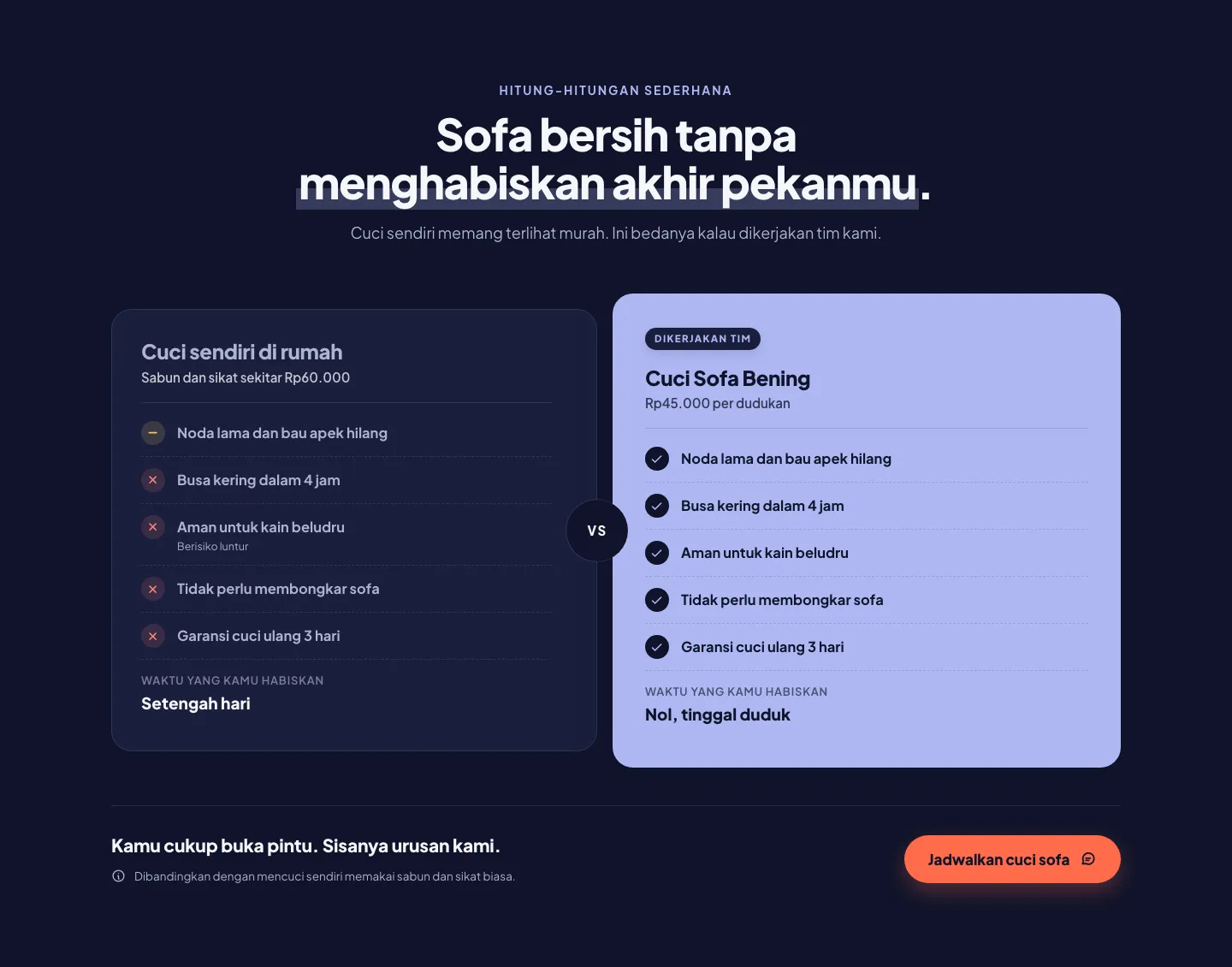
- Duel layout: two facing cards with a vs circle, for a single alternative
- A summary line, a note on what the comparison is based on, a buy button (link or WhatsApp), and an ask link
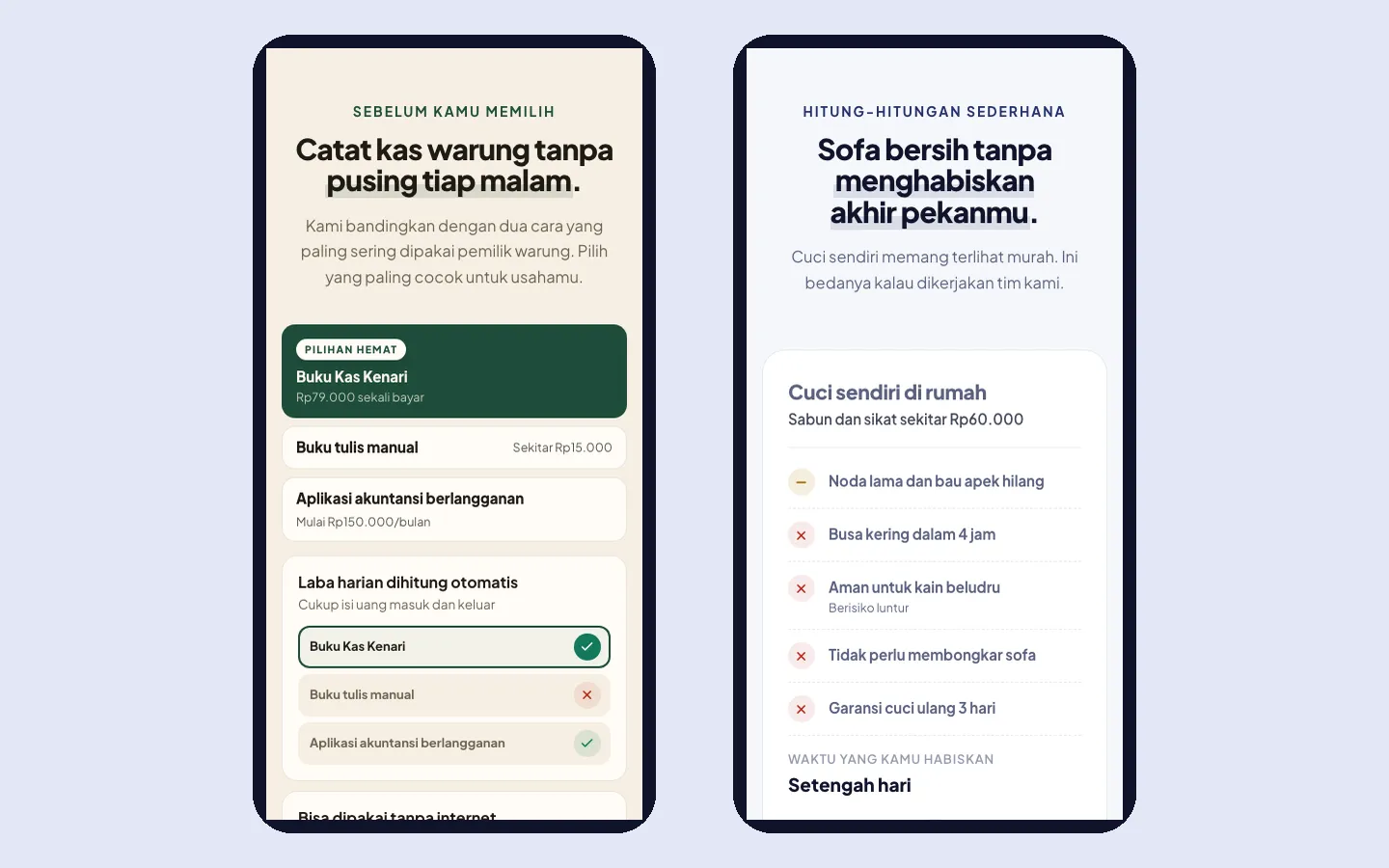
- Phone version: one card per row with your column on top, holds up down to 320 px wide
- 3 palettes (indigo, night, sand) and automatic data checks in the console
Good fit
- Products whose main rival is an old habit, such as templates, ebooks, courses, small software, or home services
- Sellers often asked what the difference is or why buy when I can do it myself
- Sales pages whose price must be justified against cheaper or free options
- Services whose single rival is doing it yourself, using the duel style
Not for
- It never names brands, shops, apps, or people in the comparison columns
- Not a comparison of your own price plans or a spec sheet of dozens of rows
- It does not write numeric claims without a calculation you can explain
- It does not hide rows where the alternative is better
About this skill
/tabel-kami-vs-cara-lain Build a comparison table section for our bookkeeping template versus keeping a paper notebook and a subscription accounting app, 7 rows including time and cost, with a buy button to WhatsApp
Show more
A comparison section for a sales page: your product set against the old way or the other kinds of solution buyers usually use, without naming anyone's brand. Your column is raised with a ribbon label, each row gets a has, does-not-have, or partly mark (plus a small note), text rows cover cost or time, then a one-line summary, a note on what the comparison is based on, a buy button, and an ask-on-WhatsApp link. Two layouts (a 2-4 column table or a two-card duel), three palettes, it turns into one card per row on phones, one paste-safe file.
User reviews
FAQ
Which alternatives should I compare against?
A type of solution or old habit buyers recognise, such as a paper notebook, in person classes, or a regular laundry service. If you name a competitor brand, turn it into the solution type.
Which marks can go in a cell?
Yes, no, and partly, plus a small note per cell for things that depend. Text rows such as time or cost go at the end of the table.
How should the alternatives' prices be written?
As a typical range, with the basis in the note, such as market range updated in a given month. Never write a specific competitor's price.
Which AI can I use it with?
Copy the prompt into a chat AI (ChatGPT, Claude, Gemini, DeepSeek); or download the ZIP and install it in an AI agent (Claude Code, Codex, Antigravity, Hermes Agent, Cursor, GitHub Copilot, Gemini CLI, OpenCode, Kimi Code, Trae), which then builds the files for you.
What is in the ZIP?
One folder named tabel-kami-vs-cara-lain with SKILL.md (the instructions an AI agent reads) and the prompt, 5 files in all. Extract it into your agent's skills folder, or install it with npx skillflow-ai add tabel-kami-vs-cara-lain. Pro only.
Is there a per-use fee or credits?
Not from SkillFlow. The skill runs on the AI you already use, so any cost follows that plan.
Which plan includes it?
SkillFlow Pro. It opens every skill in every category.
Can I use my own colours and brand?
Yes. Pick a colour theme on this page, or fill in your brand profile once; both go into the prompt you copy and into the ZIP.
Can I share what I made?
Pro members can upload the result and get a page at share.skillflow.ai.id to send to anyone. The page carries a small "Made with SkillFlow AI" mark.
Is there a download limit?
Yes, per day: 50 skills on Pro, 10 on other plans. Downloading a skill again on the same day does not count.



