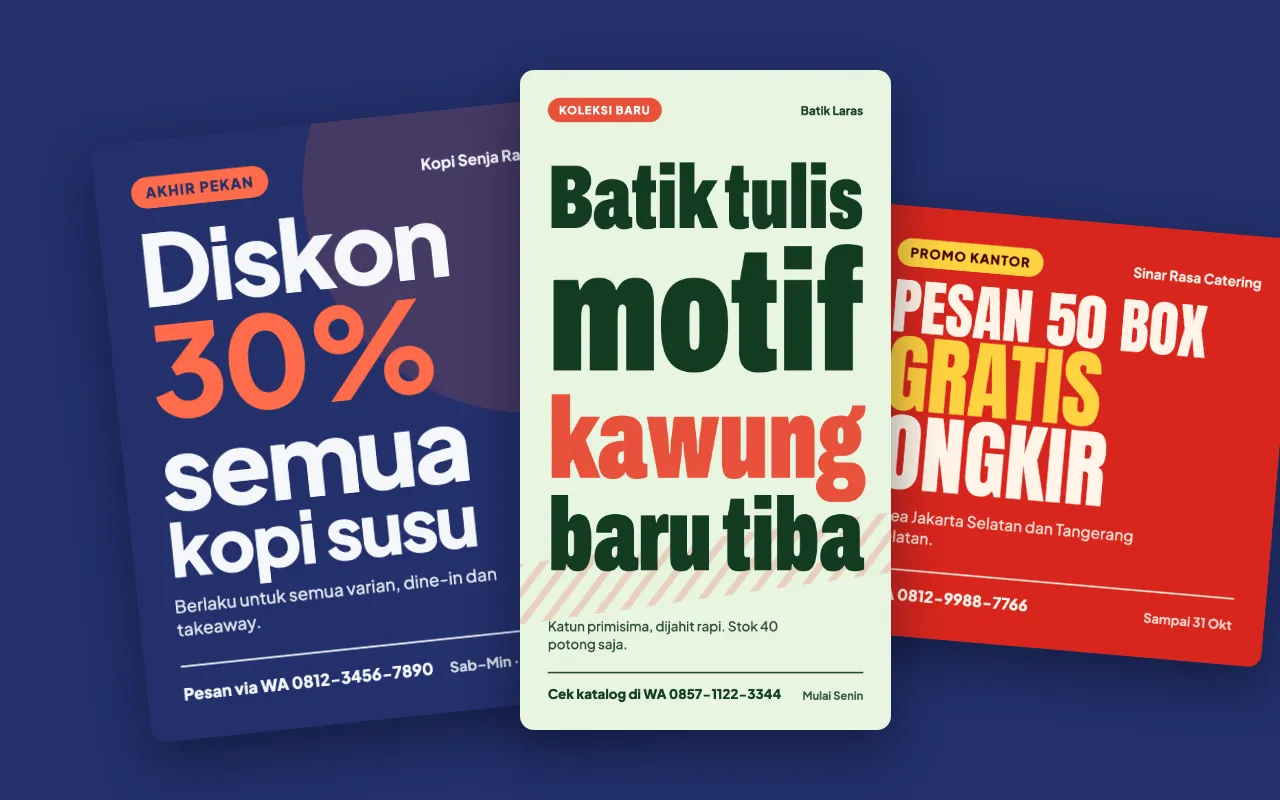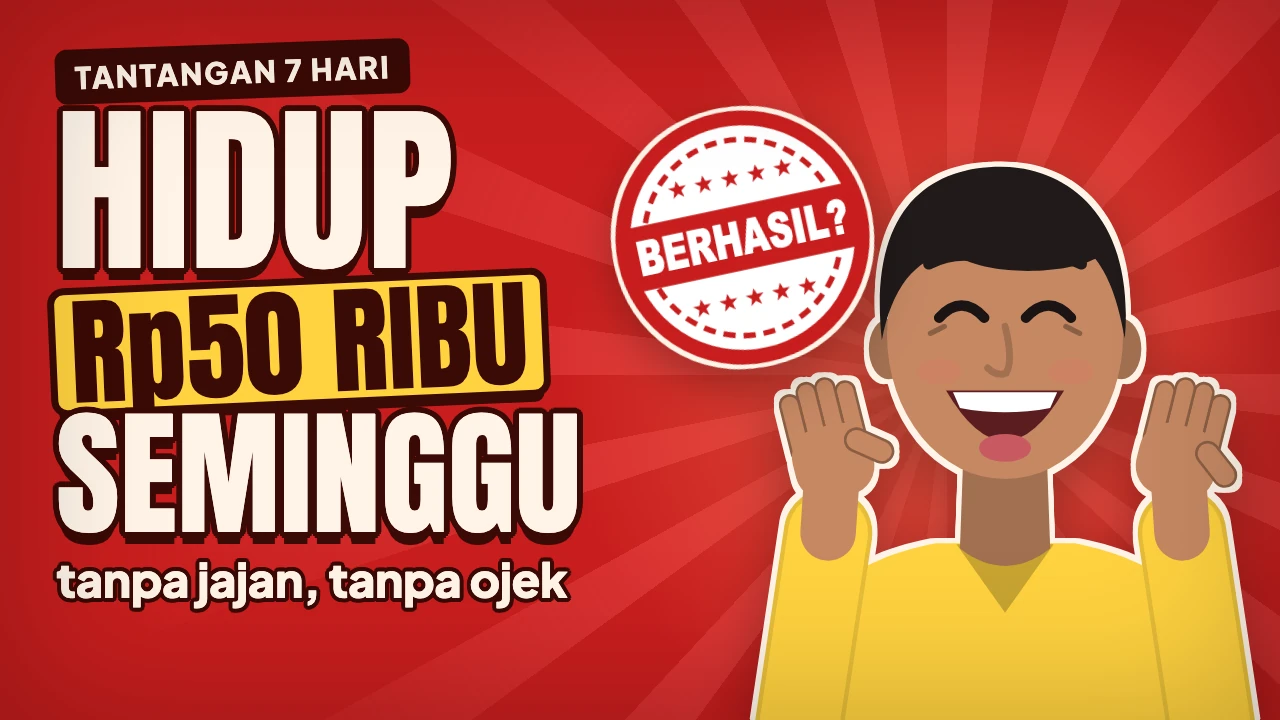
Frugal living: a Rp50,000-a-week challenge, a SUCCESS? stamp, an excited character, red palette
SKILL.md contents
Premium subscribers can read, copy, and install this skill.
Unlock with Premium Sign inChallenge Thumbnail
Description
A 1280x720 video thumbnail for challenge videos: the challenge title with its main rule (a money, time or count limit) as the highlighted word, one line of extra rules, the challenge length in a corner label, a round "SUCCESS?" stamp that takes other words, and an excited character with both hands open. The HTML template exports A/B variants as PNGs or a ZIP, has a 9:16 Shorts cover, and a 246-pixel check sheet.
Verified by SkillFlow
We checked every file in this skill automatically: no command that downloads and runs a program, no hidden code, no instruction telling your AI to ignore you.
- Loads from outside
- Fonts: Google Fonts SkillFlow: directory.skillflow.ai.id
See the 7 files inside
skill.json7 KBSKILL.md6 KBprompt.md5 KBprompt.en.md5 KBfiles/contoh/cover-shorts.html148 KBfiles/contoh/kasus-berat.html154 KBfiles/thumbnail.html148 KB
Checked 14 Nov 2026
Part of SkillFlow Pro
Pro opens every skill in every category: copy, ZIP, Send to AI, install, save, and request new skills.
Get Pro Already subscribed? Sign inWhat you get
- 3 challenge title options of 2-4 words with the main rule highlighted, plus an extra rules line
- A 1280x720 PNG thumbnail: the challenge title, a round SUCCESS? stamp (or ENOUGH?, TOUGH ENOUGH?), an excited character
- A challenge length label in the corner (7 DAY CHALLENGE, 24 HOURS)
- The stamp can change to DONE or FAILED once the result is in, A/B/C variants plus a 9:16 Shorts cover
- A readability check sheet: 246 and 168 px, duration zone, letter height, contrast, face not covered
Good fit
- Frugal, fitness, cooking or productivity challenges with clear rules
- Creators running a daily challenge series
- Sellers challenging themselves (sell 100 pieces in a day)
Not for
- Do not stamp SUCCESS if the challenge failed; use a question mark until the result is clear
- Not for dangerous challenges or ones that push viewers to take risks
- Two-point progress (day 1 vs day 30) fits the day 1 vs day 30 skill better
- It does not guarantee clicks or views
About this skill
/thumbnail-challenge Make a thumbnail for a challenge to live on Rp50,000 for a week with no snacks and no ride-hailing, a SUCCESS? stamp, a laughing character with both hands open
Show more
A 1280x720 video thumbnail for challenge videos: the challenge title with its main rule (a money, time or count limit) as the highlighted word, one line of extra rules, the challenge length in a corner label, a round "SUCCESS?" stamp that takes other words, and an excited character with both hands open. The HTML template exports A/B variants as PNGs or a ZIP, has a 9:16 Shorts cover, and a 246-pixel check sheet.



User reviews
FAQ
How do I change the word on the stamp?
Call STEMPEL('WORD', '#colour') in tempel, 10 letters max. Until the result is clear use a question mark (SUCCESS?, ENOUGH?); afterwards DONE or FAILED to match the video.
How is this different from the day 1 vs day 30 thumbnail?
Day 1 vs day 30 compares two progress points in two panels. This one is a single scene: the rules, the length and the question of whether it worked.
Which AI can I use it with?
Copy the prompt into a chat AI (ChatGPT, Claude, Gemini, DeepSeek); or download the ZIP and install it in an AI agent (Claude Code, Codex, Antigravity, Hermes Agent, Cursor, GitHub Copilot, Gemini CLI, OpenCode, Kimi Code, Trae), which then builds the files for you.
What is in the ZIP?
One folder named thumbnail-challenge with SKILL.md (the instructions an AI agent reads) and the prompt, 7 files in all. Extract it into your agent's skills folder, or install it with npx skillflow-ai add thumbnail-challenge. Pro only.
Is there a per-use fee or credits?
Not from SkillFlow. The skill runs on the AI you already use, so any cost follows that plan.
Which plan includes it?
SkillFlow Pro. It opens every skill in every category.
Can I use my own colours and brand?
Yes. Pick a colour theme on this page, or fill in your brand profile once; both go into the prompt you copy and into the ZIP.
Can I share what I made?
Pro members can upload the result and get a page at share.skillflow.ai.id to send to anyone. The page carries a small "Made with SkillFlow AI" mark.
Is there a download limit?
Yes, per day: 50 skills on Pro, 10 on other plans. Downloading a skill again on the same day does not count.