

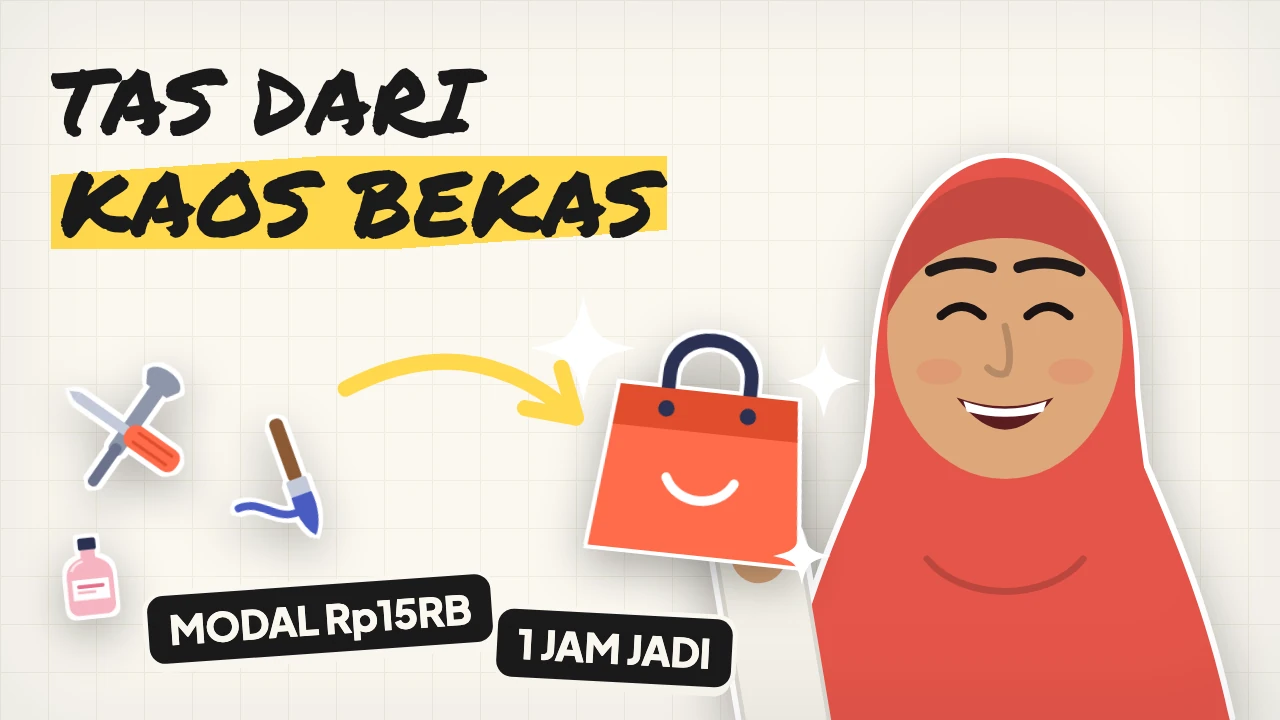
Craft: tools and materials on the left, a marker arrow to the sparkling finished bag, cost and time stickers
SKILL.md contents
Premium subscribers can read, copy, and install this skill.
Unlock with Premium Sign inDIY Craft Thumbnail
Description
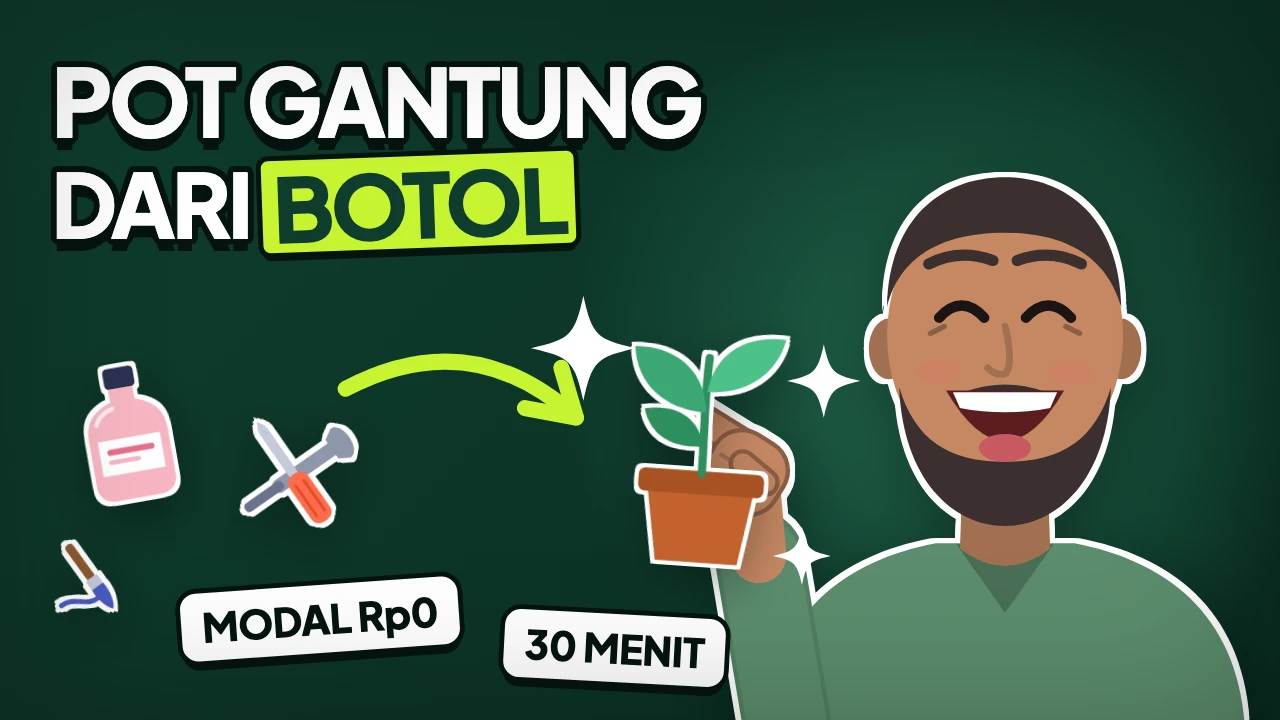
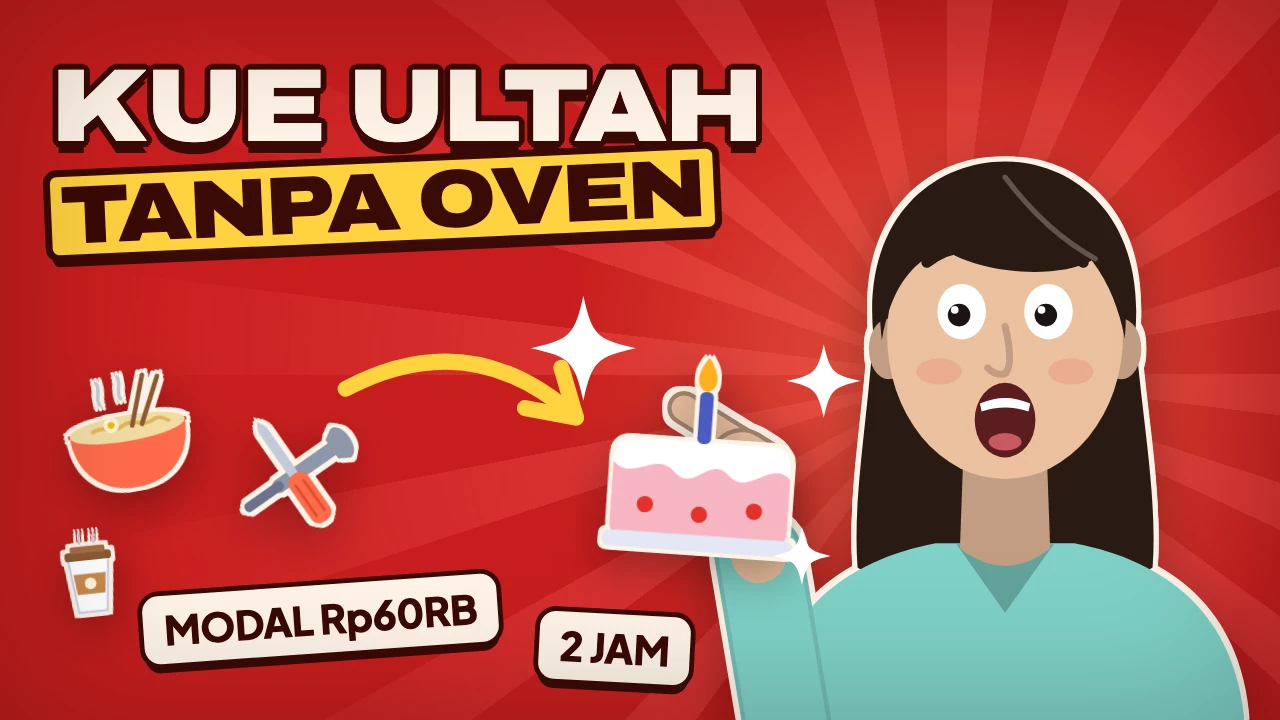
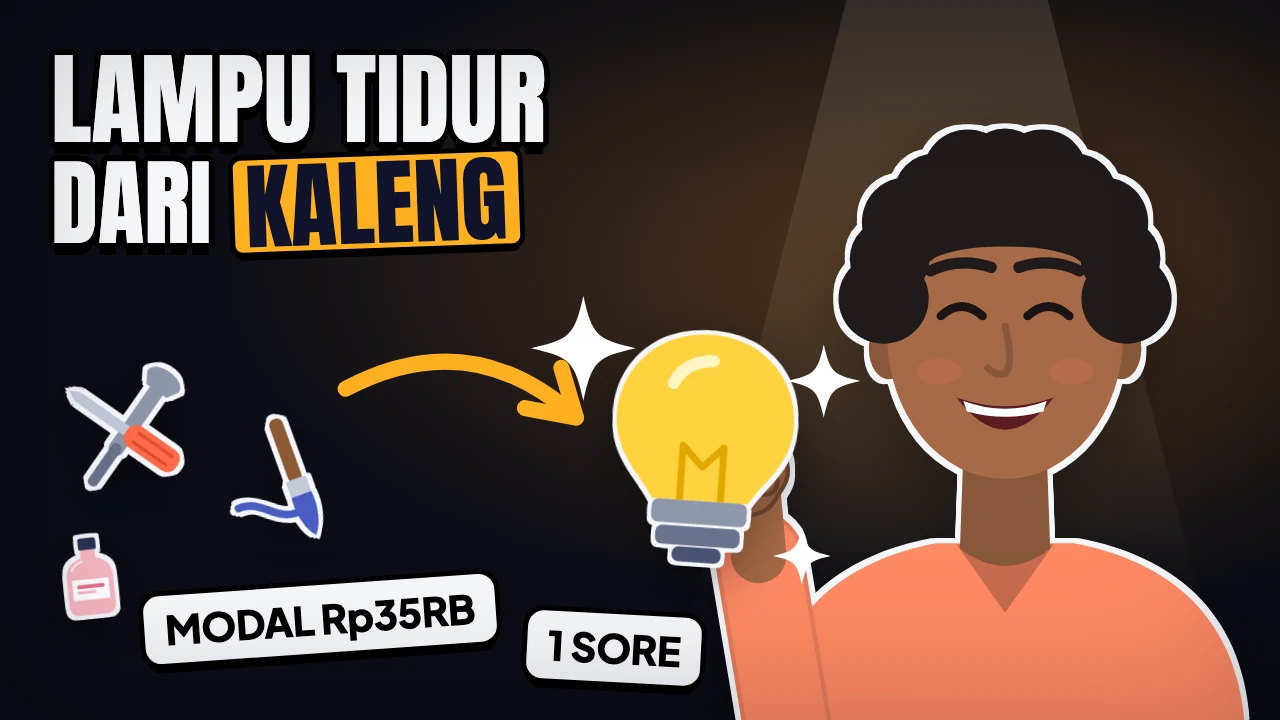
A 1280x720 video thumbnail for DIY and craft videos: small tools and materials scattered at the bottom left, a marker arrow to the big sparkling finished piece in the middle, two stickers for cost and time, a two-to-three-word "result from material" title, and a proud face on the right. The HTML template exports A/B variants as PNGs or a ZIP, has a 9:16 Shorts cover version, and a readability check sheet at 246 and 168 pixels.
Verified by SkillFlow
We checked every file in this skill automatically: no command that downloads and runs a program, no hidden code, no instruction telling your AI to ignore you.
- Loads from outside
- Fonts: Google Fonts SkillFlow: directory.skillflow.ai.id
See the 7 files inside
skill.json8 KBSKILL.md6 KBprompt.md5 KBprompt.en.md6 KBfiles/contoh/cover-shorts.html146 KBfiles/contoh/kasus-berat.html147 KBfiles/thumbnail.html147 KB
Checked 14 Nov 2026
Part of SkillFlow Pro
Pro opens every skill in every category: copy, ZIP, Send to AI, install, save, and request new skills.
Get Pro Already subscribed? Sign inWhat you get
- 3 "result from material" title options and cost + time stickers from the real numbers
- A 1280x720 PNG thumbnail: small materials and tools, a marker arrow, a big sparkling finished piece, a proud face
- Object choices for materials, tools and the result (or a photo of your own work)
- A/B/C variants in one file, downloaded as PNGs or a ZIP, plus a 9:16 Shorts cover
- A readability check sheet: 246 and 168 px, duration zone, letter height, contrast, face not covered
Good fit
- Handicraft, upcycling and home decor videos
- Recipes or projects with a small cost and a short time
- Creators who have a photo of their own finished work
Not for
- The built-in icons are only close; for a specific result use a photo of your own work
- Not a step-by-step tutorial; use the 1-2-3 steps style for numbered steps
- Not a fit for projects with no cost or time figure
- The face in the samples is an illustration; use your own face photo
About this skill
/thumbnail-diy-kerajinan Make a DIY thumbnail for a video on the Rumah Laras channel: a shopping bag from an old T-shirt, Rp15 thousand cost, done in an hour, a proud face pointing at the bag
Show more
A 1280x720 video thumbnail for DIY and craft videos: small tools and materials scattered at the bottom left, a marker arrow to the big sparkling finished piece in the middle, two stickers for cost and time, a two-to-three-word "result from material" title, and a proud face on the right. The HTML template exports A/B variants as PNGs or a ZIP, has a 9:16 Shorts cover version, and a readability check sheet at 246 and 168 pixels.
User reviews
FAQ
Why are the materials small and the result big?
The size difference tells the story: from small cheap things to something worth having. If they are the same size, the thumbnail looks like a shopping list.
Can I use a photo of my own work?
Strongly recommended. Set the object to image: 'result.png' (a transparent PNG). A real photo is more convincing than an icon.
Do I need both the cost and time stickers?
Not required, but they are the first two questions DIY viewers ask. If one does not apply, remove that sticker from the tempel list.
Which AI can I use it with?
Copy the prompt into a chat AI (ChatGPT, Claude, Gemini, DeepSeek); or download the ZIP and install it in an AI agent (Claude Code, Codex, Antigravity, Hermes Agent, Cursor, GitHub Copilot, Gemini CLI, OpenCode, Kimi Code, Trae), which then builds the files for you.
What is in the ZIP?
One folder named thumbnail-diy-kerajinan with SKILL.md (the instructions an AI agent reads) and the prompt, 7 files in all. Extract it into your agent's skills folder, or install it with npx skillflow-ai add thumbnail-diy-kerajinan. Pro only.
Is there a per-use fee or credits?
Not from SkillFlow. The skill runs on the AI you already use, so any cost follows that plan.
Which plan includes it?
SkillFlow Pro. It opens every skill in every category.
Can I use my own colours and brand?
Yes. Pick a colour theme on this page, or fill in your brand profile once; both go into the prompt you copy and into the ZIP.
Can I share what I made?
Pro members can upload the result and get a page at share.skillflow.ai.id to send to anyone. The page carries a small "Made with SkillFlow AI" mark.
Is there a download limit?
Yes, per day: 50 skills on Pro, 10 on other plans. Downloading a skill again on the same day does not count.



