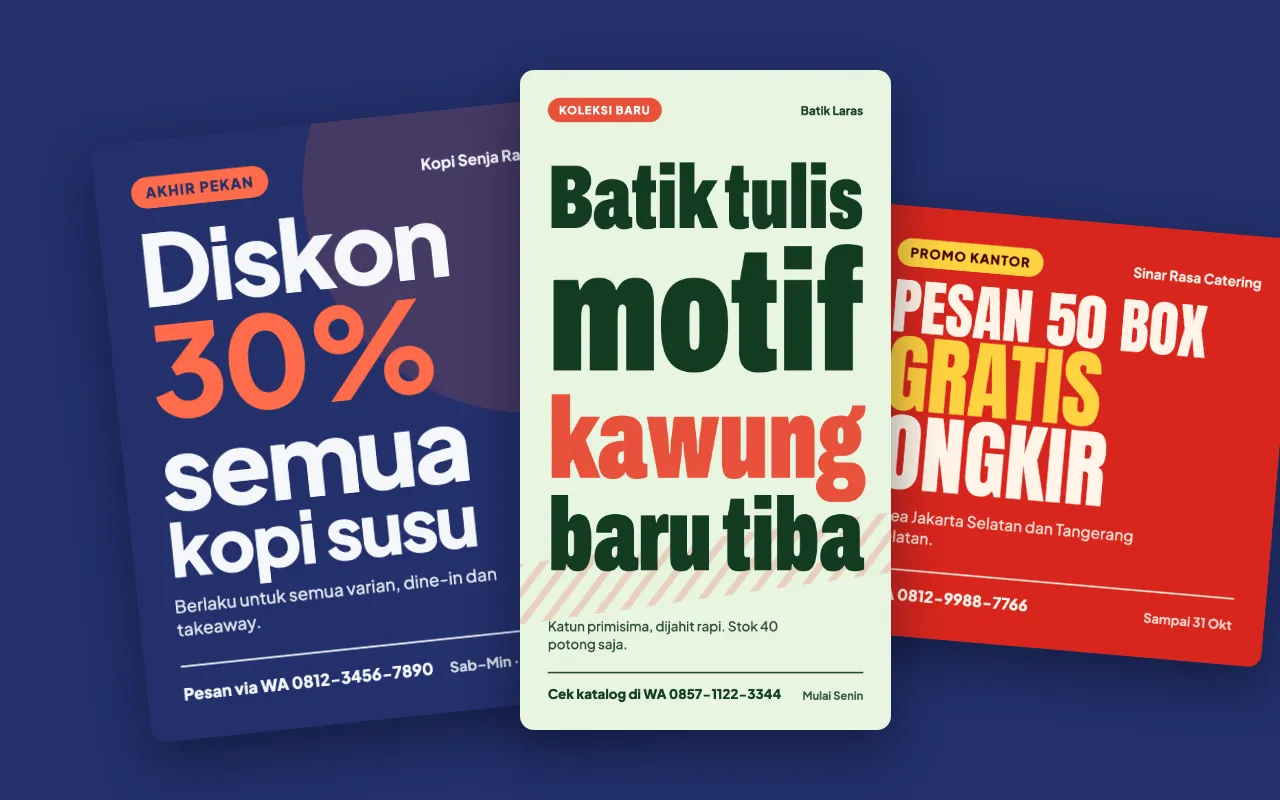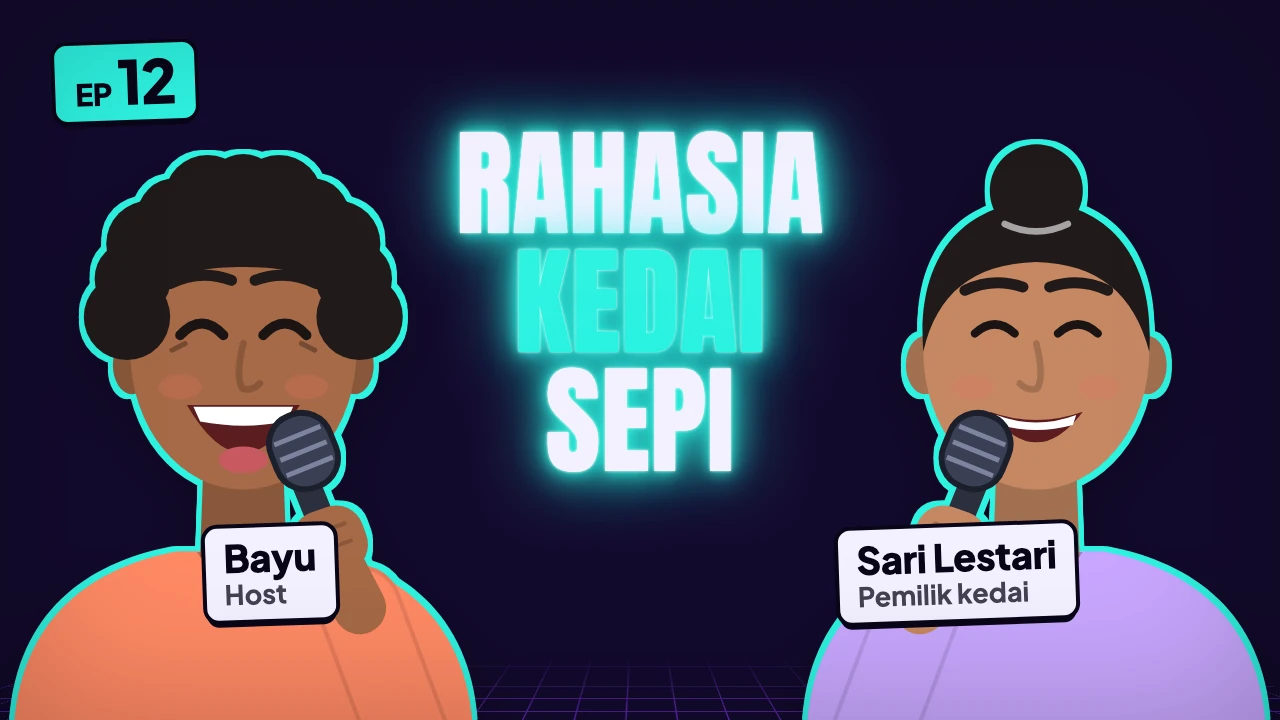
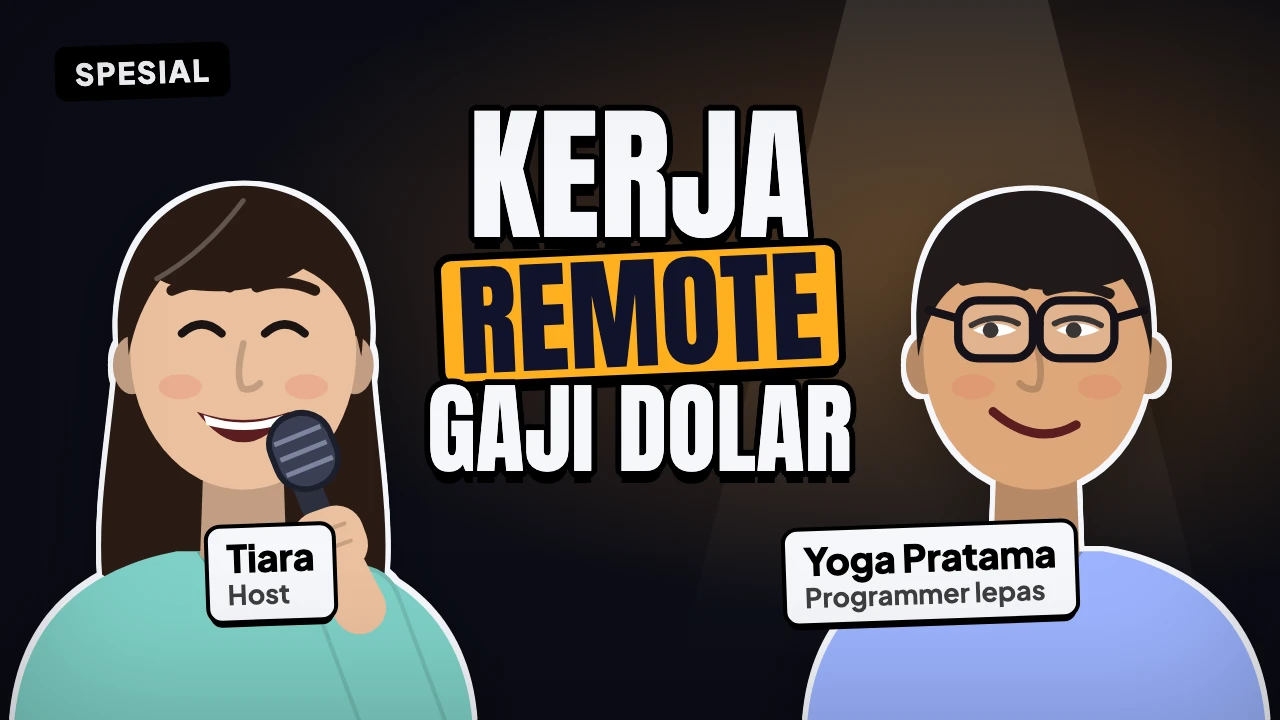
Business podcast: host and guest holding mics, a neon title in the middle, the episode number
SKILL.md contents
Premium subscribers can read, copy, and install this skill.
Unlock with Premium Sign inTwo-Face Podcast Thumbnail
Description
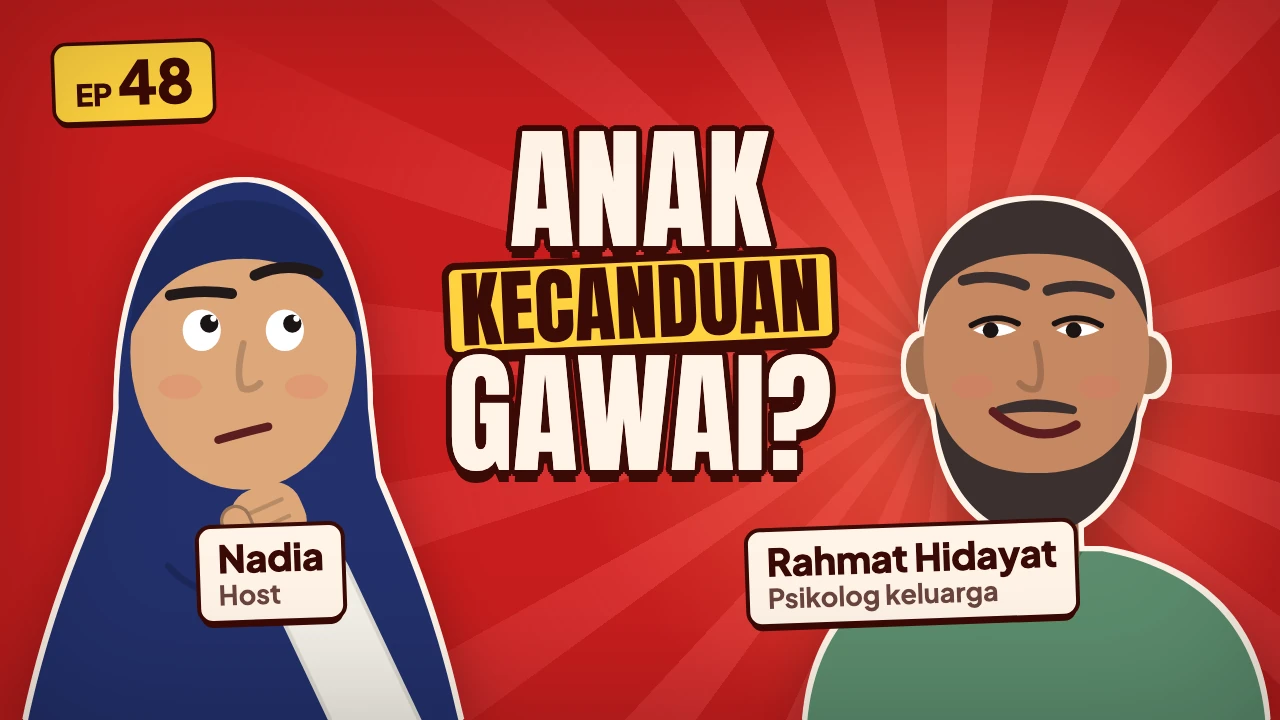
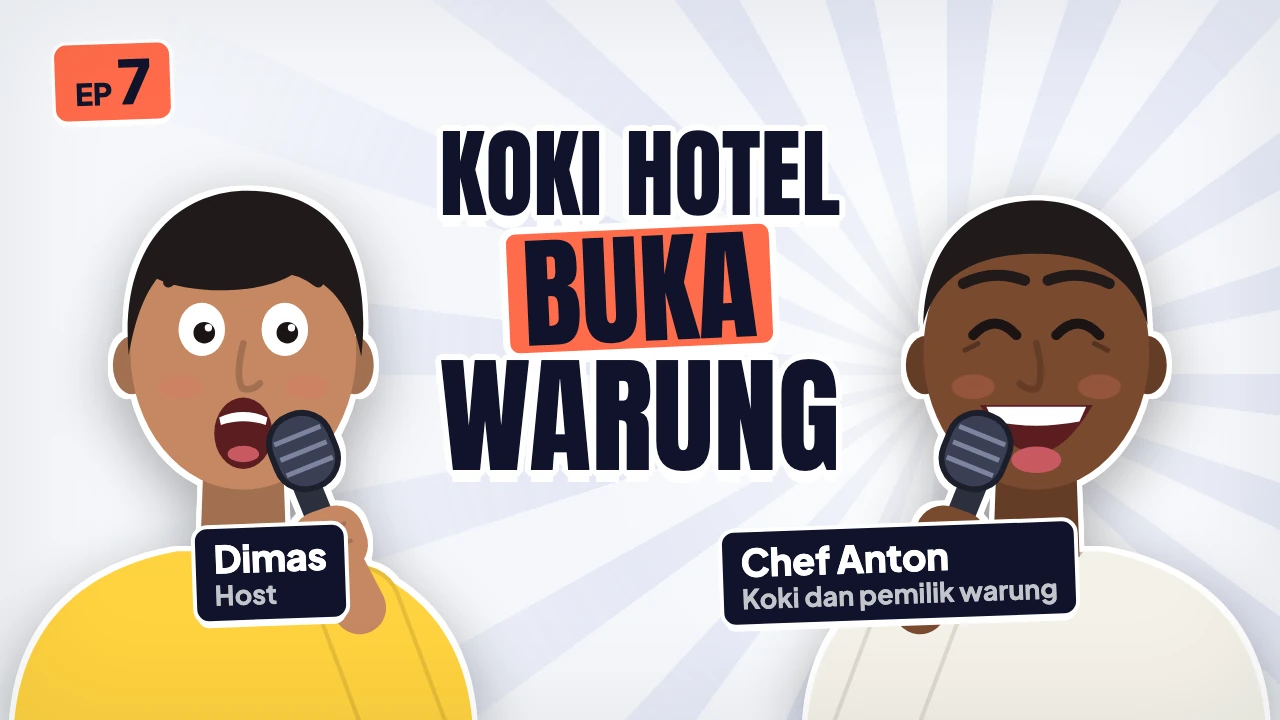
A 1280x720 thumbnail for video podcasts and interviews: the host on the left and the guest on the right with mics, name and role plates under the faces, a two-to-four-word title in the middle, and a big episode number in the corner. The HTML template uses one object per episode, downloads title variants as PNGs, has a 9:16 clip cover version with name plates above the heads, and a 246-pixel readability check sheet.
Verified by SkillFlow
We checked every file in this skill automatically: no command that downloads and runs a program, no hidden code, no instruction telling your AI to ignore you.
- Loads from outside
- Fonts: Google Fonts SkillFlow: directory.skillflow.ai.id
See the 7 files inside
skill.json7 KBSKILL.md6 KBprompt.md5 KBprompt.en.md5 KBfiles/contoh/cover-shorts.html145 KBfiles/contoh/kasus-berat.html146 KBfiles/thumbnail.html146 KB
Checked 14 Nov 2026
Part of SkillFlow Pro
Pro opens every skill in every category: copy, ZIP, Send to AI, install, save, and request new skills.
Get Pro Already subscribed? Sign inWhat you get
- 3 two-to-four-word thumbnail title options from the episode topic, one word highlighted
- A 1280x720 PNG thumbnail: host and guest with mics, a title in the middle, the episode number
- Name and role plates for each person, mic, plain or thinking poses
- Neon, dark, indigo, red and white palettes for the show identity
- Title variants A/B/C in one file, downloaded per PNG or as a ZIP, plus a 9:16 clip cover
- A readability check sheet: 246 and 168 px, duration zone, letter height, contrast, faces not covered
Good fit
- Video podcasts with a regular host and a different guest each episode
- Channels interviewing experts, business owners or community members
- Shows that want matching thumbnails with a clear episode number
Not for
- Not for more than two people in one thumbnail
- The faces in the samples are illustrations; use real host and guest photos with permission
- It does not guarantee clicks or views
About this skill
/thumbnail-podcast-dua-wajah Make a thumbnail for the Obrol Usaha podcast episode 12 with guest Sari Lestari, owner of Kedai Kopi Tepi Sawah, host Bayu, about a cafe that went quiet and then got busy, neon style
Show more
A 1280x720 thumbnail for video podcasts and interviews: the host on the left and the guest on the right with mics, name and role plates under the faces, a two-to-four-word title in the middle, and a big episode number in the corner. The HTML template uses one object per episode, downloads title variants as PNGs, has a 9:16 clip cover version with name plates above the heads, and a 246-pixel readability check sheet.
User reviews
FAQ
What if the guest has no transparent-background photo?
Remove the background with any background remover, save it as a PNG, then fill orang[1].foto. The template flips the guest photo to face the host.
What is different between 16:9 and the 9:16 cover?
In 9:16 the title moves to the top, both people sit at the bottom, and the name plates move above their heads so the title and buttons at the bottom of the screen do not cover them.
Which AI can I use it with?
Copy the prompt into a chat AI (ChatGPT, Claude, Gemini, DeepSeek); or download the ZIP and install it in an AI agent (Claude Code, Codex, Antigravity, Hermes Agent, Cursor, GitHub Copilot, Gemini CLI, OpenCode, Kimi Code, Trae), which then builds the files for you.
What is in the ZIP?
One folder named thumbnail-podcast-dua-wajah with SKILL.md (the instructions an AI agent reads) and the prompt, 7 files in all. Extract it into your agent's skills folder, or install it with npx skillflow-ai add thumbnail-podcast-dua-wajah. Pro only.
Is there a per-use fee or credits?
Not from SkillFlow. The skill runs on the AI you already use, so any cost follows that plan.
Which plan includes it?
SkillFlow Pro. It opens every skill in every category.
Can I use my own colours and brand?
Yes. Pick a colour theme on this page, or fill in your brand profile once; both go into the prompt you copy and into the ZIP.
Can I share what I made?
Pro members can upload the result and get a page at share.skillflow.ai.id to send to anyone. The page carries a small "Made with SkillFlow AI" mark.
Is there a download limit?
Yes, per day: 50 skills on Pro, 10 on other plans. Downloading a skill again on the same day does not count.