

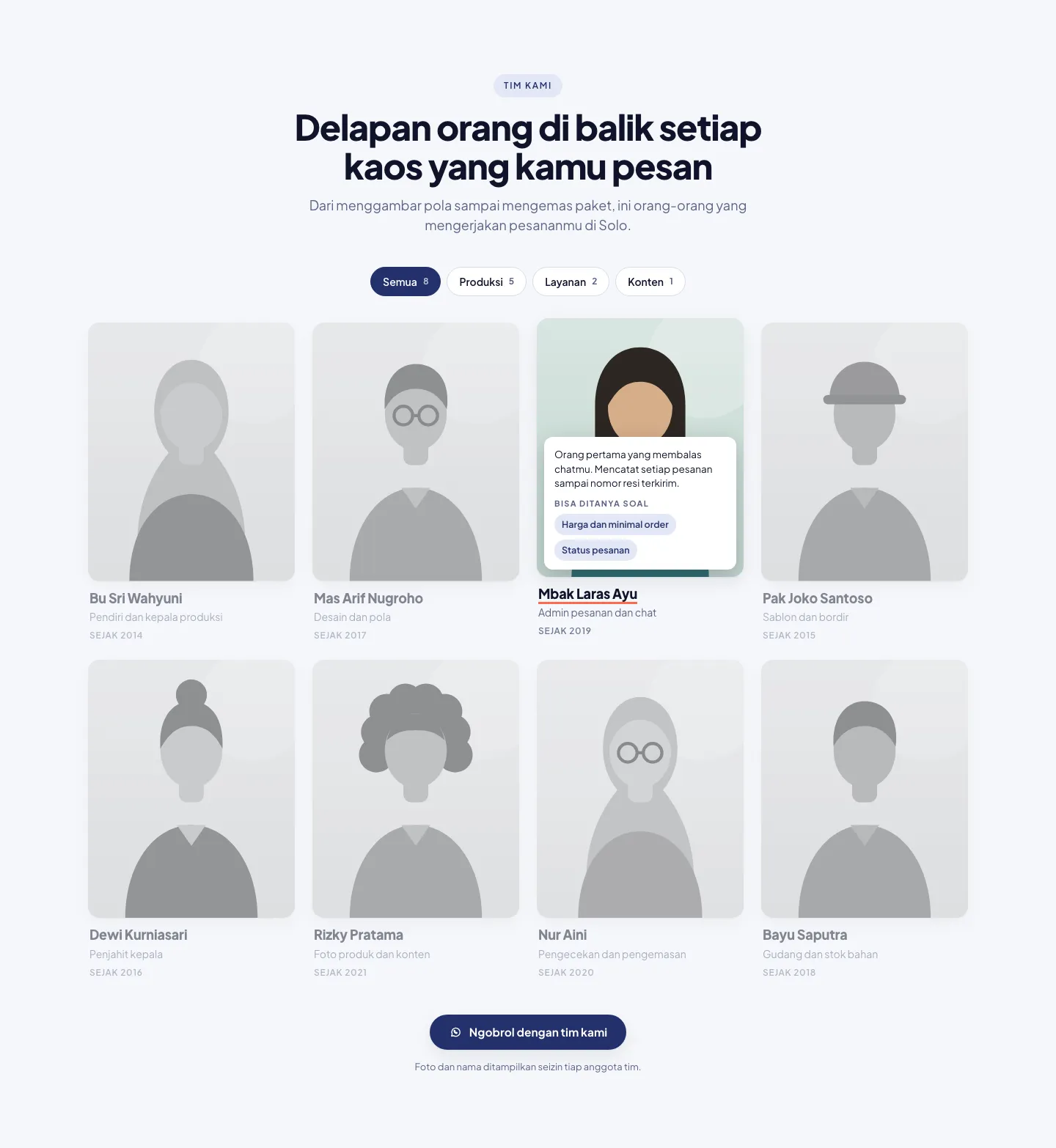
Card grid: the touched member turns to colour and shows a story and what to ask them about
SKILL.md contents
Premium subscribers can read, copy, and install this skill.
Unlock with Premium Sign inOur Team (Section)
Description
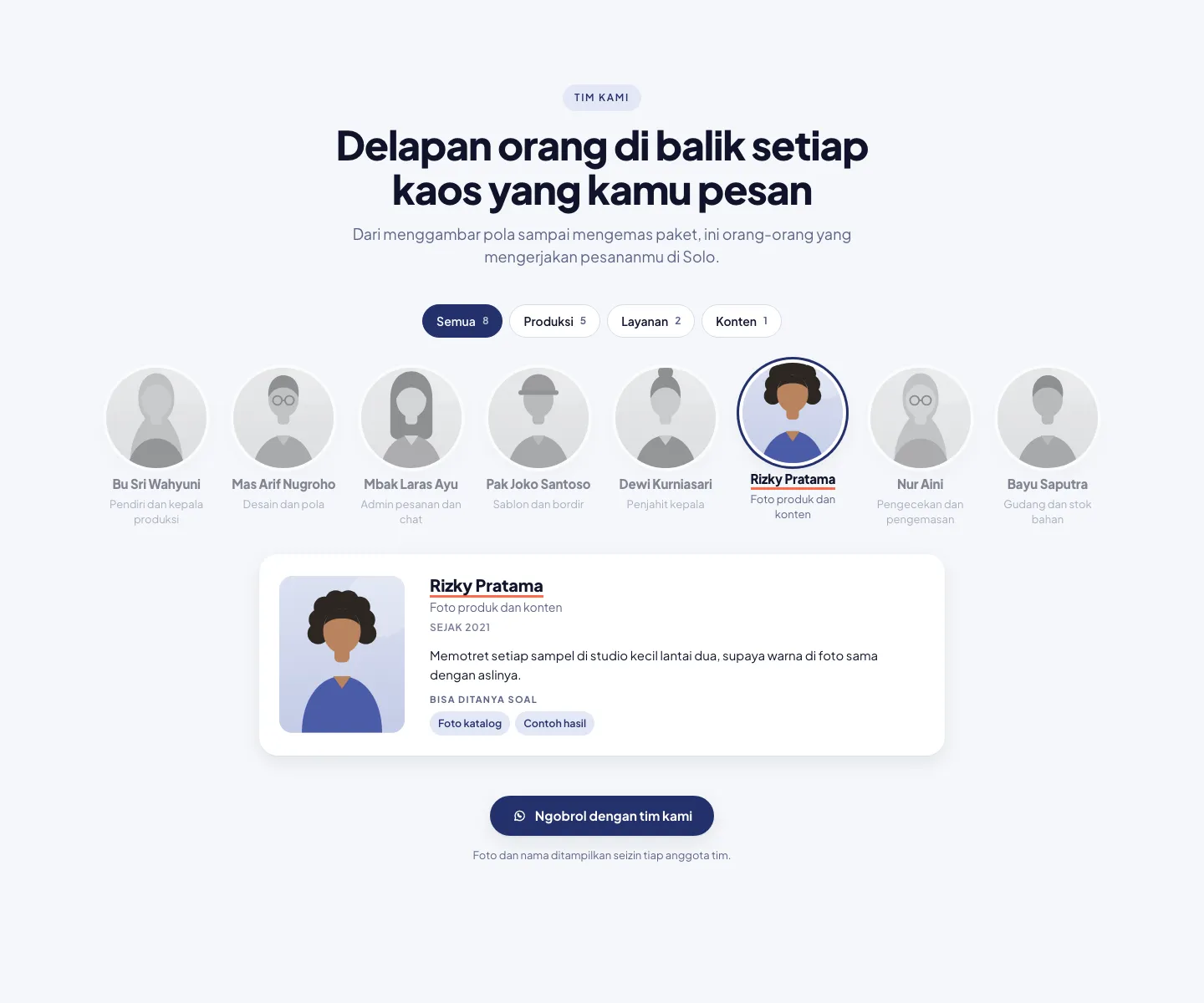
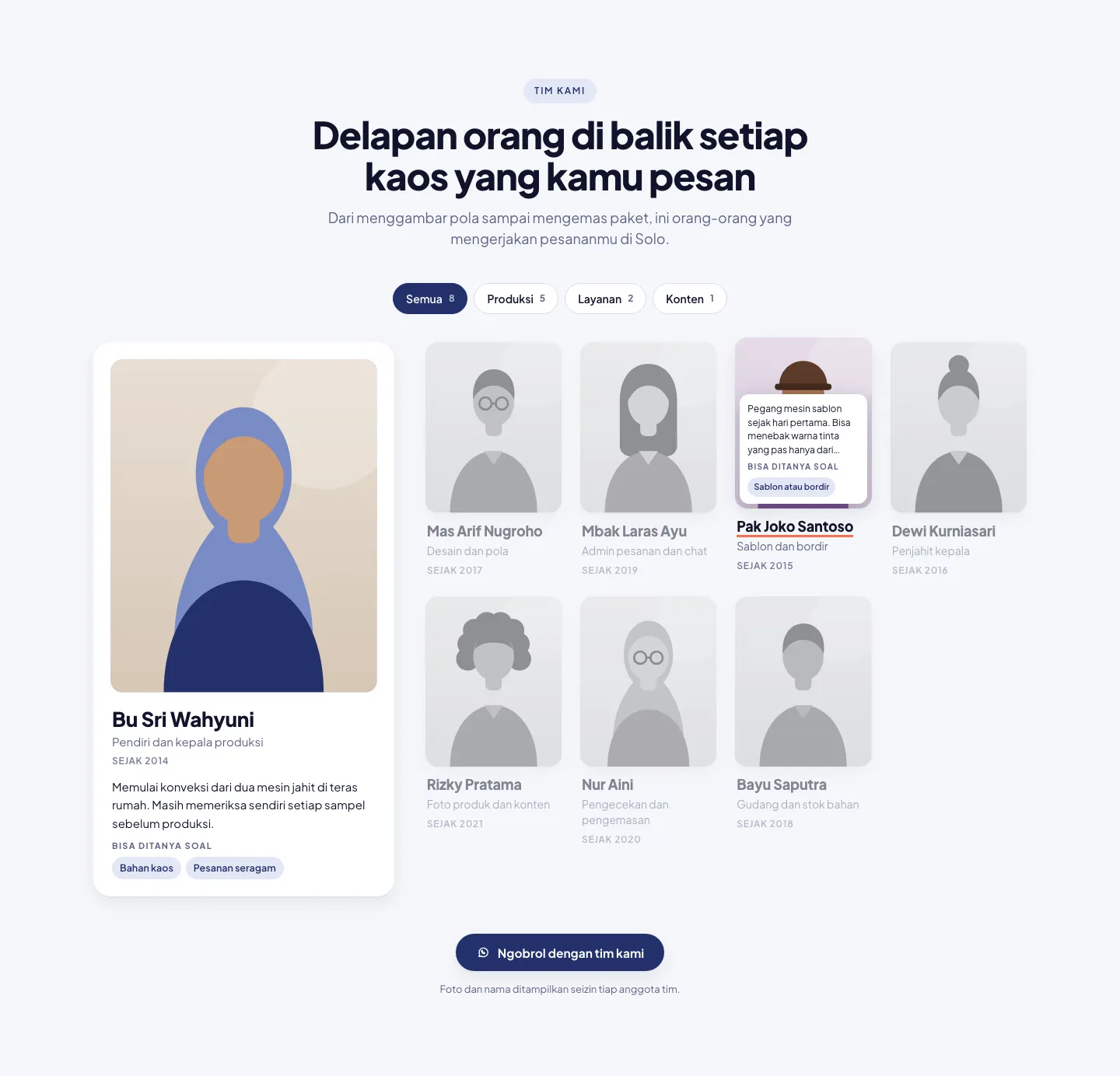
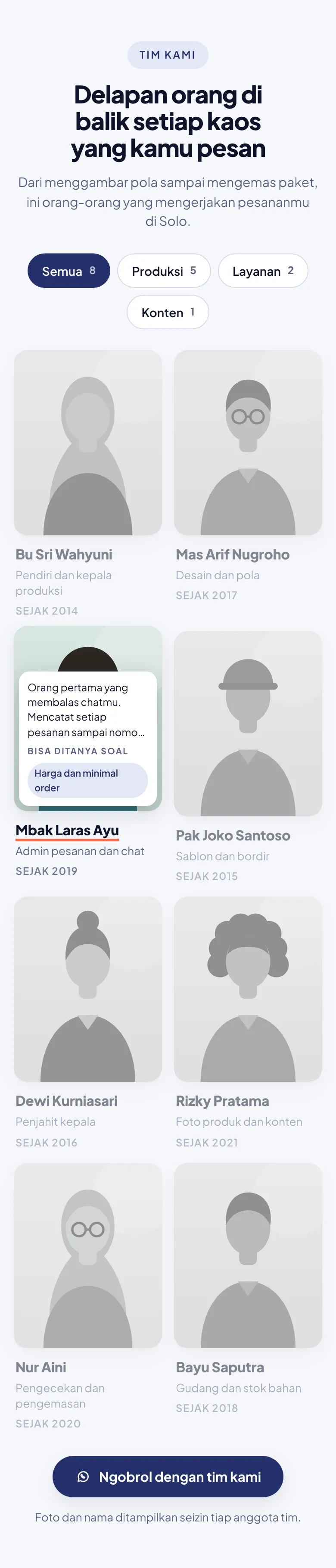
A web section that introduces the people behind your business: a photo card per member with name, role, and year joined. When a card is tapped, hovered, or reached by keyboard, that person is highlighted (grey photo turns to colour, the card lifts, the rest fade) and a small panel shows a short story, what buyers can ask them about, and an optional personal chat button. Division filter chips, three layouts from one config object, and placeholder silhouettes until photos are ready.
Verified by SkillFlow
We checked every file in this skill automatically: no command that downloads and runs a program, no hidden code, no instruction telling your AI to ignore you.
- Loads from outside
- Fonts: Google Fonts
See the 5 files inside
skill.json10 KBSKILL.md7 KBprompt.md4 KBprompt.en.md4 KBfiles/tim.html25 KB
Checked 14 Nov 2026
Part of SkillFlow Pro
Pro opens every skill in every category: copy, ZIP, Send to AI, install, save, and request new skills.
Get Pro Already subscribed? Sign inWhat you get
- A one-file HTML section with scoped CSS, safe to paste into a landing page or an About page
- 3 layouts: photo card grid, round photos with an info panel (8-16 people), a large founder beside the team
- Highlight on tap, hover, or keyboard focus: colour photo, a short story, and what to ask this person about
- Division chips to filter members, with a head count for each division
- Home-made placeholder silhouettes in 6 shapes until the real photos are ready
- A chat button for the team and optional personal chat buttons per member, local numbers converted automatically
Good fit
- Small businesses that want buyers to know real people run the online shop
- Workshops, caterers, studios, or small agencies that want to show who does what
- Course providers or clinics introducing their teachers or staff
- About pages that are still just a history paragraph
Not for
- It does not take or create team photos; the built-in silhouettes are only placeholders until real photos are ready
- Not a single-mentor profile with full credentials; use Mentor Profile (Section) for that
- Not a careers page or an org chart with lines; it is a short introduction for buyers
- More than 16 people are not shown; pick the faces buyers deal with most
About this skill
/tim-kami-section Make a team section for my clothing workshop's website, eight people from production to admin, grey photos that turn to colour on touch, with a chat button to our admin
Show more
A web section that introduces the people behind your business: a photo card per member with name, role, and year joined. When a card is tapped, hovered, or reached by keyboard, that person is highlighted (grey photo turns to colour, the card lifts, the rest fade) and a small panel shows a short story, what buyers can ask them about, and an optional personal chat button. Division filter chips, three layouts from one config object, and placeholder silhouettes until photos are ready.
User reviews
FAQ
How does the highlight work on a phone with no cursor?
On a phone a card is highlighted when tapped and closes when tapped again. On a laptop the highlight follows the cursor. With a keyboard, Tab moves between members and Enter opens or closes a profile, so everyone can read it.
What should the photos look like?
Half-body, upright 4:5, plain background, the same light for everyone. No studio needed: a white wall and window light are enough if everyone is shot in the same spot. Because photos start in grey, small background differences barely show.
Can I add team members' personal WhatsApp numbers?
Only if they agree and actually serve buyers. The per-member wa field can stay empty; the main chat button below the section still goes to the shop number.
Which AI can I use it with?
Copy the prompt into a chat AI (ChatGPT, Claude, Gemini, DeepSeek); or download the ZIP and install it in an AI agent (Claude Code, Codex, Antigravity, Hermes Agent, Cursor, GitHub Copilot, Gemini CLI, OpenCode, Kimi Code, Trae), which then builds the files for you.
What is in the ZIP?
One folder named tim-kami-section with SKILL.md (the instructions an AI agent reads) and the prompt, 5 files in all. Extract it into your agent's skills folder, or install it with npx skillflow-ai add tim-kami-section. Pro only.
Is there a per-use fee or credits?
Not from SkillFlow. The skill runs on the AI you already use, so any cost follows that plan.
Which plan includes it?
SkillFlow Pro. It opens every skill in every category.
Can I use my own colours and brand?
Yes. Pick a colour theme on this page, or fill in your brand profile once; both go into the prompt you copy and into the ZIP.
Can I share what I made?
Pro members can upload the result and get a page at share.skillflow.ai.id to send to anyone. The page carries a small "Made with SkillFlow AI" mark.
Is there a download limit?
Yes, per day: 50 skills on Pro, 10 on other plans. Downloading a skill again on the same day does not count.



