

Rendered sample video
SKILL.md contents
Premium subscribers can read, copy, and install this skill.
Unlock with Premium Sign inEid Greeting from the Team
Description
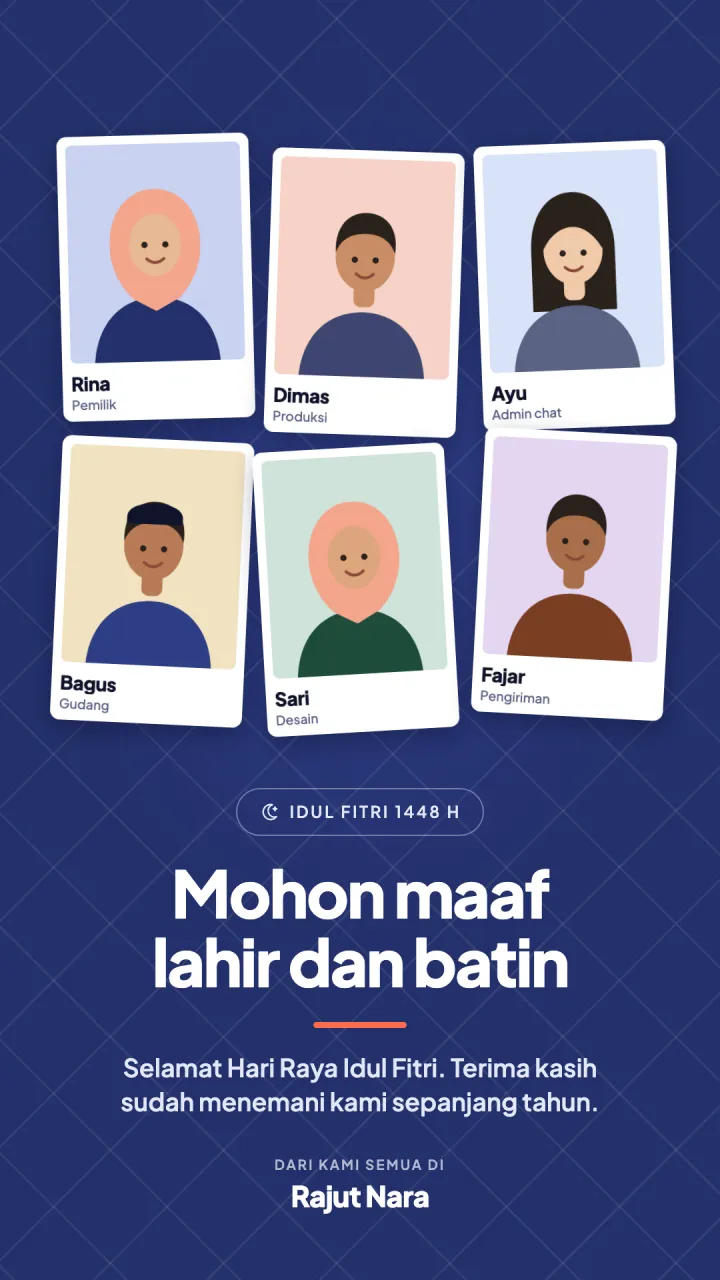
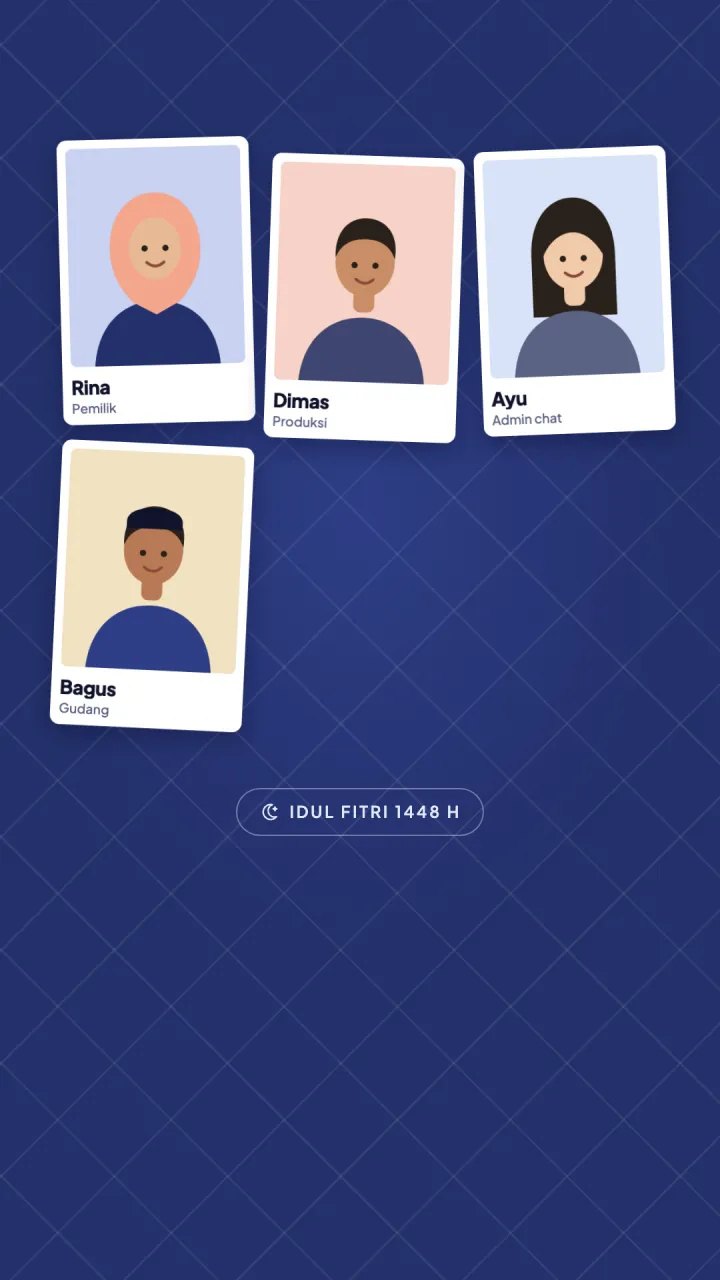
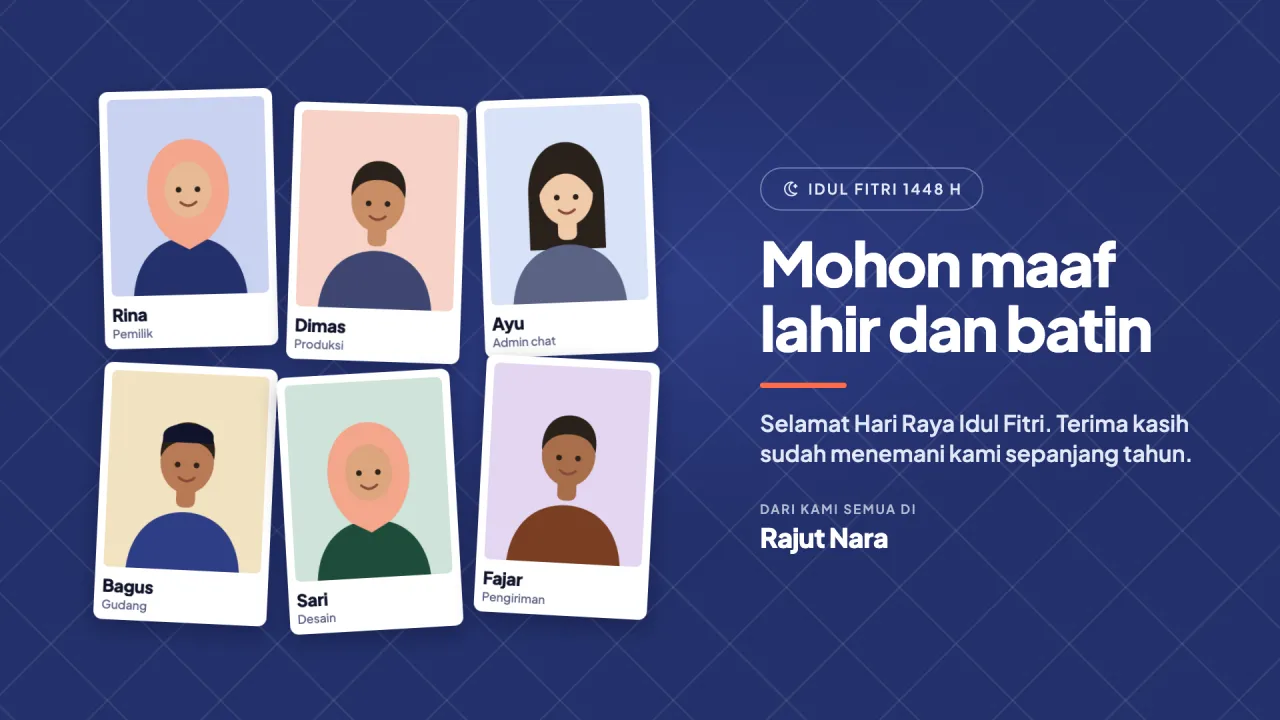
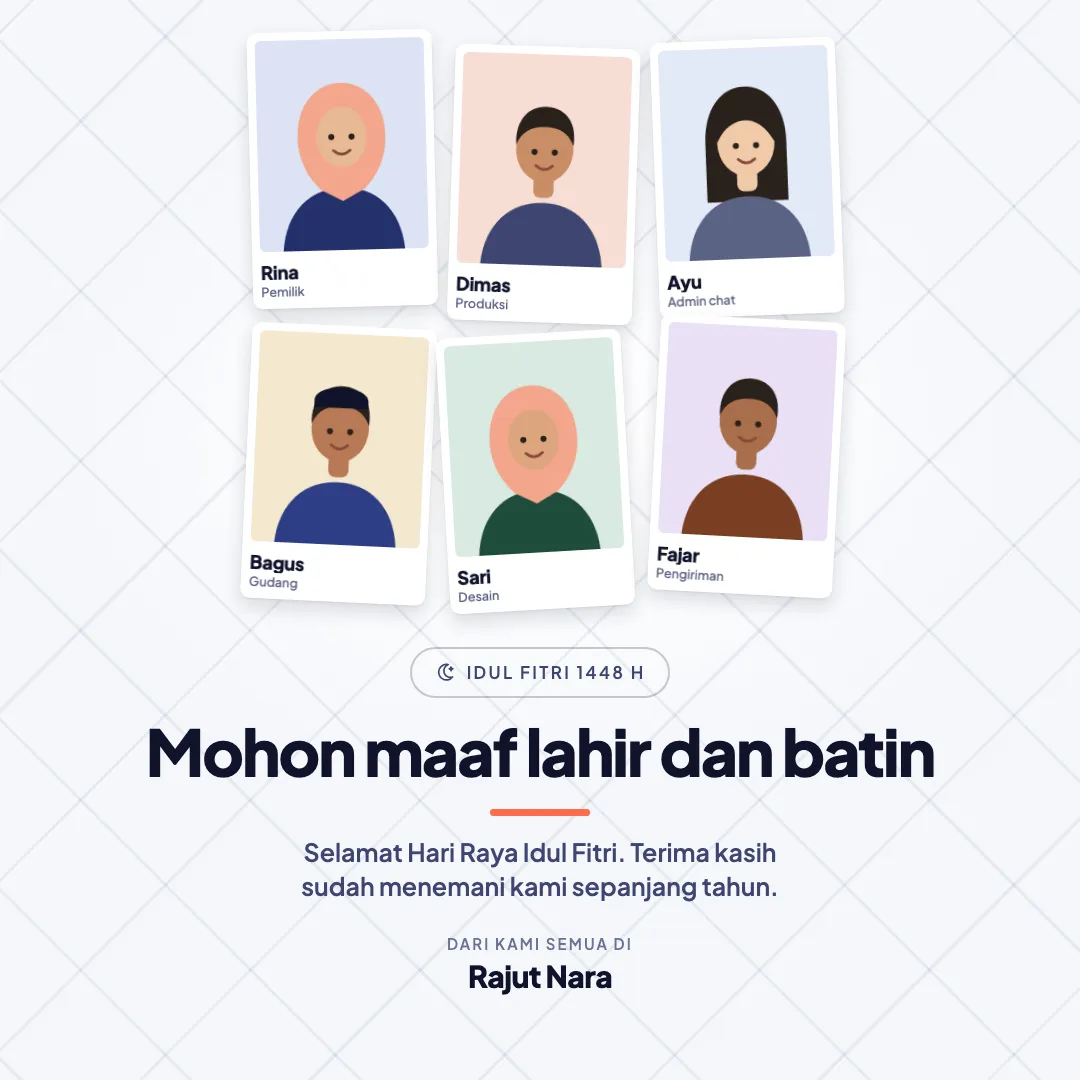
A 10 to 15 second Eid al-Fitr greeting that puts the team's faces first: a photo card for each member drops in one by one to form a collage with their name and role, then "Please forgive us, inside and out" appears word by word, followed by an accent line, a thank-you line, and the shop or office name. A woven ketupat pattern drifts slowly behind. For 1 to 8 people, using real photos or stand-in drawings. 9:16, 1:1, and 16:9, driven by one config object, rendered to MP4 with one command.
Verified by SkillFlow
We checked every file in this skill automatically: no command that downloads and runs a program, no hidden code, no instruction telling your AI to ignore you.
- Loads from outside
- Fonts: Google Fonts
See the 5 files inside
skill.json8 KBSKILL.md6 KBprompt.md4 KBprompt.en.md4 KBfiles/scene.html18 KB
Checked 14 Nov 2026
Part of SkillFlow Pro
Pro opens every skill in every category: copy, ZIP, Send to AI, install, save, and request new skills.
Get Pro Already subscribed? Sign inWhat you get
- A greeting script: holiday label, forgiveness greeting, thank-you line, sender name
- A team list of 1 to 8 people with names and roles, appearing in list order
- An animated HTML scene driven by one config object; the collage lays itself out
- Self-drawn stand-in portraits (4 styles) until the team's real photos are added
- MP4 1080x1920 (9:16), 1080x1080 (1:1), or 1920x1080 (16:9), 30 fps, 10-15 seconds
- 3 palettes (indigo, green, light), plus your own brand colors
Good fit
- Shops wanting a personal Eid greeting featuring their team
- Service firms, clinics, schools, or small teams greeting customers and partners
- Businesses wanting an Eid video with no selling
- Admins needing Status, Story, or office screen content
Not for
- Eid al Fitr only; other occasions use the shop holiday greeting
- No holiday schedule, discounts, or buy now calls
- No photos of non team members or anyone without consent
- At most 8 people per video
About this skill
/ucapan-lebaran-tim Make an Eid greeting video from our shop team, 6 people with nicknames and roles, using real photos, labelled Eid al Fitr 1448 H, in 9:16
Show more
A 10 to 15 second Eid al-Fitr greeting that puts the team's faces first: a photo card for each member drops in one by one to form a collage with their name and role, then "Please forgive us, inside and out" appears word by word, followed by an accent line, a thank-you line, and the shop or office name. A woven ketupat pattern drifts slowly behind. For 1 to 8 people, using real photos or stand-in drawings. 9:16, 1:1, and 16:9, driven by one config object, rendered to MP4 with one command.
User reviews
FAQ
What team photos work best?
Upright portraits with the face centred, a 4:5 ratio, and a plain background. Make sure each person agrees to their photo being used.
The team does not want their faces shown?
Use flat illustrated placeholders in short hair, long hair, headscarf, or cap styles. Names and roles still show on each card.
Is the Hijri year calculated?
No. Write it as officially set, such as Eid al Fitr 1448 H, or just Eid al Fitr in the small label.
Which AI can I use it with?
Copy the prompt into a chat AI (ChatGPT, Claude, Gemini, DeepSeek): you get an HTML file; open it in Chrome and press Download MP4 (silent video, a minute or two to render); or download the ZIP and install it in an AI agent (Claude Code, Codex, Antigravity, Hermes Agent, Cursor, GitHub Copilot, Gemini CLI, OpenCode, Kimi Code, Trae), which then builds the files for you.
What is in the ZIP?
One folder named ucapan-lebaran-tim with SKILL.md (the instructions an AI agent reads) and the prompt, 5 files in all. Extract it into your agent's skills folder, or install it with npx skillflow-ai add ucapan-lebaran-tim. Pro only.
Is there a per-use fee or credits?
Not from SkillFlow. The skill runs on the AI you already use, so any cost follows that plan.
Which plan includes it?
SkillFlow Pro. It opens every skill in every category.
Can I use my own colours and brand?
Yes. Pick a colour theme on this page, or fill in your brand profile once; both go into the prompt you copy and into the ZIP.
Can I share what I made?
Pro members can upload the result and get a page at share.skillflow.ai.id to send to anyone. The page carries a small "Made with SkillFlow AI" mark.
Is there a download limit?
Yes, per day: 50 skills on Pro, 10 on other plans. Downloading a skill again on the same day does not count.



