

Rendered sample video
SKILL.md contents
Premium subscribers can read, copy, and install this skill.
Unlock with Premium Sign inAnimated Wedding Invitation
Description
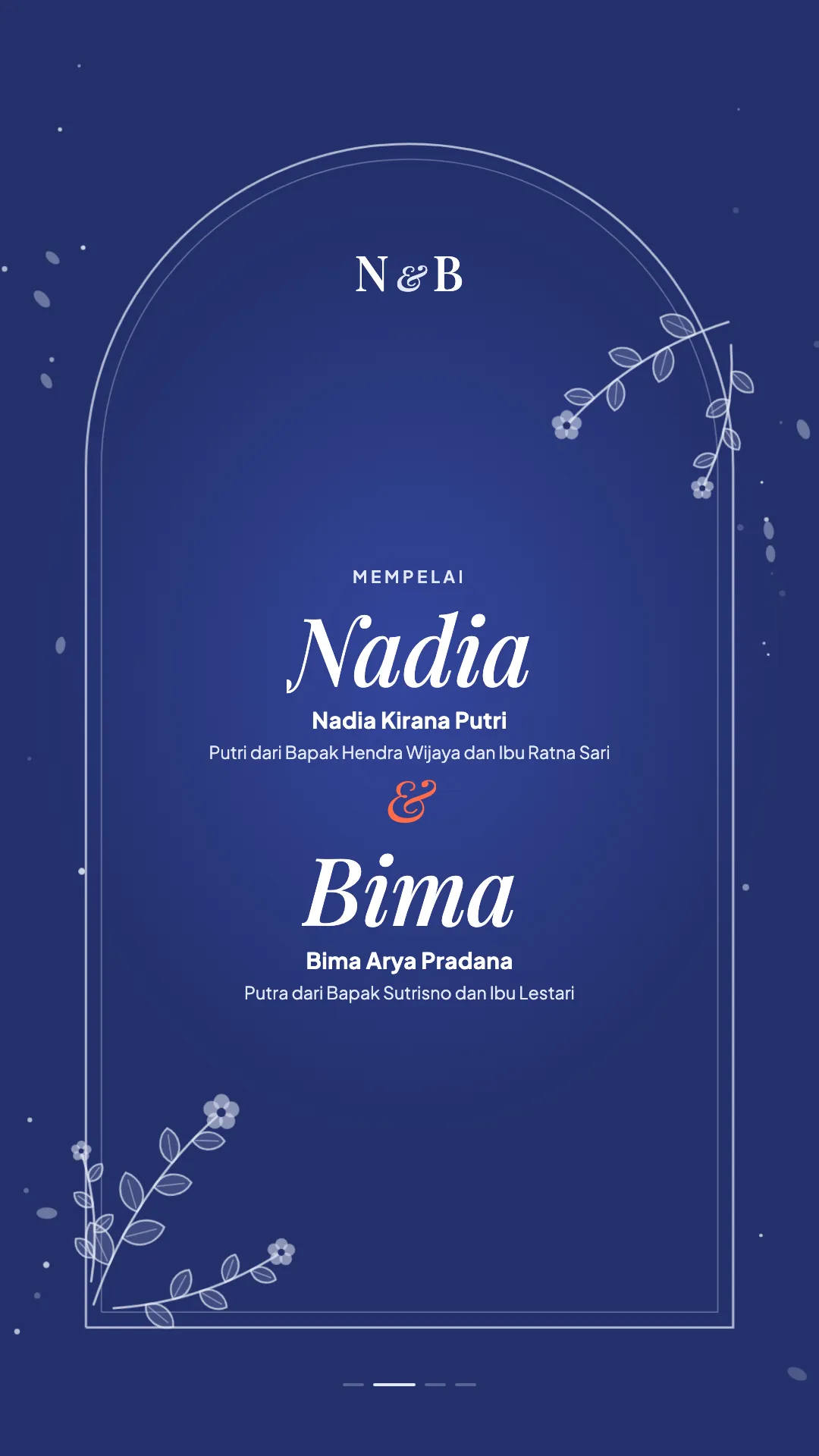
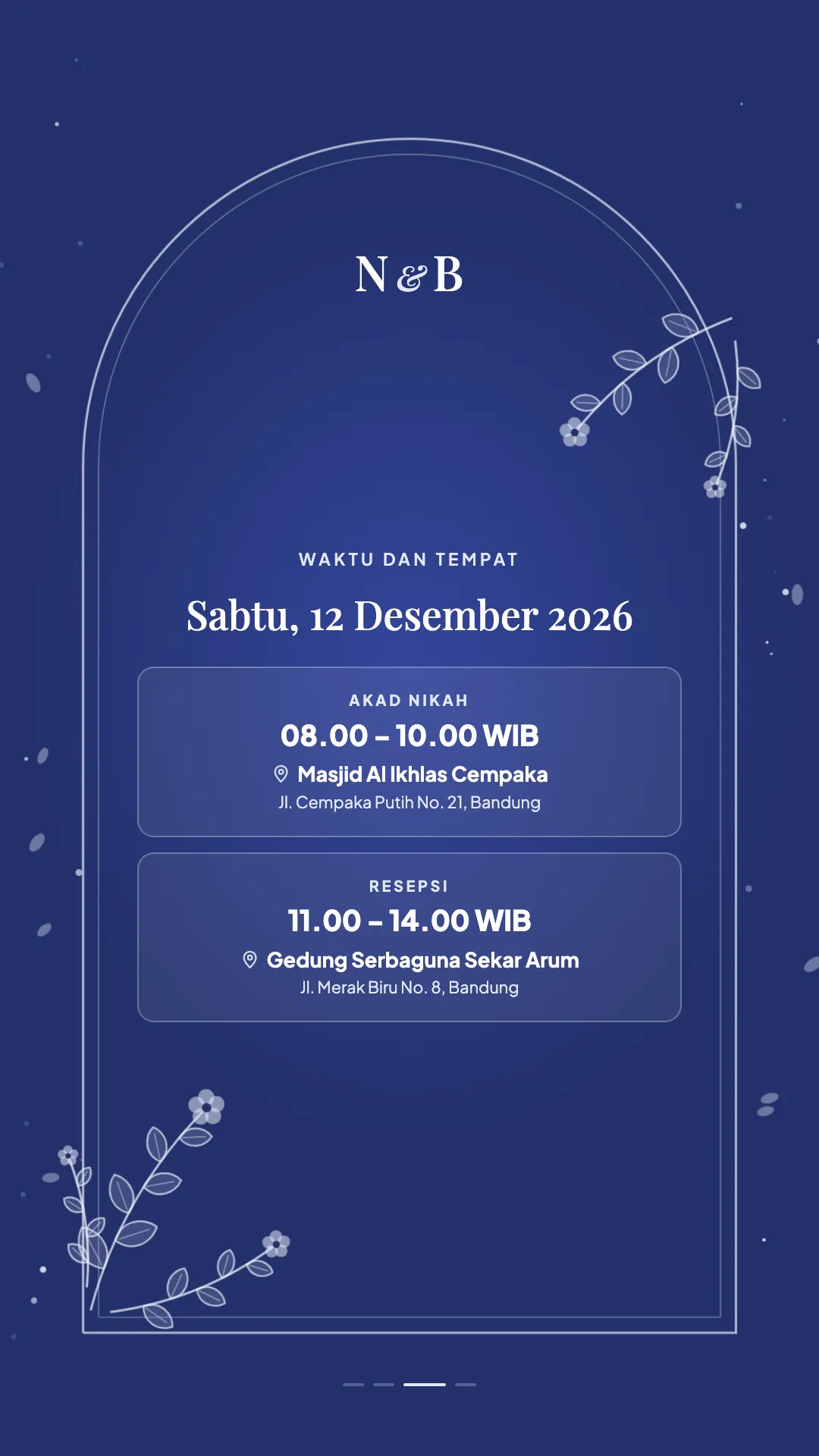
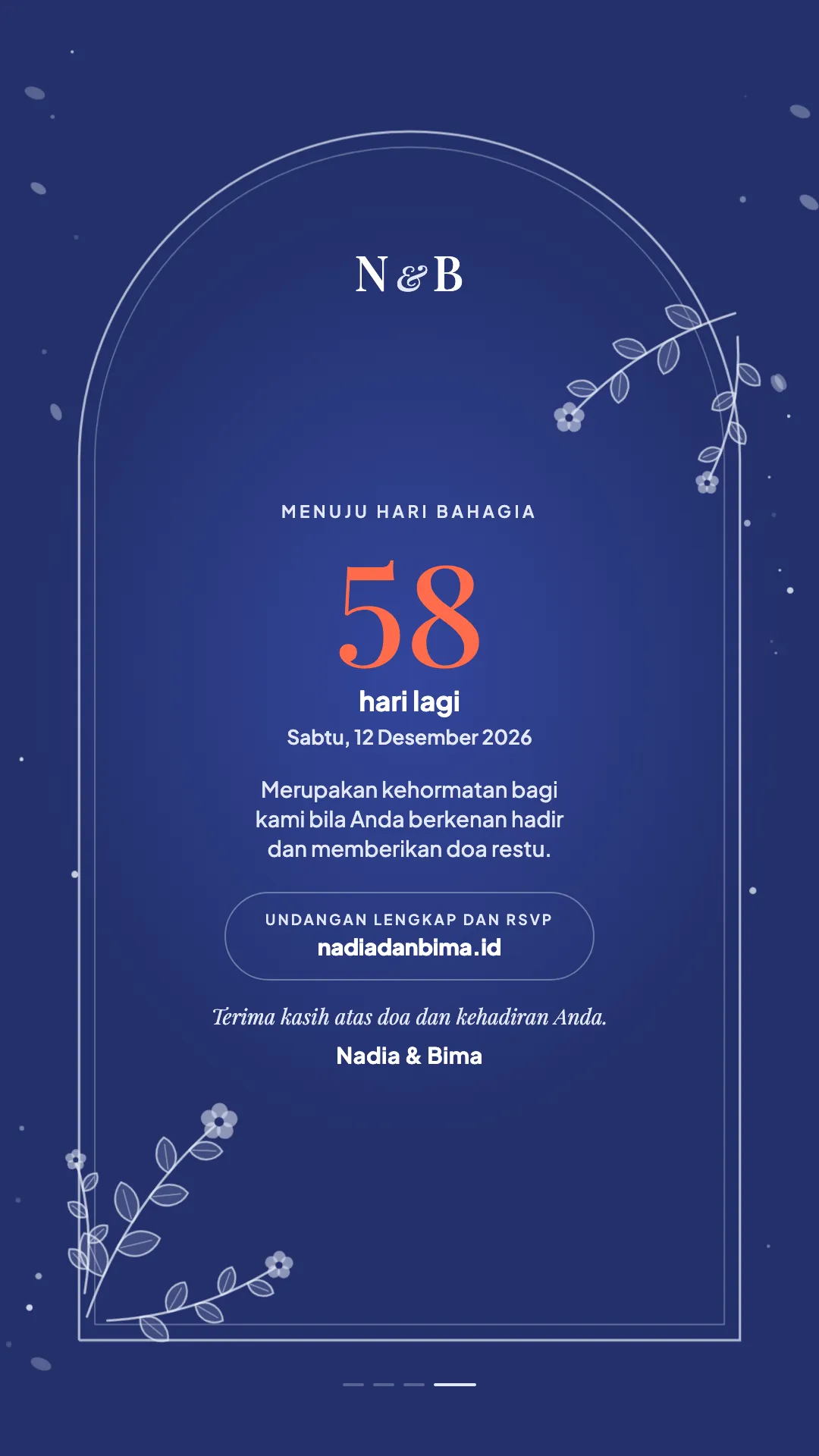
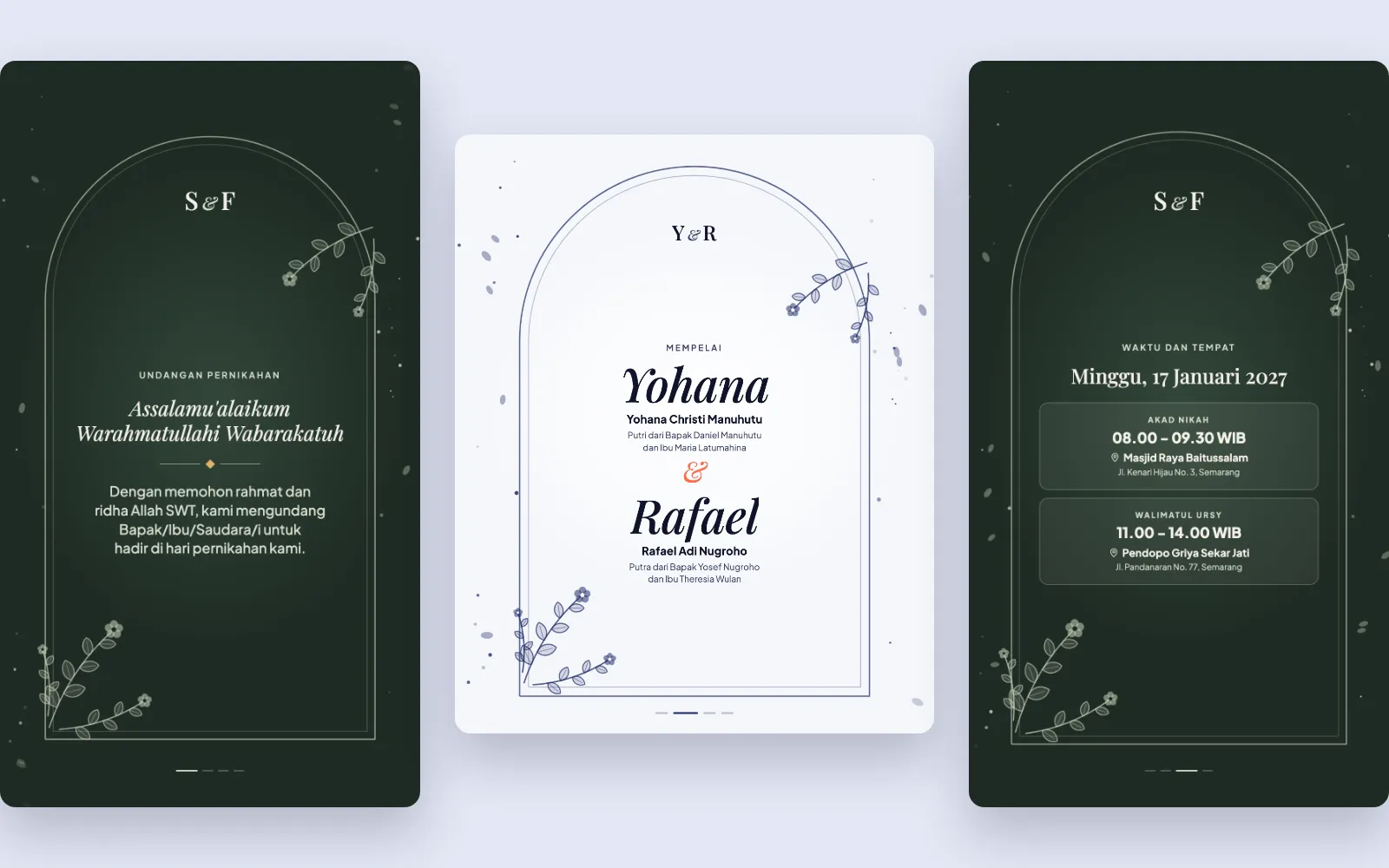
A 12 to 20 second vertical wedding invitation video to send over chat or post to Stories: an arched window that draws itself, sprigs of leaves that grow in, then four chapters in turn, the opening greeting, the couple and their parents, the time and place of the ceremony and reception, and a rolling countdown to the big day. Neutral greeting by default with 6 other options, 4 palettes, 9:16 and 4:5. A companion to a web invitation, not a replacement for one.
Verified by SkillFlow
We checked every file in this skill automatically: no command that downloads and runs a program, no hidden code, no instruction telling your AI to ignore you.
- Loads from outside
- Fonts: Google Fonts
See the 7 files inside
skill.json9 KBSKILL.md9 KBprompt.md7 KBprompt.en.md7 KBfiles/contoh/islam-zaitun-9x16.html27 KBfiles/contoh/kristiani-terang-4x5.html27 KBfiles/scene.html27 KB
Checked 14 Nov 2026
Part of SkillFlow Pro
Pro opens every skill in every category: copy, ZIP, Send to AI, install, save, and request new skills.
Get Pro Already subscribed? Sign inWhat you get
- An invitation script: greeting, invitation line, couple and parents, events, closing
- An animated HTML scene driven by one config object
- 4 chapters: opening, the couple, time and place (1-3 events), countdown to the day
- The countdown is worked out from the sending date to the wedding day, rolling to the number of days
- 7 greeting options: neutral, Islamic, Christian, Hindu, Buddhist, Confucian, custom
- MP4 1080x1920 (9:16) or 1080x1350 (4:5), 30 fps, 12-20 seconds
- 4 ready palettes (indigo, light, rose, olive), plus your own colours
Good fit
- Couples sharing invitations via Status, Stories, or family groups as a video
- Digital invitation vendors and designers making invitation videos for clients
- Couples who want a reminder close to the day with an updated day count
- Couples with a web invitation who want a companion video
Not for
- Not an RSVP page or a digital gift envelope
- It does not use pre-wedding photos
- It never combines greetings from two faiths in one video
- At most 3 events per invitation
About this skill
/undangan-nikah-animasi Make an animated wedding invitation for Raka and Nadia, ceremony Saturday 12 September at 8 AM and reception at 11 AM, an Islamic greeting, olive palette, a countdown from the send date, in 9:16
Show more
A 12 to 20 second vertical wedding invitation video to send over chat or post to Stories: an arched window that draws itself, sprigs of leaves that grow in, then four chapters in turn, the opening greeting, the couple and their parents, the time and place of the ceremony and reception, and a rolling countdown to the big day. Neutral greeting by default with 6 other options, 4 palettes, 9:16 and 4:5. A companion to a web invitation, not a replacement for one.
User reviews
FAQ
How is the countdown calculated?
From the send date to the wedding day, then the day number spins down in the final part. For a reminder closer to the date, change the send date and re-render, and the number updates itself.
Which greetings can I choose?
Neutral by default, or Islamic, Christian, Hindu, Buddhist, Confucian, or your own words. The first event label follows the greeting, such as Akad Nikah or Holy Matrimony.
There is an event on another day, can it be added?
Yes. Give that event its own date, such as a second reception, and the date shows on its card. One invitation holds 1 to 3 events.
Which AI can I use it with?
Copy the prompt into a chat AI (ChatGPT, Claude, Gemini, DeepSeek): you get an HTML file; open it in Chrome and press Download MP4 (silent video, a minute or two to render); or download the ZIP and install it in an AI agent (Claude Code, Codex, Antigravity, Hermes Agent, Cursor, GitHub Copilot, Gemini CLI, OpenCode, Kimi Code, Trae), which then builds the files for you.
What is in the ZIP?
One folder named undangan-nikah-animasi with SKILL.md (the instructions an AI agent reads) and the prompt, 7 files in all. Extract it into your agent's skills folder, or install it with npx skillflow-ai add undangan-nikah-animasi. Pro only.
Is there a per-use fee or credits?
Not from SkillFlow. The skill runs on the AI you already use, so any cost follows that plan.
Which plan includes it?
SkillFlow Pro. It opens every skill in every category.
Can I use my own colours and brand?
Yes. Pick a colour theme on this page, or fill in your brand profile once; both go into the prompt you copy and into the ZIP.
Can I share what I made?
Pro members can upload the result and get a page at share.skillflow.ai.id to send to anyone. The page carries a small "Made with SkillFlow AI" mark.
Is there a download limit?
Yes, per day: 50 skills on Pro, 10 on other plans. Downloading a skill again on the same day does not count.



