

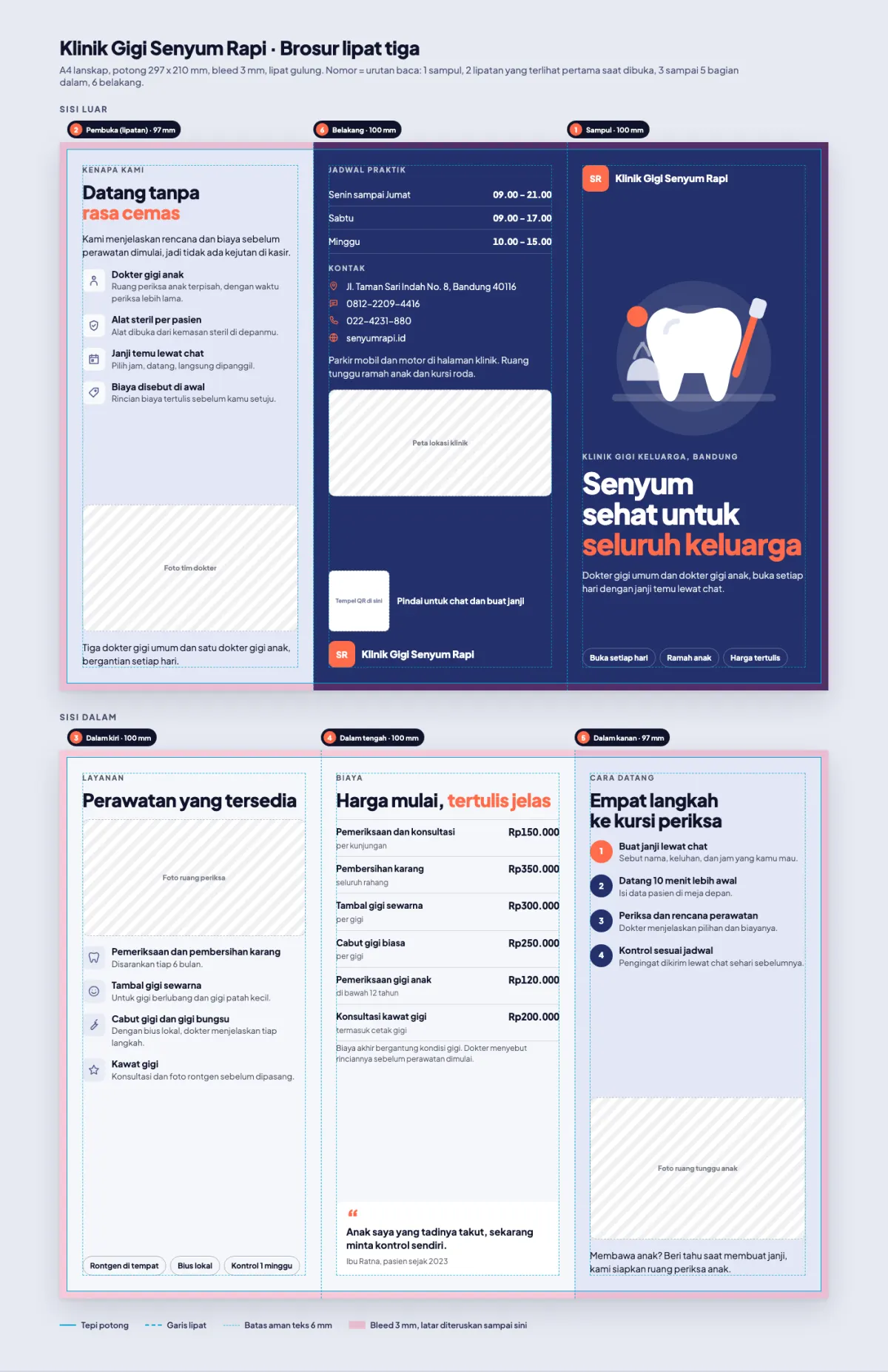
Check sheet: outside and inside with bleed, fold lines, safe area, and reading order numbers
SKILL.md contents
Premium subscribers can read, copy, and install this skill.
Unlock with Premium Sign inPrint-Ready Trifold Brochure
Description
A print-ready A4 trifold brochure for schools, clinics, and service businesses: six panels across the outside and inside in the correct reading order for a roll fold (cover, opening flap, three inside panels, back), a 97 mm fold-in panel so it does not buckle, 3 mm bleed, a 6 mm text safe area, and a printer's sheet with crop and fold marks. Panels are built from ready blocks (services with icons, price list, numbered steps, schedule, contact, QR box, quote) with built-in flat illustrations. Exports 300 dpi PNG, a 303 x 216 mm PDF, and a closed and open brochure mockup.
Verified by SkillFlow
We checked every file in this skill automatically: no command that downloads and runs a program, no hidden code, no instruction telling your AI to ignore you.
- Loads from outside
- Fonts: Google Fonts
See the 5 files inside
skill.json10 KBSKILL.md7 KBprompt.md3 KBprompt.en.md3 KBfiles/brosur.html40 KB
Checked 14 Nov 2026
Included in Basic and Pro
Basic copies the prompt. Pro also downloads the ZIP, sends to AI, installs into agents, and opens every category.
Get Pro Get Basic Already subscribed? Sign inWhat you get
- A six-panel script in roll-fold reading order: cover, opening flap, three inside panels, back
- A one-config HTML template with ready blocks and built-in flat illustrations
- Print-ready outside and inside: A4 landscape, 3 mm bleed, 97 mm fold-in panel, 300 dpi PNG
- A two-page 303 x 216 mm PDF and a printer's sheet with crop and fold marks
- A check sheet with trim, fold, safe area lines and reading order numbers
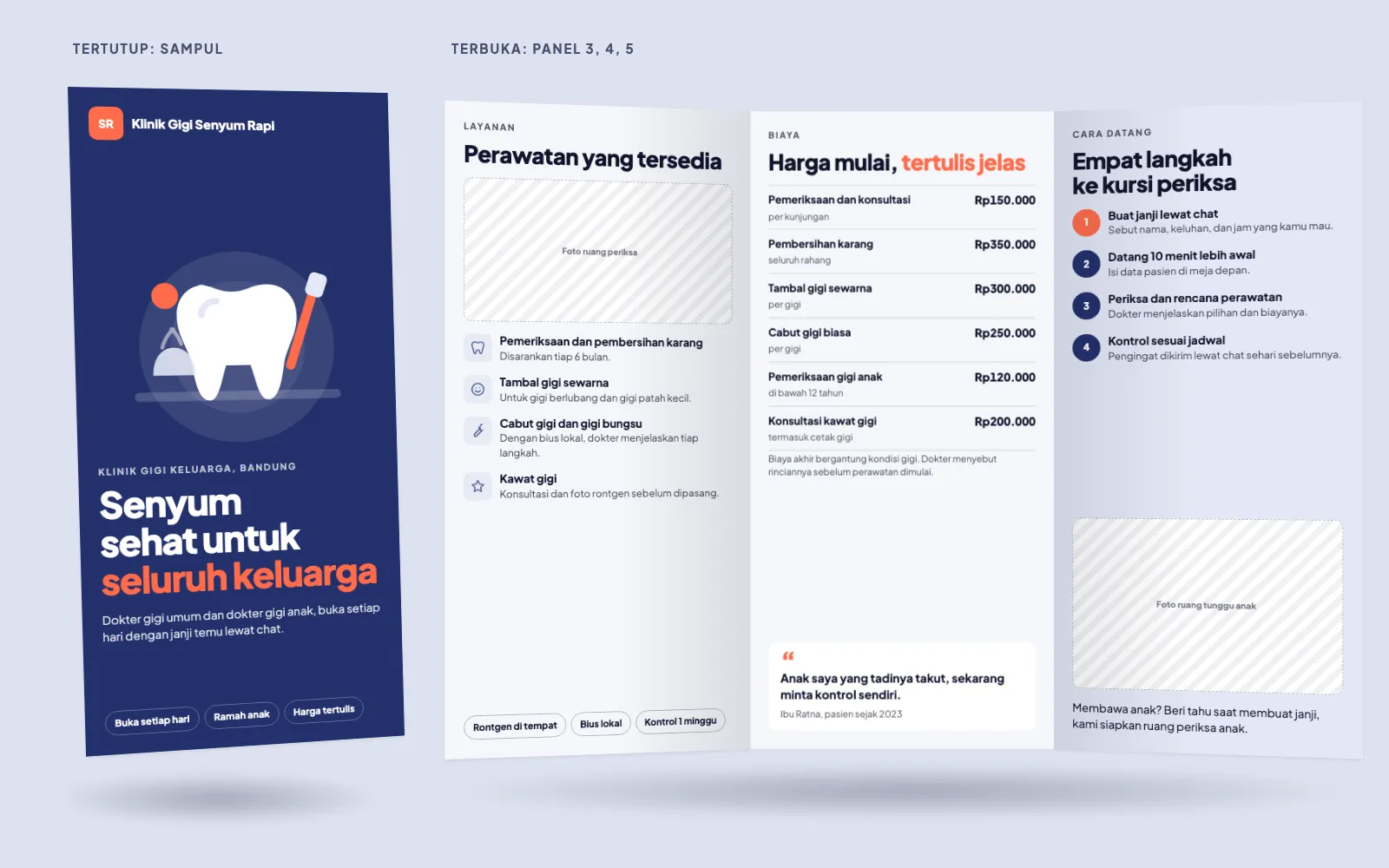
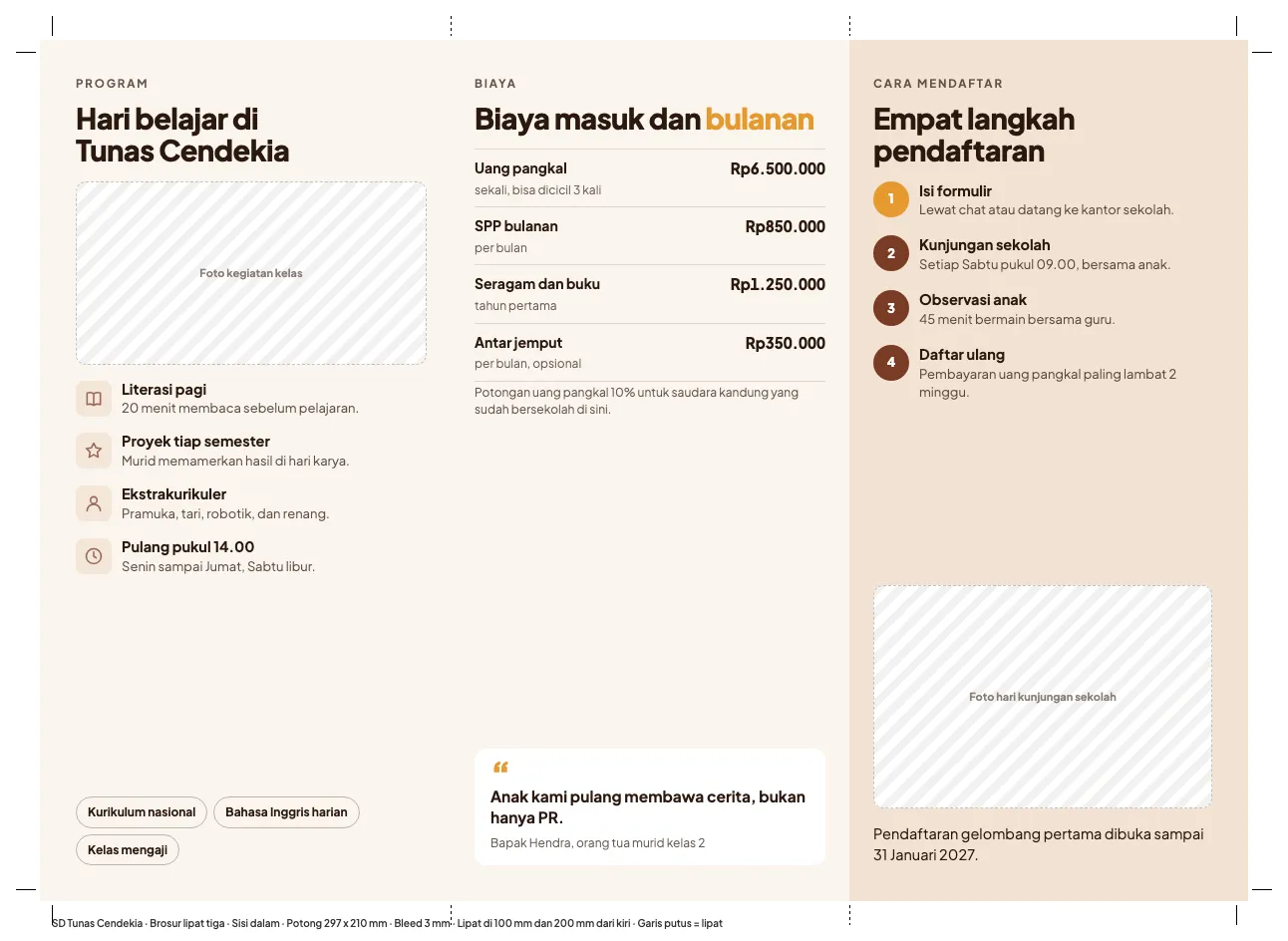
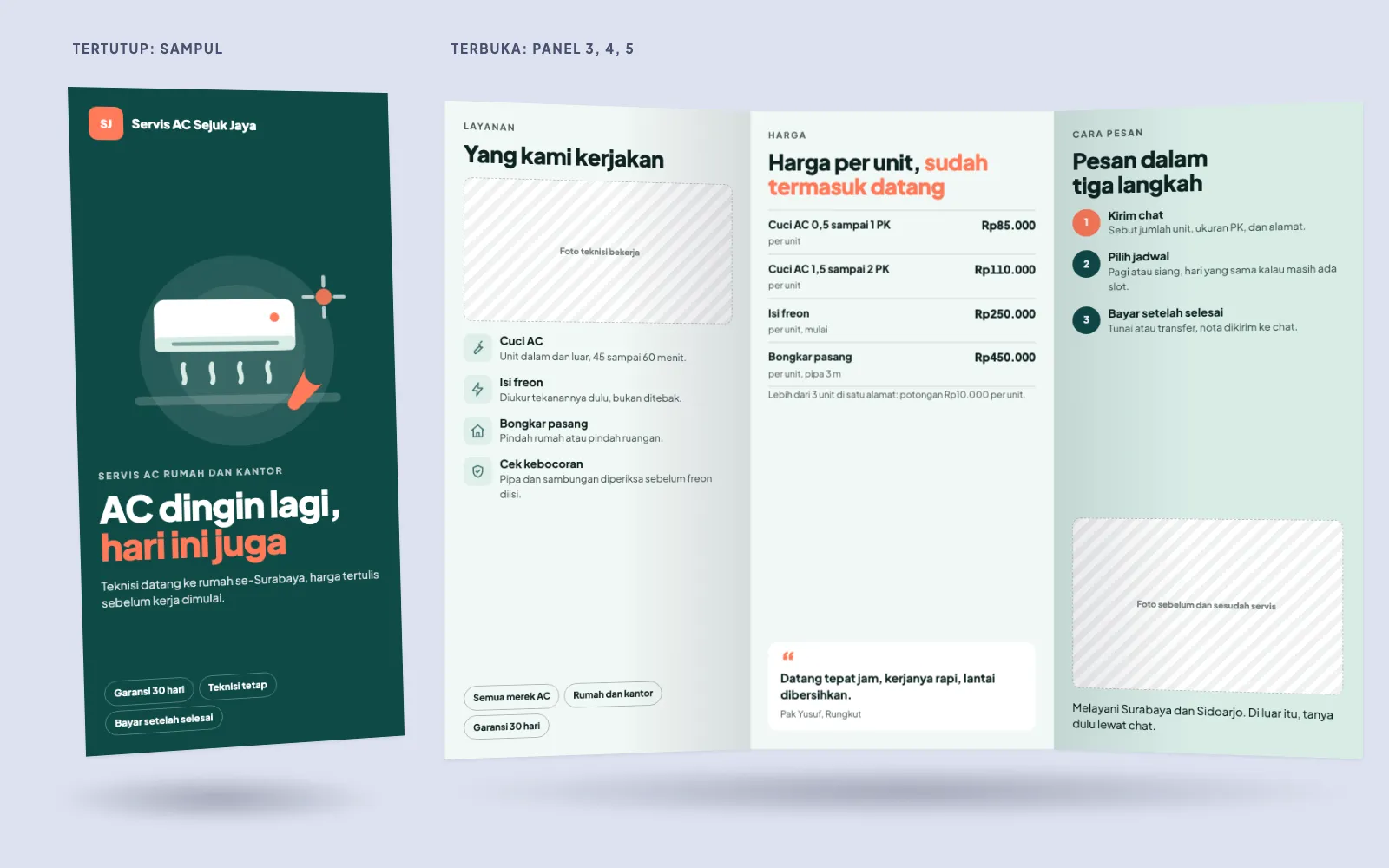
- A closed and open brochure mockup for clients, 3 palettes and 3 samples (clinic, school, service)
Good fit
- Schools and tutoring centres for enrolment or open days
- Clinics, pharmacies, and practices handing brochures out at the front desk
- Service businesses such as repairs, laundry, or catering doing door-to-door drops
- Designers who need a print file with correct bleed and fold marks
Not for
- Z-folds, bi-folds, or sizes other than A4; this template is built for an A4 roll fold
- It does not create QR codes; the QR box takes your own QR image
- It does not replace a proof check at the print shop; screen and paper colours can differ
- Not product or team photography; photos come from you or stay as marked placeholders
About this skill
/brosur-lipat-tiga Make a trifold brochure for our family dental clinic: services, starting prices, how to book, opening hours, and contact details, ready for the print shop
Show more
A print-ready A4 trifold brochure for schools, clinics, and service businesses: six panels across the outside and inside in the correct reading order for a roll fold (cover, opening flap, three inside panels, back), a 97 mm fold-in panel so it does not buckle, 3 mm bleed, a 6 mm text safe area, and a printer's sheet with crop and fold marks. Panels are built from ready blocks (services with icons, price list, numbered steps, schedule, contact, QR box, quote) with built-in flat illustrations. Exports 300 dpi PNG, a 303 x 216 mm PDF, and a closed and open brochure mockup.
User reviews
FAQ
Why is one panel 3 mm narrower?
In a roll fold, one panel tucks inside the other two. If it were the same width it would buckle at the fold. This template makes the fold-in panel 97 mm and places the fold lines for you.
What files go to the print shop?
A two-page 303 x 216 mm PDF (3 mm bleed included) or a 300 dpi PNG per side. If the printer wants crop marks, also send the printer's sheet, which has crop and fold marks outside the bleed.
What is the reading order?
The cover is the outside right panel. When opened, the reader sees the fold-in flap (outside left) next to the inside left panel, then all three inside panels fully open. The outside middle panel is the back, for contact details and hours.
Which AI can I use it with?
Copy the prompt into a chat AI (ChatGPT, Claude, Gemini, DeepSeek); or download the ZIP and install it in an AI agent (Claude Code, Codex, Antigravity, Hermes Agent, Cursor, GitHub Copilot, Gemini CLI, OpenCode, Kimi Code, Trae), which then builds the files for you.
What is in the ZIP?
One folder named brosur-lipat-tiga with SKILL.md (the instructions an AI agent reads) and the prompt, 5 files in all. Extract it into your agent's skills folder, or install it with npx skillflow-ai add brosur-lipat-tiga. Pro only.
Is there a per-use fee or credits?
Not from SkillFlow. The skill runs on the AI you already use (and, for image prompts, the image AI you pick), so any cost follows that plan.
Which plan includes it?
Basic and Pro. Basic copies the prompt; Pro also downloads the ZIP, sends to AI, installs into agents and shares results by link.
Can I use my own colours and brand?
Yes. Pick a colour theme on this page, or fill in your brand profile once; both go into the prompt you copy and into the ZIP.
Can I share what I made?
Pro members can upload the result and get a page at share.skillflow.ai.id to send to anyone. The page carries a small "Made with SkillFlow AI" mark.
Is there a download limit?
Yes, per day: 50 skills on Pro, 10 on other plans. Downloading a skill again on the same day does not count.



