

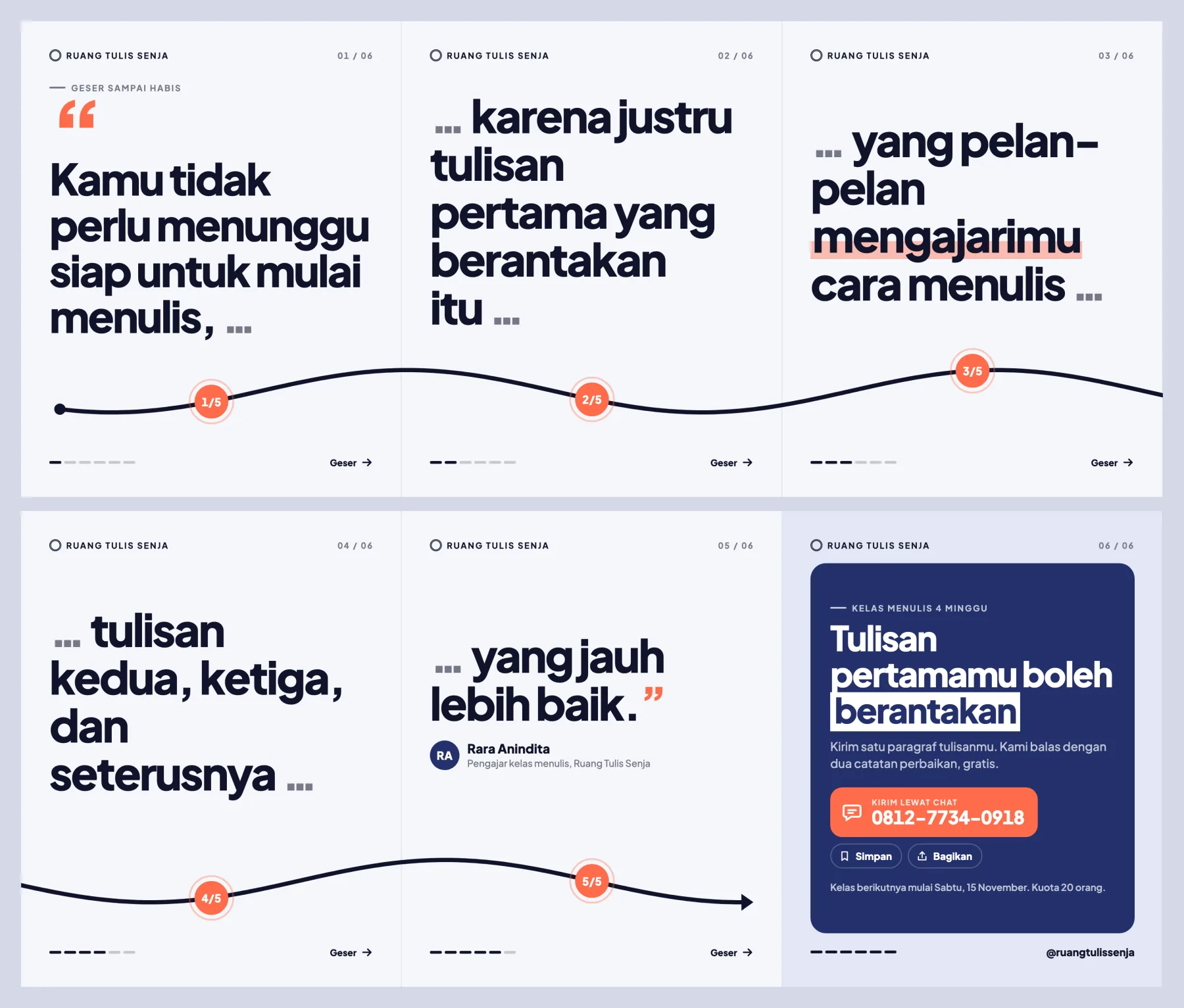
Six slides side by side with no gap: a thick line runs from one slide into the next, and the sentence carries on with it
SKILL.md contents
Premium subscribers can read, copy, and install this skill.
Unlock with Premium Sign inQuote Series
Description
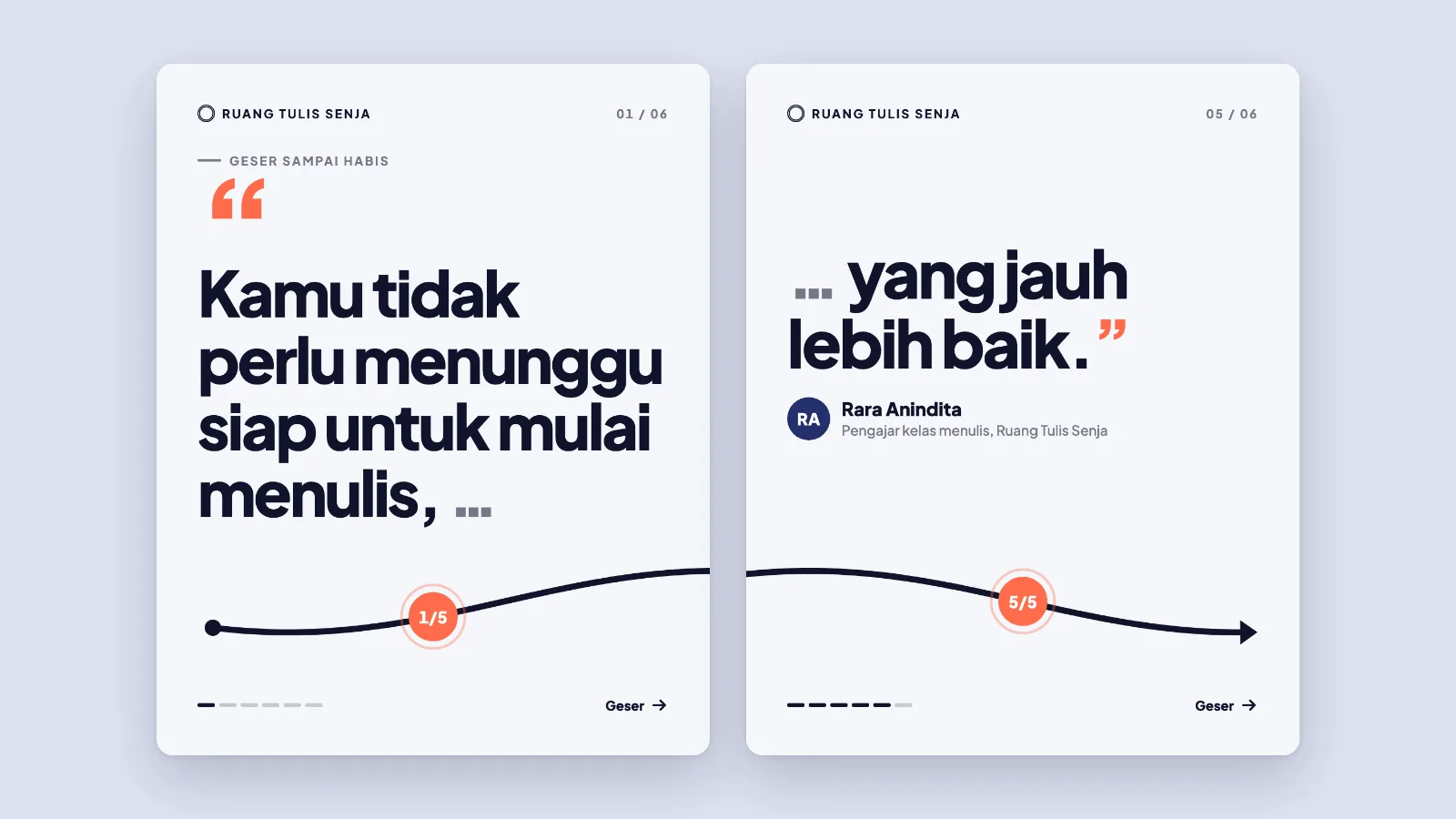
A big-type carousel that splits one long sentence across 3 to 8 slides in a row: each slide holds one piece of the sentence in huge type, and a thick wavy line runs from the right edge of one slide into the left edge of the next, so the sentence flows as people swipe. Position markers 1/5, 2/5 on the line, an opening quote mark on the first slide, the closing quote mark plus the name and role of the person quoted on the last, ... marks at each join, and a closing slide with a chat button. Good for quotes, brand principles, or one line you want remembered. 1080x1350 or 1080x1080.
Verified by SkillFlow
We checked every file in this skill automatically: no command that downloads and runs a program, no hidden code, no instruction telling your AI to ignore you.
- Loads from outside
- Fonts: Google Fonts
See the 5 files inside
skill.json8 KBSKILL.md6 KBprompt.md3 KBprompt.en.md3 KBfiles/carousel.html381 KB
Checked 14 Nov 2026
Part of SkillFlow Pro
Pro opens every skill in every category: copy, ZIP, Send to AI, install, save, and request new skills.
Get Pro Already subscribed? Sign inWhat you get
- The sentence split at natural pauses into 3-8 pieces, one slide each
- A one-config HTML template: the joining line is worked out for the whole run of slides, position markers included
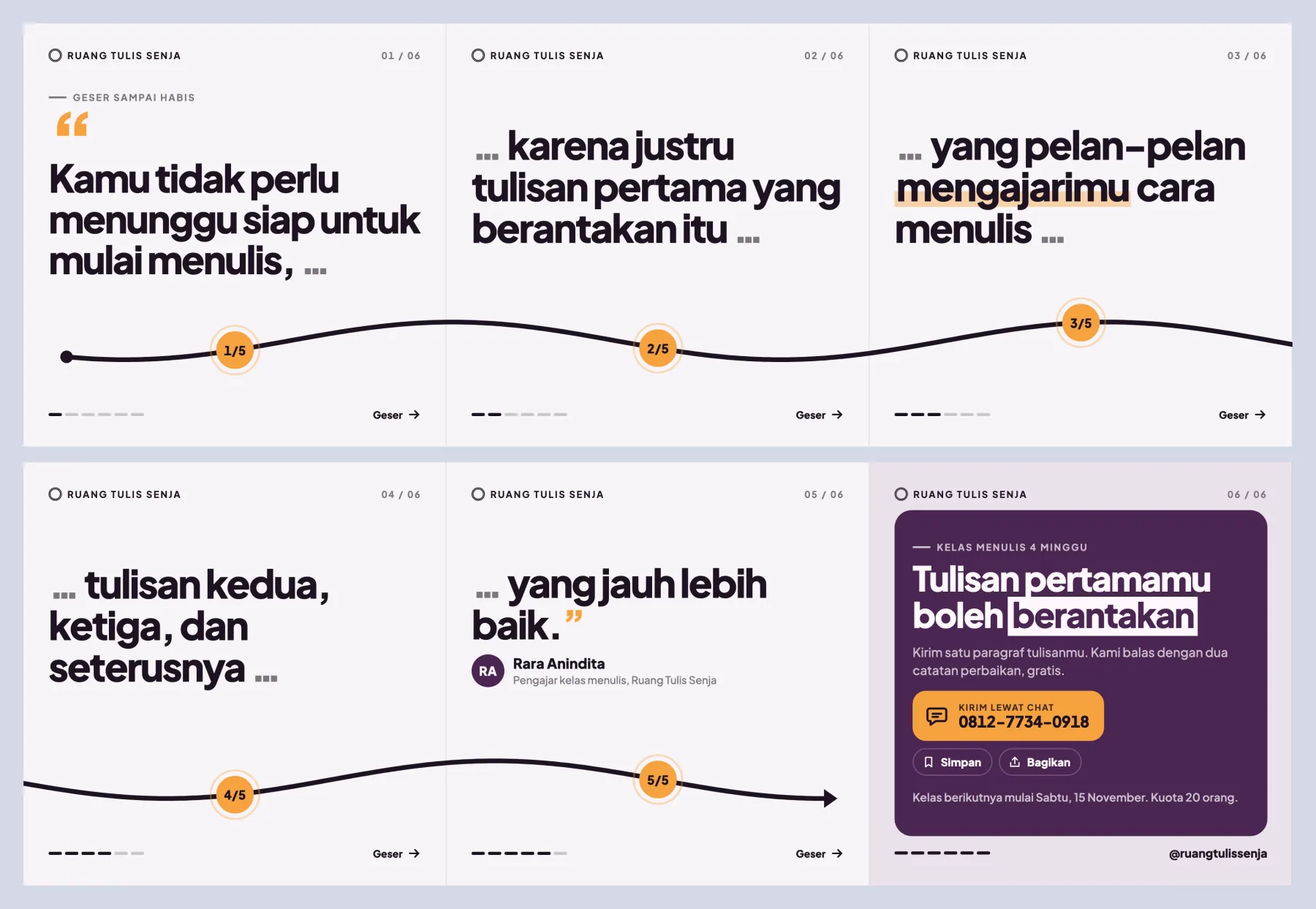
- Two styles: a line on a light background or on a dark one, plus one highlighted word in one of the pieces
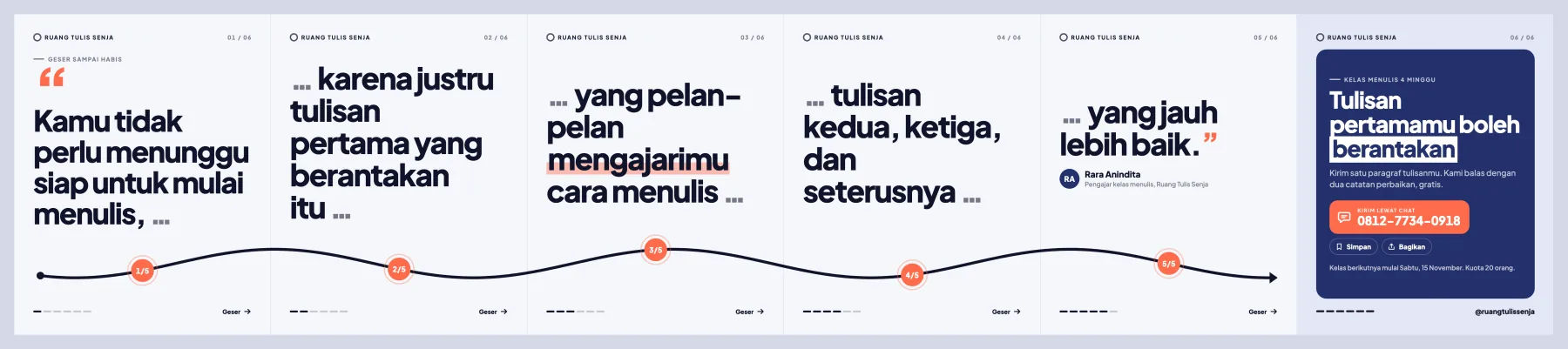
- A strip view (slides side by side with no gap) to check the joins before exporting
- One PNG per slide at 1080x1350 (4:5) or 1080x1080 (1:1), plus a combined sheet
- A closing slide with a chat button and a caption that invites people to read to the end
Good fit
- Brands sharing a principle or promise in a memorable way
- Creators and speakers sharing one key line from their material
- Accounts that want a post people swipe to the very end
Not for
- Only for a single sentence, not lists or tips
- For quotes by other people, you must confirm the source and permission yourself
- It does not use a photo of the person quoted; the look is typography and a line
About this skill
/carousel-kutipan-bersambung Make a continuous quote carousel from Arawinda Weaving's brand principle: "Good cloth comes from patient hands, not from rushed machines", 5 slides
Show more
A big-type carousel that splits one long sentence across 3 to 8 slides in a row: each slide holds one piece of the sentence in huge type, and a thick wavy line runs from the right edge of one slide into the left edge of the next, so the sentence flows as people swipe. Position markers 1/5, 2/5 on the line, an opening quote mark on the first slide, the closing quote mark plus the name and role of the person quoted on the last, ... marks at each join, and a closing slide with a chat button. Good for quotes, brand principles, or one line you want remembered. 1080x1350 or 1080x1080.
User reviews
FAQ
Where is my sentence split?
At natural pauses, such as after a comma or before a connecting word, so each piece still reads well and makes people curious about the rest. The sentence is split into 3 to 8 slides.
How do I check the connecting line before exporting?
Open the strip view, where all slides sit side by side with no gaps. It shows whether the line leaves and enters at the same height.
Which AI can I use it with?
Copy the prompt into a chat AI (ChatGPT, Claude, Gemini, DeepSeek); or download the ZIP and install it in an AI agent (Claude Code, Codex, Antigravity, Hermes Agent, Cursor, GitHub Copilot, Gemini CLI, OpenCode, Kimi Code, Trae), which then builds the files for you.
What is in the ZIP?
One folder named carousel-kutipan-bersambung with SKILL.md (the instructions an AI agent reads) and the prompt, 5 files in all. Extract it into your agent's skills folder, or install it with npx skillflow-ai add carousel-kutipan-bersambung. Pro only.
Is there a per-use fee or credits?
Not from SkillFlow. The skill runs on the AI you already use, so any cost follows that plan.
Which plan includes it?
SkillFlow Pro. It opens every skill in every category.
Can I use my own colours and brand?
Yes. Pick a colour theme on this page, or fill in your brand profile once; both go into the prompt you copy and into the ZIP.
Can I share what I made?
Pro members can upload the result and get a page at share.skillflow.ai.id to send to anyone. The page carries a small "Made with SkillFlow AI" mark.
Is there a download limit?
Yes, per day: 50 skills on Pro, 10 on other plans. Downloading a skill again on the same day does not count.



