

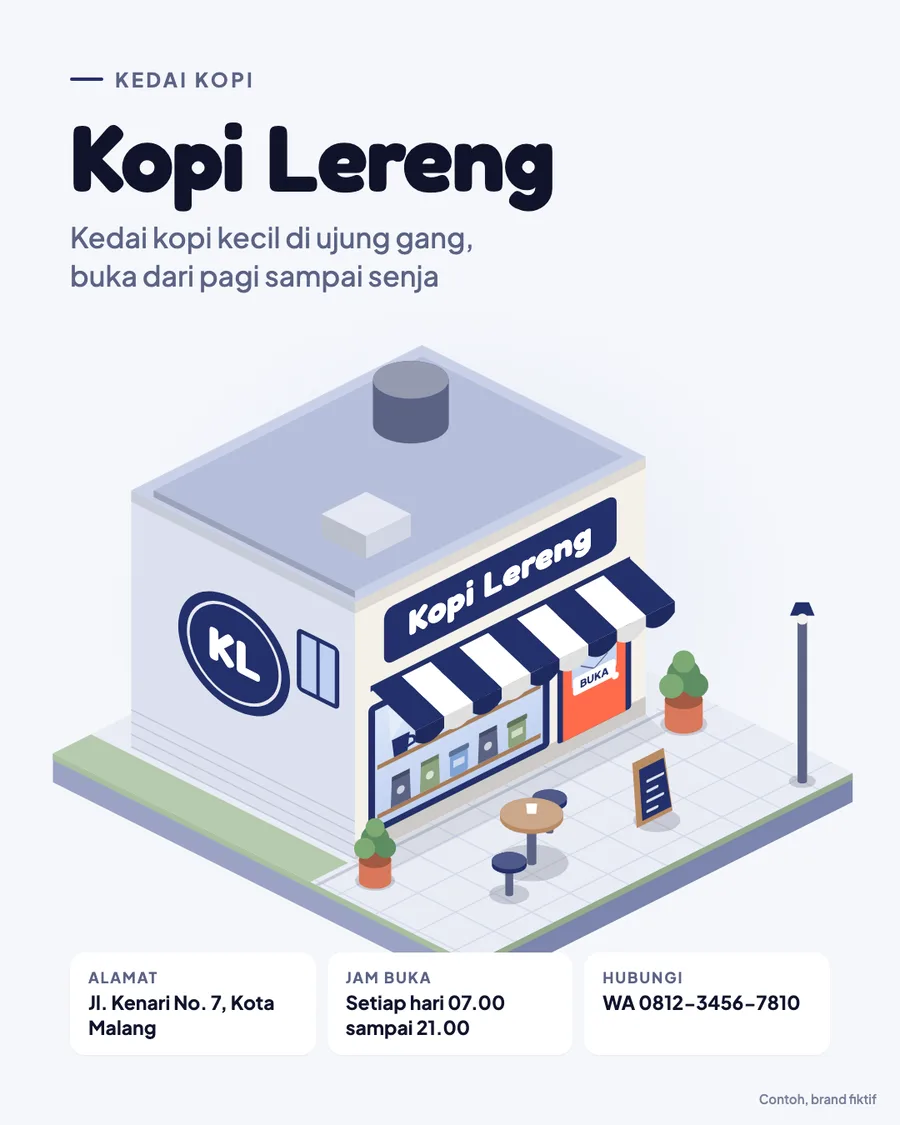
A 1080x1350 profile card for a coffee shop: an SVG diorama from data, address, hours, contact
SKILL.md contents
Premium subscribers can read, copy, and install this skill.
Unlock with Premium Sign inIsometric Shop Diorama
Description
A miniature isometric shop illustration for business profiles and branding posts: a one-storey building on a pavement base, a name sign, a striped awning, a display window with products, a door, and items out front. Two routes: AI image prompts with a scene lock and a style lock repeated word for word (main view, three times of day, a window close-up, a seasonal version), or an HTML template that draws the diorama as SVG from data for 5 shop types and lays it out as a profile card, a square post, and a banner. The shop name always comes from HTML, never from the AI image.
Verified by SkillFlow
We checked every file in this skill automatically: no command that downloads and runs a program, no hidden code, no instruction telling your AI to ignore you.
- Loads from outside
- Fonts: Google Fonts
See the 5 files inside
skill.json8 KBSKILL.md10 KBprompt.md5 KBprompt.en.md5 KBfiles/diorama.html33 KB
Checked 14 Nov 2026
Included in Basic and Pro
Basic copies the prompt. Pro also downloads the ZIP, sends to AI, installs into agents, and opens every category.
Get Pro Get Basic Already subscribed? Sign inWhat you get
- A scene brief: shop type, shopfront, window display, pavement items, hex palette, never-list
- An English scene lock + style lock repeated word for word in every prompt
- 6 AI image prompts: main view, morning, dusk, night, window close-up, seasonal version
- Notes per kind of tool and consistency rules so the shop does not change between images
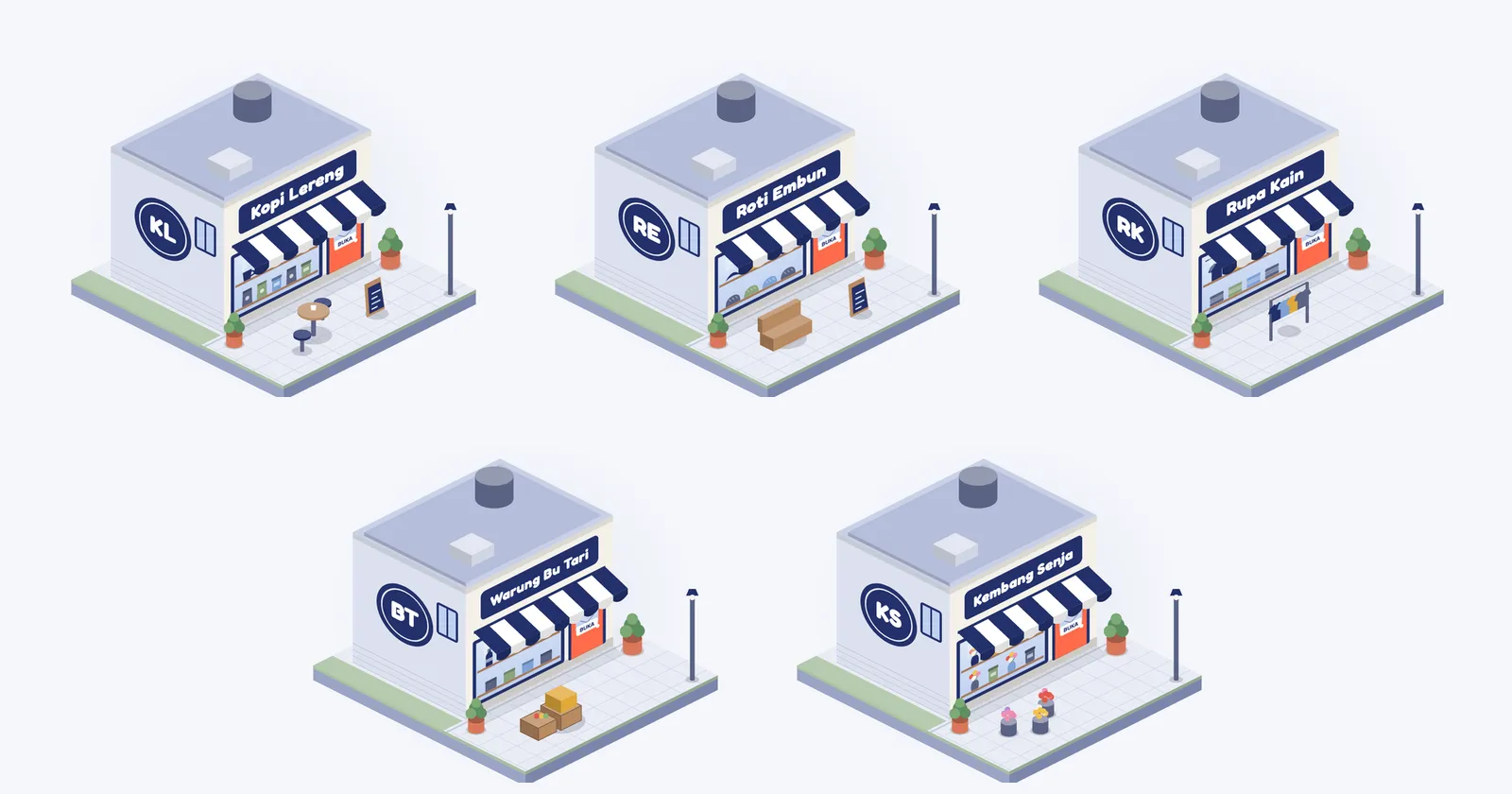
- HTML template: an isometric SVG diorama drawn from data for a cafe, bakery, boutique, grocery, florist
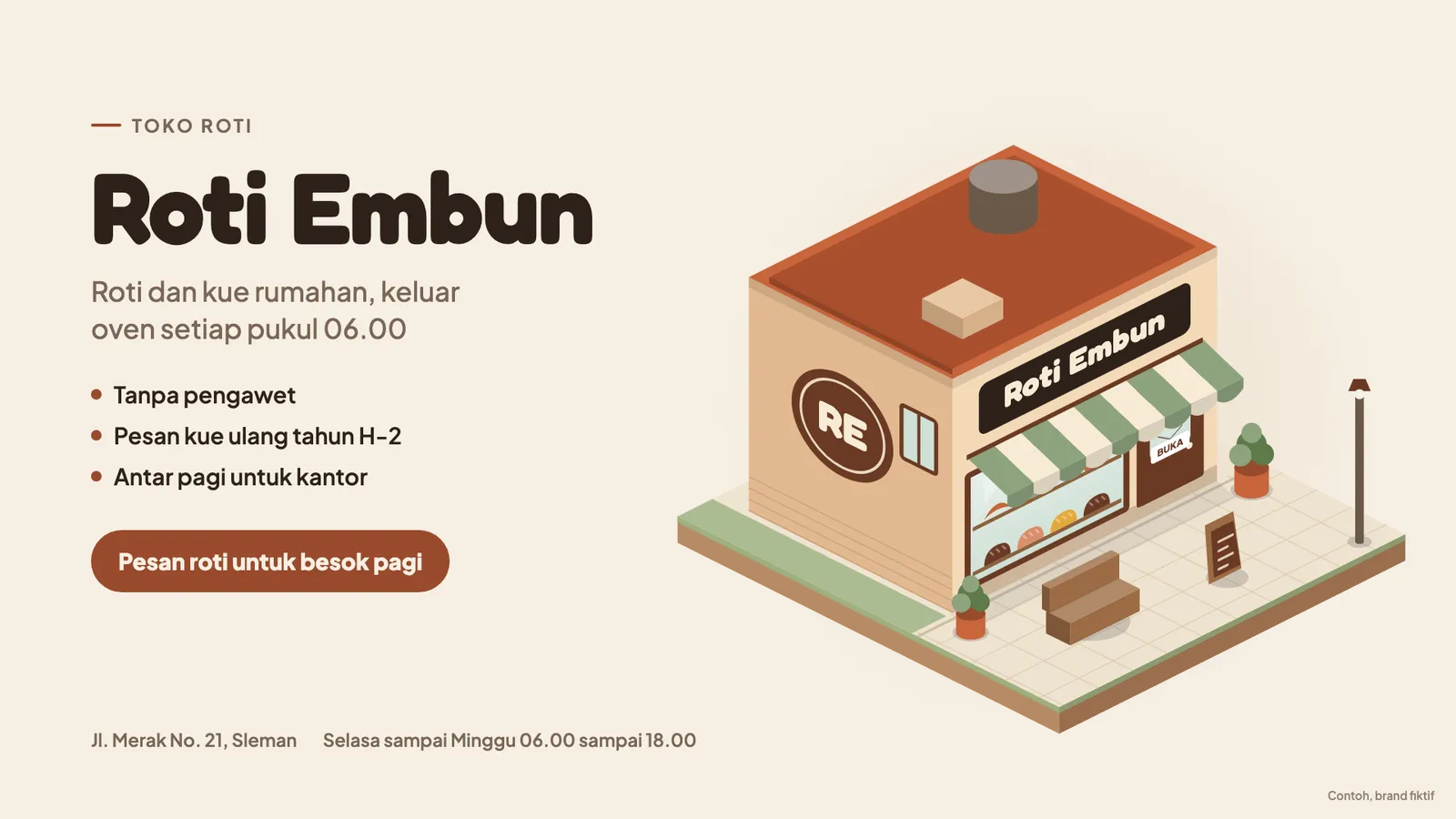
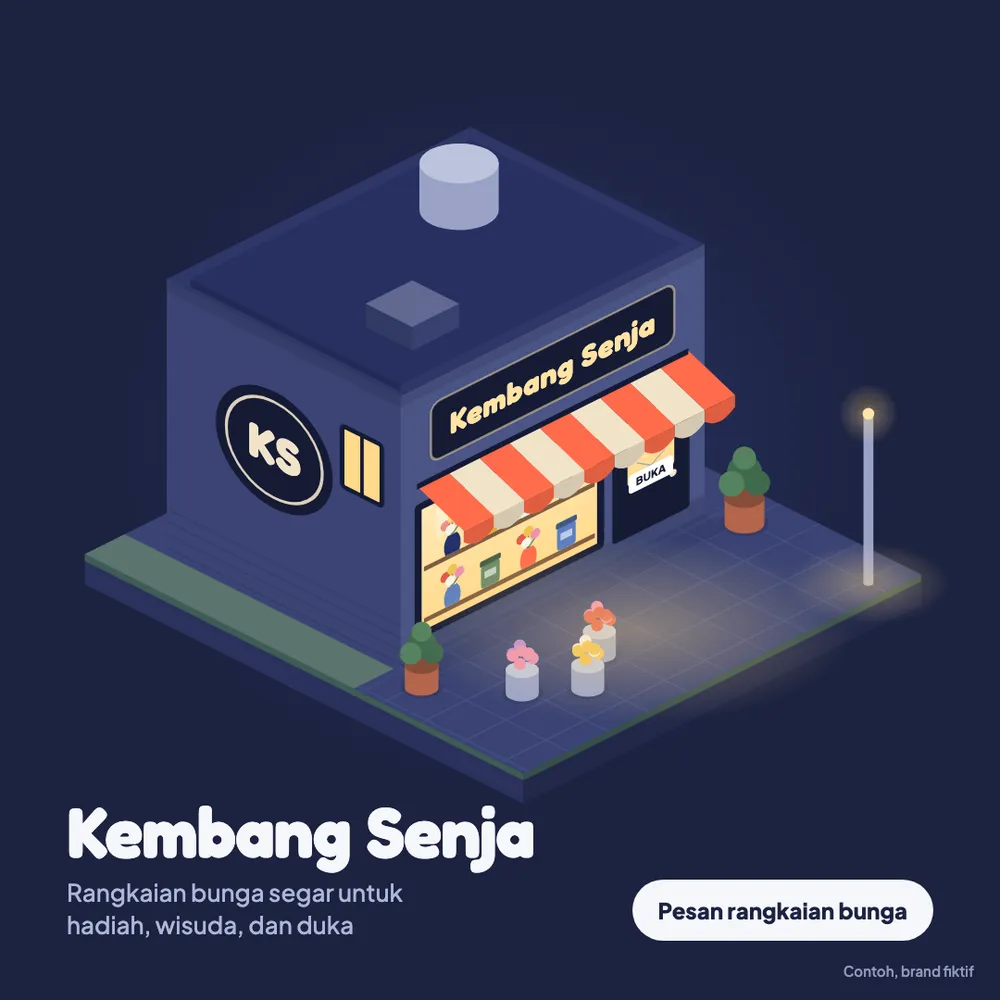
- A 1080x1350 profile card, a 1080x1080 square post, a 1920x1080 banner, plus a check sheet
- 3 palettes (city, warm, night with lights on), and a name sign that shrinks to fit
Good fit
- Businesses without a good shop photo for profiles and social covers
- Cafes, bakeries, boutiques, grocers, and florists wanting "meet our shop" content
- Brands wanting one consistent shop illustration across seasons and times of day
Not for
- Not a real photo of your shop; the result is an illustration
- The SVG template covers 5 built-in shop types; other types go through the AI image prompt route
- The AI image never writes the shop name; it is always added in HTML to avoid misspelling
About this skill
/diorama-isometrik-toko Make an isometric diorama for Bu Tini's Warm Bakery: red striped awning, a window full of bread, a bicycle out front, in morning, dusk, and night versions
Show more
A miniature isometric shop illustration for business profiles and branding posts: a one-storey building on a pavement base, a name sign, a striped awning, a display window with products, a door, and items out front. Two routes: AI image prompts with a scene lock and a style lock repeated word for word (main view, three times of day, a window close-up, a seasonal version), or an HTML template that draws the diorama as SVG from data for 5 shop types and lays it out as a profile card, a square post, and a banner. The shop name always comes from HTML, never from the AI image.
User reviews
FAQ
What is the difference between the AI prompt and template routes?
The prompt route gives 6 AI image prompts with repeated scene and style locks so the shop stays the same. The template route draws an SVG diorama from data with no AI image at all.
Why repeat the scene lock word for word?
AI image tools easily change small details. Repeating the same text in every prompt keeps the morning, dusk, and night shops looking like the same place.
Which AI can I use it with?
Copy the prompt into a chat AI (ChatGPT, Claude, Gemini, DeepSeek); or download the ZIP and install it in an AI agent (Claude Code, Codex, Antigravity, Hermes Agent, Cursor, GitHub Copilot, Gemini CLI, OpenCode, Kimi Code, Trae), which then builds the files for you.
What is in the ZIP?
One folder named diorama-isometrik-toko with SKILL.md (the instructions an AI agent reads) and the prompt, 5 files in all. Extract it into your agent's skills folder, or install it with npx skillflow-ai add diorama-isometrik-toko. Pro only.
Is there a per-use fee or credits?
Not from SkillFlow. The skill runs on the AI you already use (and, for image prompts, the image AI you pick), so any cost follows that plan.
Which plan includes it?
Basic and Pro. Basic copies the prompt; Pro also downloads the ZIP, sends to AI, installs into agents and shares results by link.
Can I use my own colours and brand?
Yes. Pick a colour theme on this page, or fill in your brand profile once; both go into the prompt you copy and into the ZIP.
Can I share what I made?
Pro members can upload the result and get a page at share.skillflow.ai.id to send to anyone. The page carries a small "Made with SkillFlow AI" mark.
Is there a download limit?
Yes, per day: 50 skills on Pro, 10 on other plans. Downloading a skill again on the same day does not count.



