

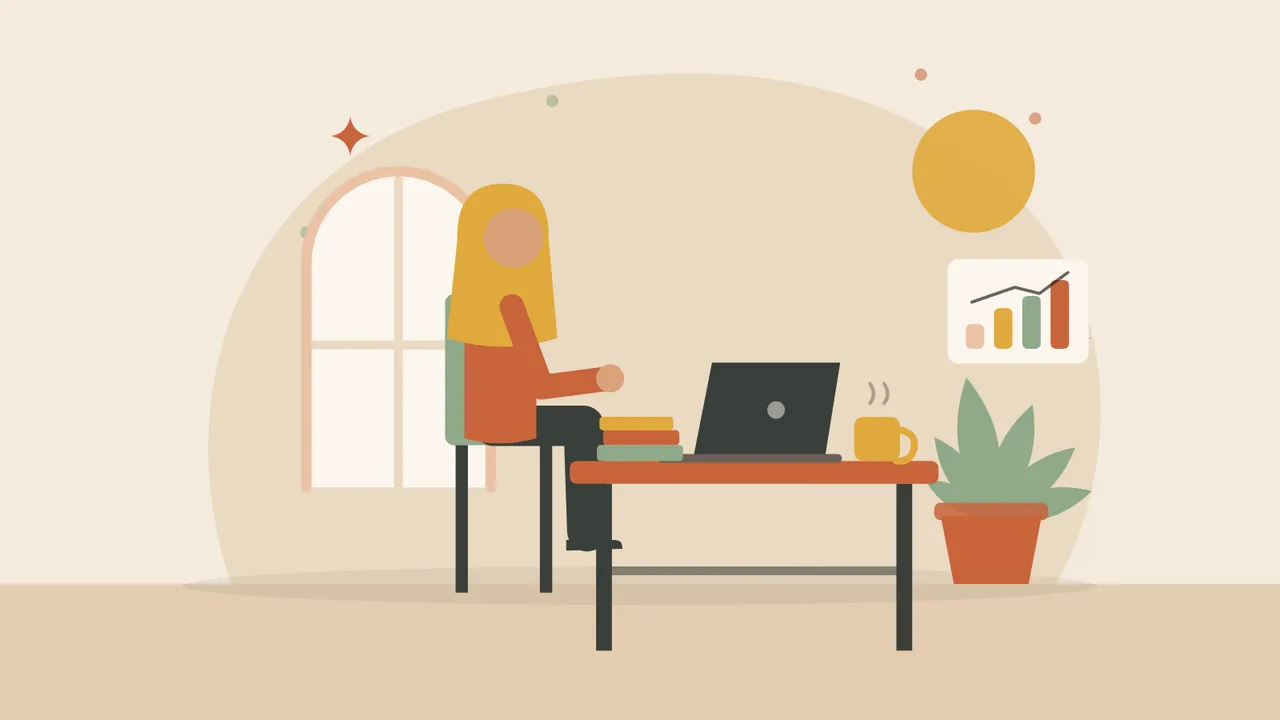
Blog header 1600x900, laptop work scene, warm palette
SKILL.md contents
Premium subscribers can read, copy, and install this skill.
Unlock with Premium Sign inArticle Header Illustration
Description
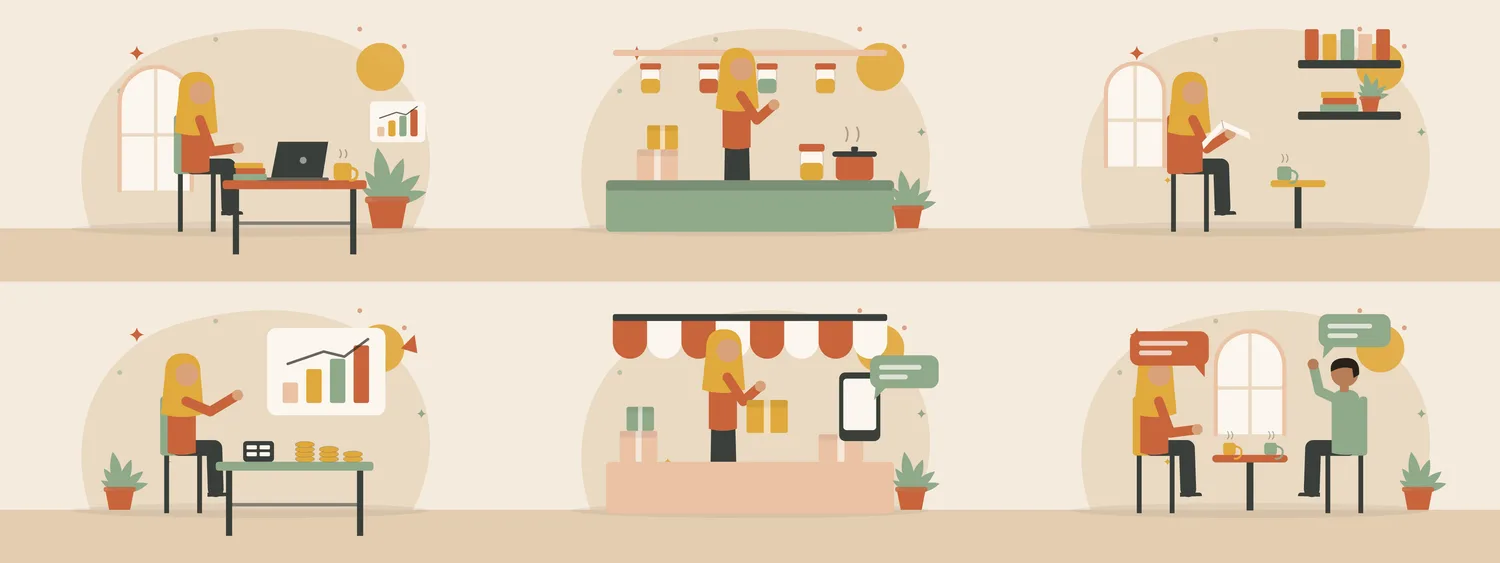
Warm flat vector illustrations for blog article headers, newsletters, and link previews, chosen from what the article title is about: faceless people, simple furniture, organic shapes behind, in a terracotta, mustard, and sage palette. Two routes: AI image prompts with one style lock reused for every article so the blog looks consistent, or an HTML template that draws 6 built-in SVG scenes (laptop work, home kitchen business, studying, money, shop counter, conversation) as a blog header, a 1200x630 link preview, a square, and a banner, with or without the article title.
Verified by SkillFlow
We checked every file in this skill automatically: no command that downloads and runs a program, no hidden code, no instruction telling your AI to ignore you.
- Loads from outside
- Fonts: Google Fonts
See the 5 files inside
skill.json7 KBSKILL.md8 KBprompt.md3 KBprompt.en.md3 KBfiles/header.html19 KB
Checked 14 Nov 2026
Included in Basic and Pro
Basic copies the prompt. Pro also downloads the ZIP, sends to AI, installs into agents, and opens every category.
Get Pro Get Basic Already subscribed? Sign inWhat you get
- A title-to-scene map: visual metaphor, objects, and number of people from the article title
- AI image prompts: a scene lock + a style lock repeated word for word across the whole article series
- An HTML template that draws 6 built-in SVG scenes from one data object (people, skin, hair, clothes)
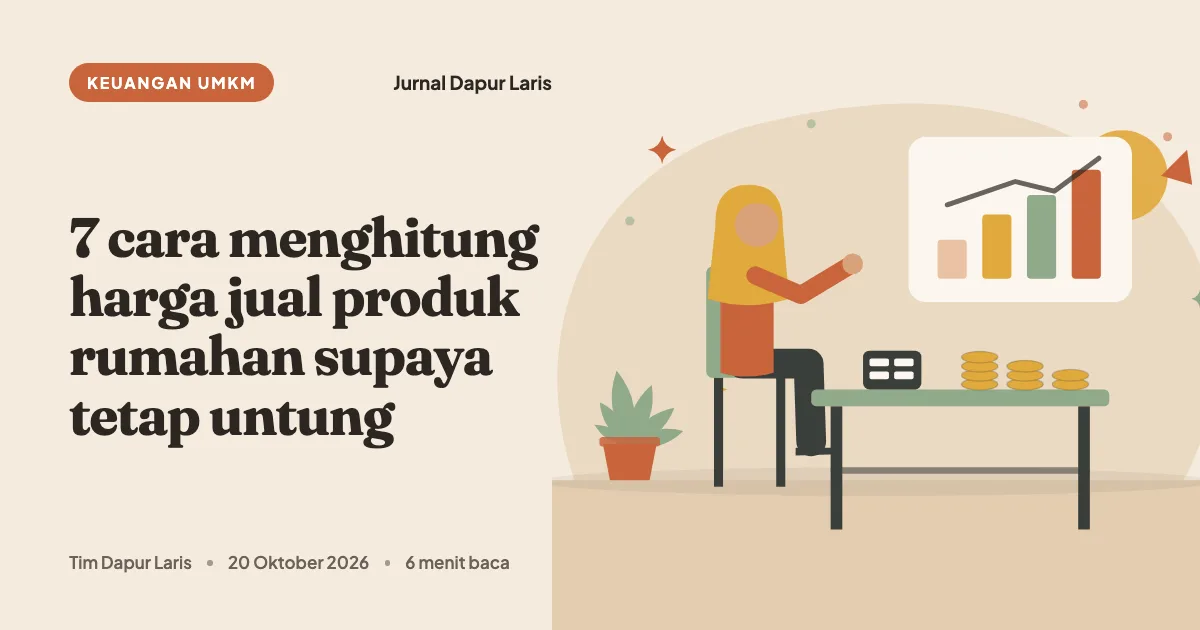
- PNG blog header 1600x900, link preview 1200x630, square 1080x1080, banner 1920x640
- A version with the article title, category, blog name, and reading info; the title always comes from HTML, never from AI
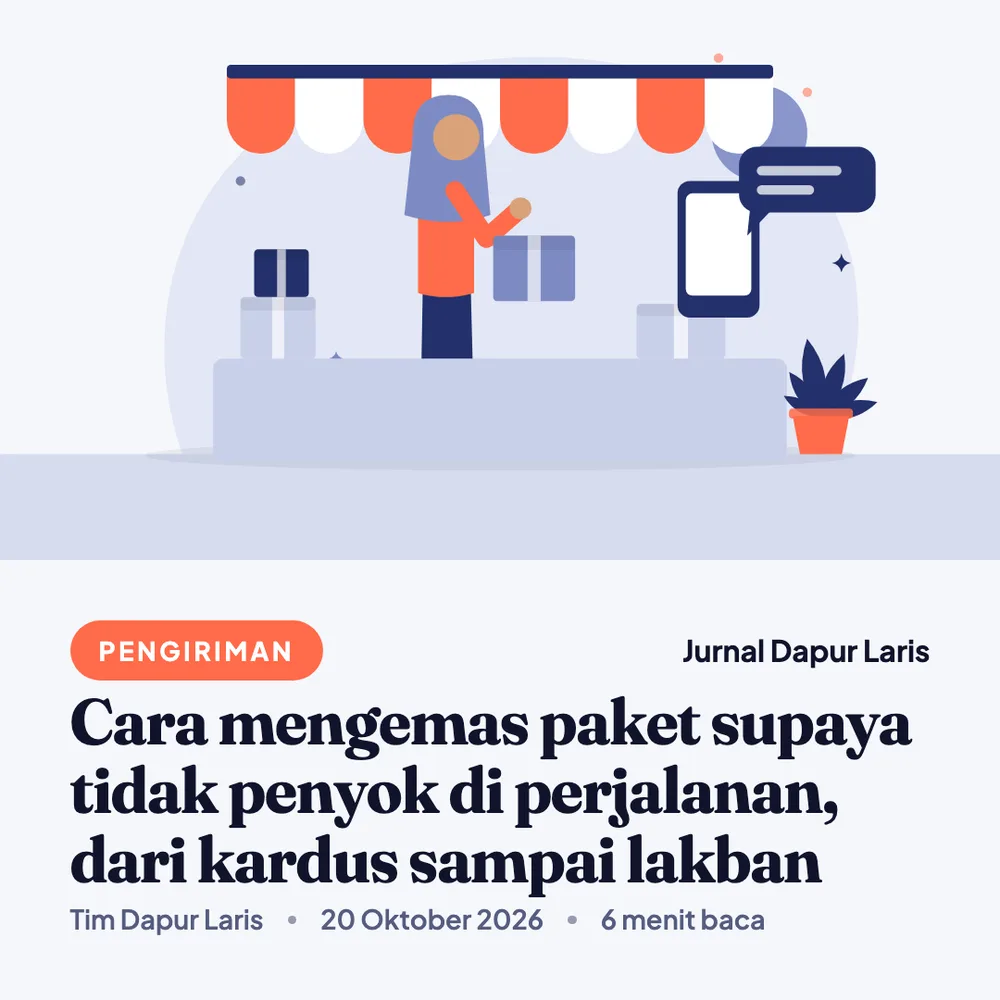
- 3 palettes: warm (terracotta, mustard, sage), city indigo, dusk
Good fit
- Blog and newsletter owners who want every article in one style
- Businesses writing educational articles that need link preview images
- Writers without relevant photos for each article
Not for
- The SVG template has 6 built-in scenes; other scenes go through the AI image prompt route
- People in the illustrations are faceless and don't depict real people
- Titles are always added in HTML, never written by the AI image
About this skill
/ilustrasi-header-artikel Make a header illustration for the Catatan Usaha Rumahan blog post "How to Separate Personal and Business Money", in blog header and link preview sizes
Show more
Warm flat vector illustrations for blog article headers, newsletters, and link previews, chosen from what the article title is about: faceless people, simple furniture, organic shapes behind, in a terracotta, mustard, and sage palette. Two routes: AI image prompts with one style lock reused for every article so the blog looks consistent, or an HTML template that draws 6 built-in SVG scenes (laptop work, home kitchen business, studying, money, shop counter, conversation) as a blog header, a 1200x630 link preview, a square, and a banner, with or without the article title.
User reviews
FAQ
Which scenes are built in?
Laptop work, small business kitchen, studying, finances, shop, and chatting. People, skin tones, hair, and clothing are set from one data object.
How do I keep the style consistent across articles?
Use the same style lock in every AI image prompt and the same palette in the template. The title to scene map helps pick each article's visual metaphor.
Which AI can I use it with?
Copy the prompt into a chat AI (ChatGPT, Claude, Gemini, DeepSeek); or download the ZIP and install it in an AI agent (Claude Code, Codex, Antigravity, Hermes Agent, Cursor, GitHub Copilot, Gemini CLI, OpenCode, Kimi Code, Trae), which then builds the files for you.
What is in the ZIP?
One folder named ilustrasi-header-artikel with SKILL.md (the instructions an AI agent reads) and the prompt, 5 files in all. Extract it into your agent's skills folder, or install it with npx skillflow-ai add ilustrasi-header-artikel. Pro only.
Is there a per-use fee or credits?
Not from SkillFlow. The skill runs on the AI you already use (and, for image prompts, the image AI you pick), so any cost follows that plan.
Which plan includes it?
Basic and Pro. Basic copies the prompt; Pro also downloads the ZIP, sends to AI, installs into agents and shares results by link.
Can I use my own colours and brand?
Yes. Pick a colour theme on this page, or fill in your brand profile once; both go into the prompt you copy and into the ZIP.
Can I share what I made?
Pro members can upload the result and get a page at share.skillflow.ai.id to send to anyone. The page carries a small "Made with SkillFlow AI" mark.
Is there a download limit?
Yes, per day: 50 skills on Pro, 10 on other plans. Downloading a skill again on the same day does not count.



