

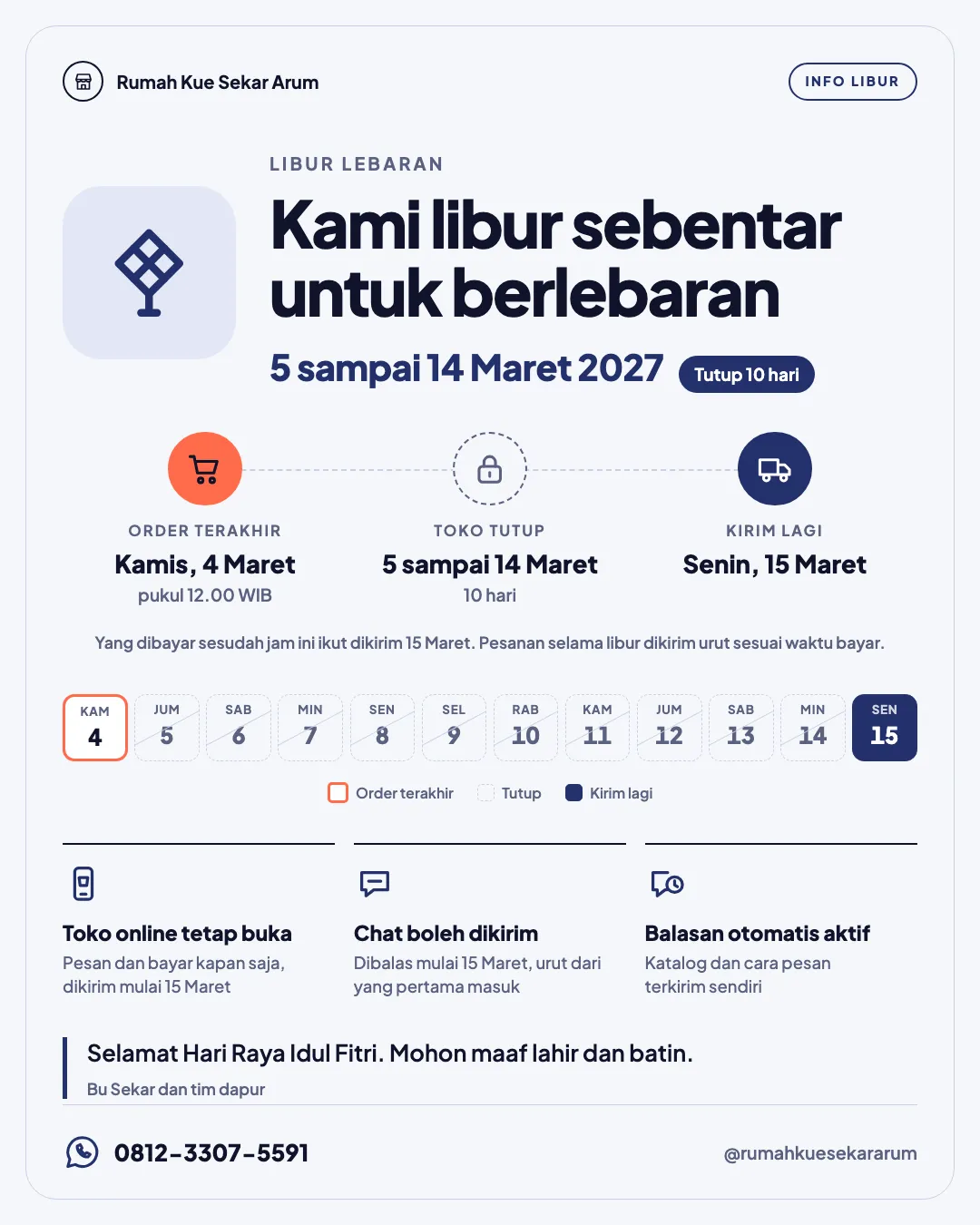
Feed 4:5 holiday closure: three-point timeline, 12-day calendar, three channels, message
SKILL.md contents
Premium subscribers can read, copy, and install this skill.
Unlock with Premium Sign inStore Closure Notice
Description
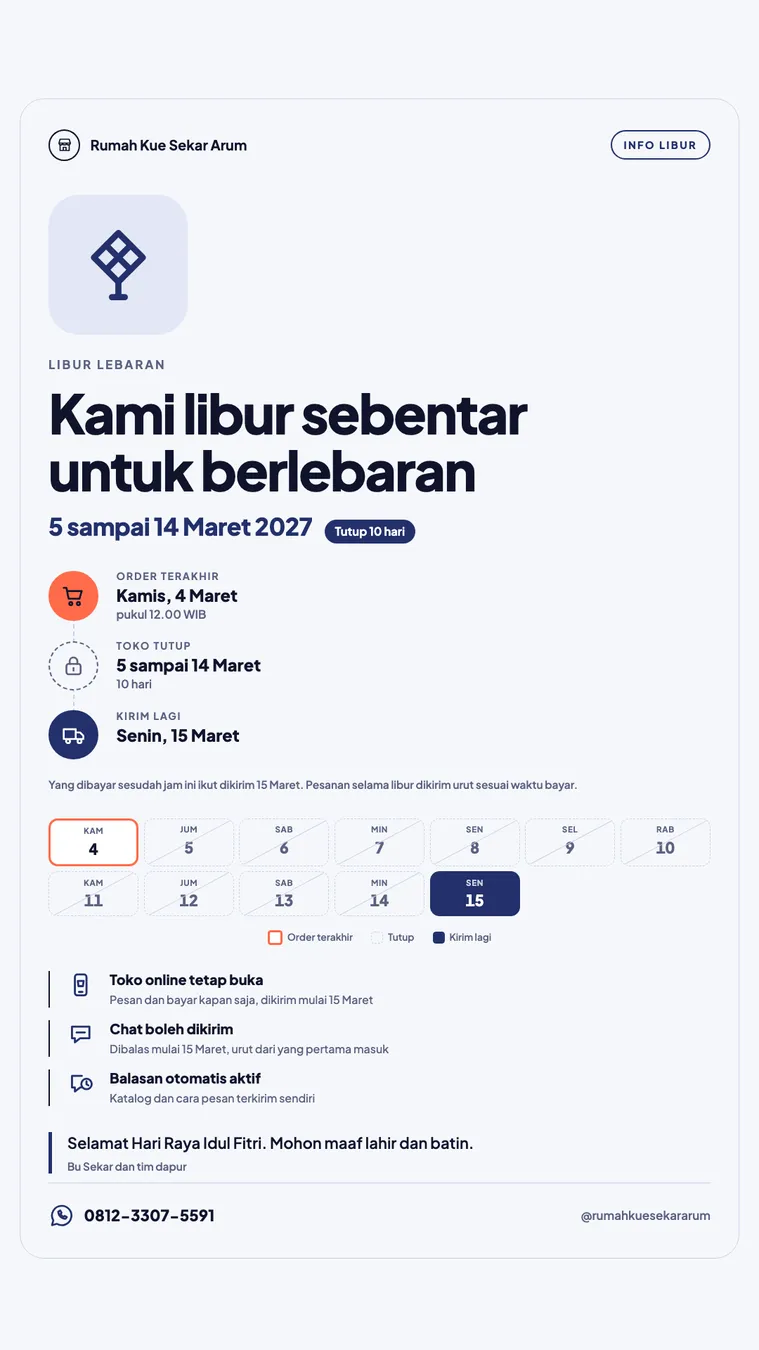
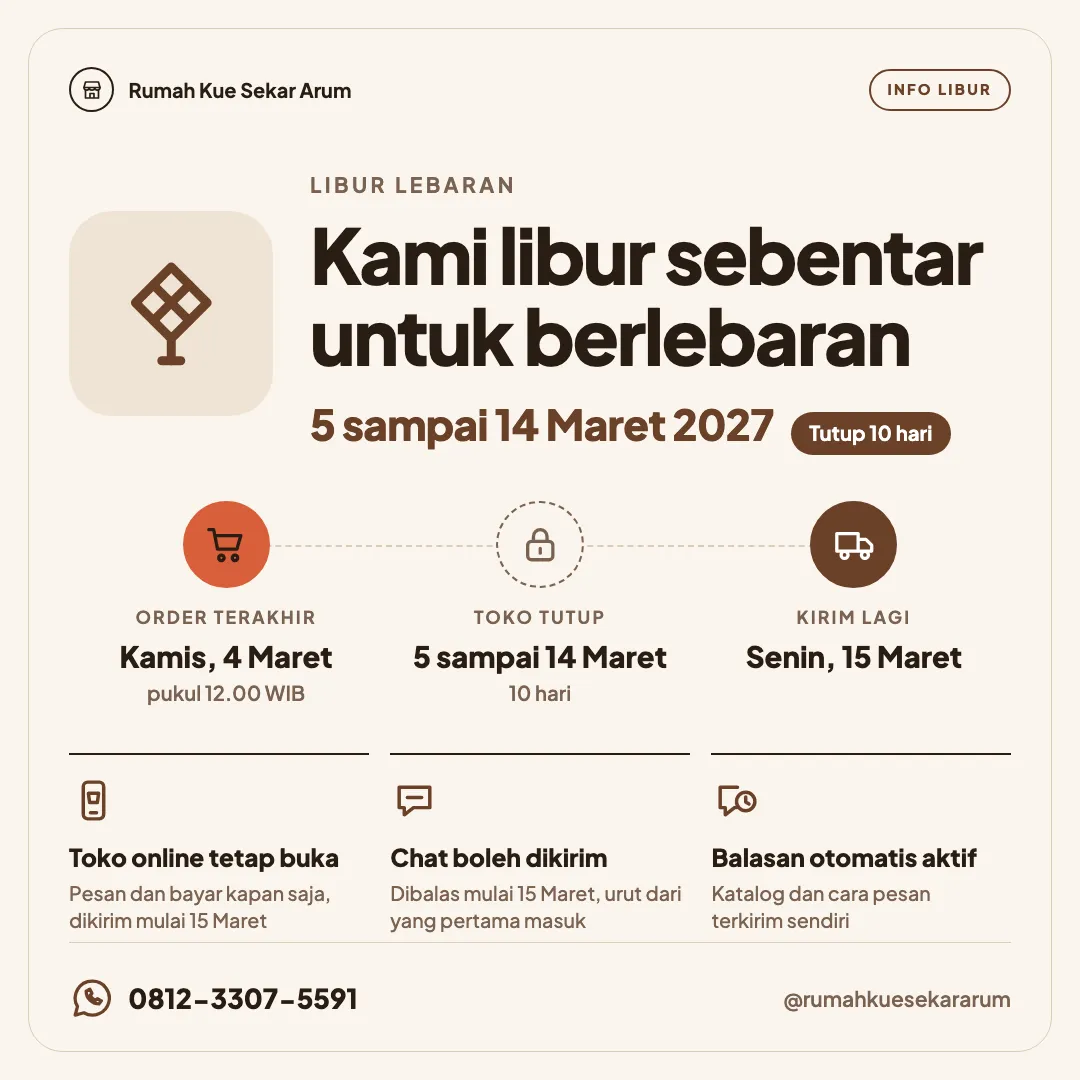
A calm line-style store closure card for feed posts and stories: the reason (holiday, company leave, stock take), the closing dates with the day count worked out for you, the last order cut-off with its time, when shipping resumes, a three-point timeline, a calendar strip of closed days, what keeps working such as chats answered after the break and an auto-reply, a closing message, and WhatsApp. Sizes 1080x1080, 1080x1350, and 1080x1920, exported as PNG.
Verified by SkillFlow
We checked every file in this skill automatically: no command that downloads and runs a program, no hidden code, no instruction telling your AI to ignore you.
- Loads from outside
- Fonts: Google Fonts
See the 5 files inside
skill.json9 KBSKILL.md6 KBprompt.md4 KBprompt.en.md4 KBfiles/kartu.html23 KB
Checked 14 Nov 2026
Included in Basic and Pro
Basic copies the prompt. Pro also downloads the ZIP, sends to AI, installs into agents, and opens every category.
Get Pro Get Basic Already subscribed? Sign inWhat you get
- Card text: reason label, 3 title options, cut-off and shipping notes, working channels, message
- Square 1080x1080, feed 1080x1350 and story 1080x1920 cards from one data object
- A Last order, Shop closed, Shipping again timeline with day names and day count worked out
- A calendar strip from the last order day to shipping again, closed days struck through
- Up to 3 channels that keep working, with single-weight line icons
- An automatic report for clashing dates, placeholders and content that does not fit
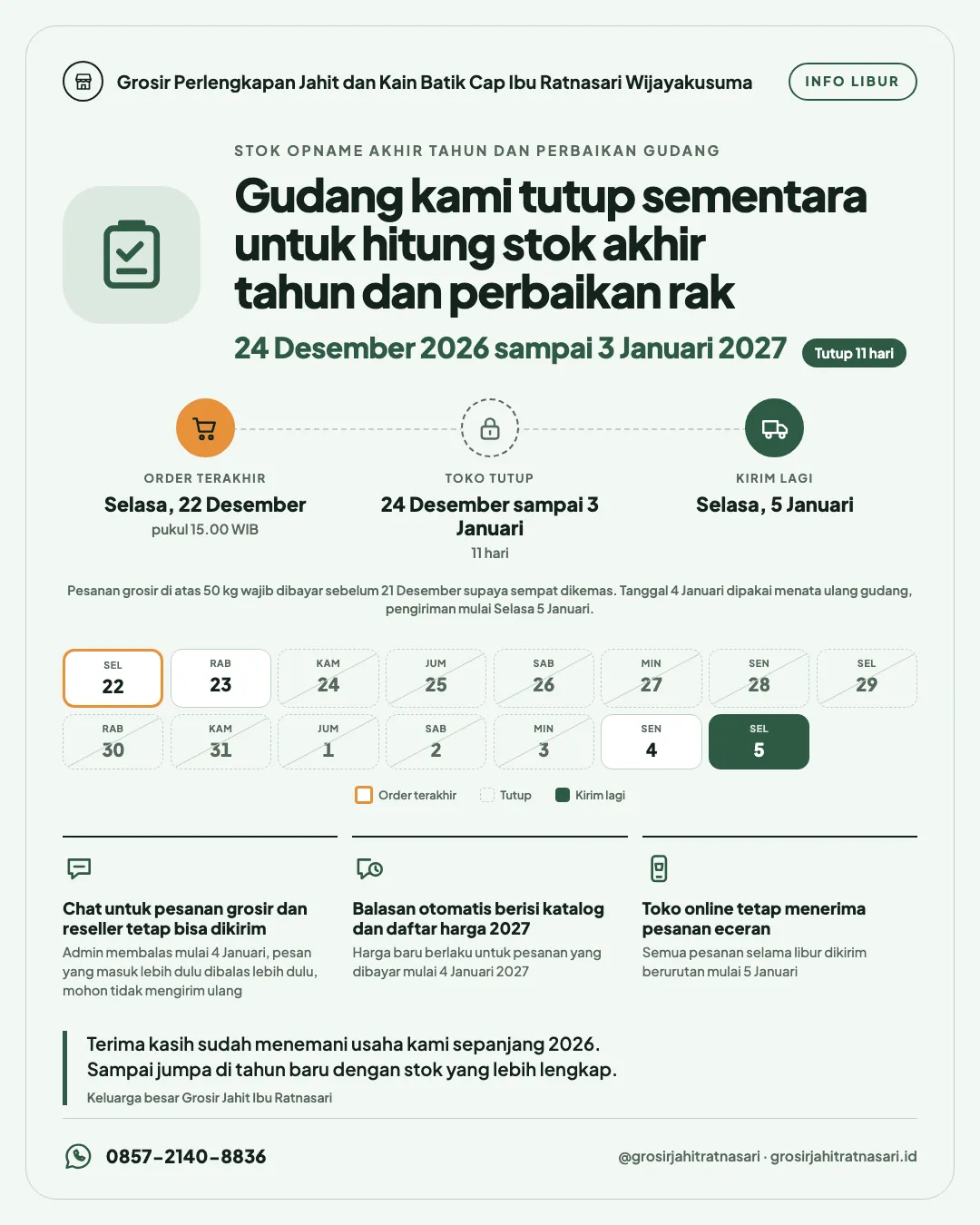
- 3 palettes (city, sage, sand), 4 reason icons, PNG from an HTML template you can edit again
Good fit
- Online shops, caterers, and services closing for holidays, year end, or company leave
- Warehouses and wholesalers closing for a stock take
- Sellers who need one image for the feed, stories, highlights, and the chat auto-reply
Not for
- One still card, not a carousel or video; opening hours that differ every day suit a carousel better
- It does not know public holiday dates; the dates must come from you
- It does not set up the auto-reply in your chat app; only the card and its text are prepared
- The calendar strip is hidden on the square size and for breaks longer than 21 days
About this skill
/kartu-info-libur-toko Make a holiday closure card for my bakery: closed 5 to 14 March 2027, last orders Thursday 4 March at 12:00, shipping again on 15 March, chats answered after the break, for a feed post and a story
Show more
A calm line-style store closure card for feed posts and stories: the reason (holiday, company leave, stock take), the closing dates with the day count worked out for you, the last order cut-off with its time, when shipping resumes, a three-point timeline, a calendar strip of closed days, what keeps working such as chats answered after the break and an auto-reply, a closing message, and WhatsApp. Sizes 1080x1080, 1080x1350, and 1080x1920, exported as PNG.
User reviews
FAQ
Why is only the order cut-off in the accent colour?
Because it is the one thing customers have to act on. The closing and shipping dates only need to be known, while the cut-off decides whether their order still ships before the break.
Do I have to type the day names and the number of days?
No. Just write the first and last closed day, the cut-off, and the shipping date as year-month-day. Day names, the range, the day count, and the calendar are worked out by the template, which also warns you if the cut-off falls on a closed day.
Which AI can I use it with?
Copy the prompt into a chat AI (ChatGPT, Claude, Gemini, DeepSeek); or download the ZIP and install it in an AI agent (Claude Code, Codex, Antigravity, Hermes Agent, Cursor, GitHub Copilot, Gemini CLI, OpenCode, Kimi Code, Trae), which then builds the files for you.
What is in the ZIP?
One folder named kartu-info-libur-toko with SKILL.md (the instructions an AI agent reads) and the prompt, 5 files in all. Extract it into your agent's skills folder, or install it with npx skillflow-ai add kartu-info-libur-toko. Pro only.
Is there a per-use fee or credits?
Not from SkillFlow. The skill runs on the AI you already use (and, for image prompts, the image AI you pick), so any cost follows that plan.
Which plan includes it?
Basic and Pro. Basic copies the prompt; Pro also downloads the ZIP, sends to AI, installs into agents and shares results by link.
Can I use my own colours and brand?
Yes. Pick a colour theme on this page, or fill in your brand profile once; both go into the prompt you copy and into the ZIP.
Can I share what I made?
Pro members can upload the result and get a page at share.skillflow.ai.id to send to anyone. The page carries a small "Made with SkillFlow AI" mark.
Is there a download limit?
Yes, per day: 50 skills on Pro, 10 on other plans. Downloading a skill again on the same day does not count.



