

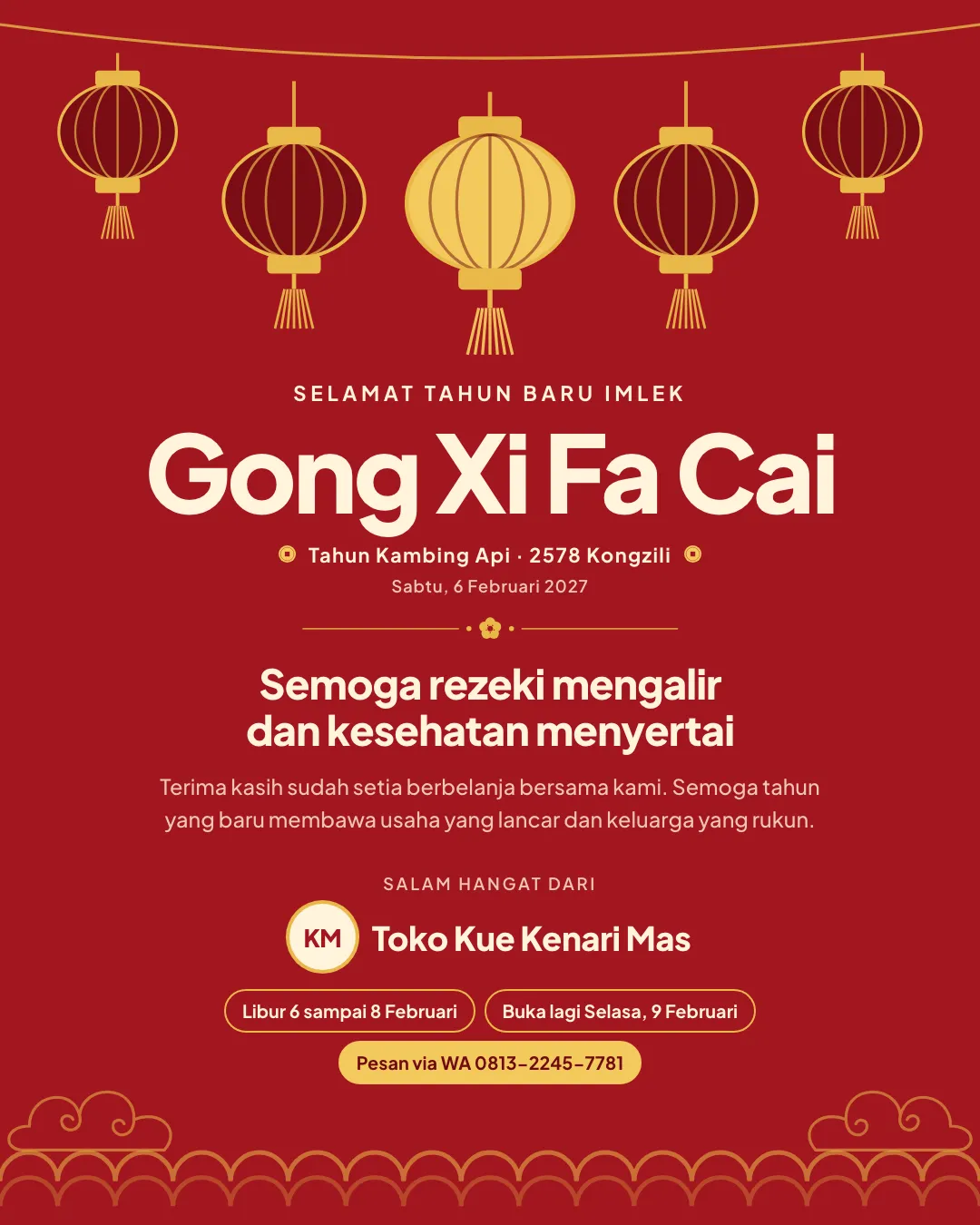
Feed 4:5, red and gold, hanging lanterns, shop card with closing dates
SKILL.md contents
Premium subscribers can read, copy, and install this skill.
Unlock with Premium Sign inLunar New Year Card
Description
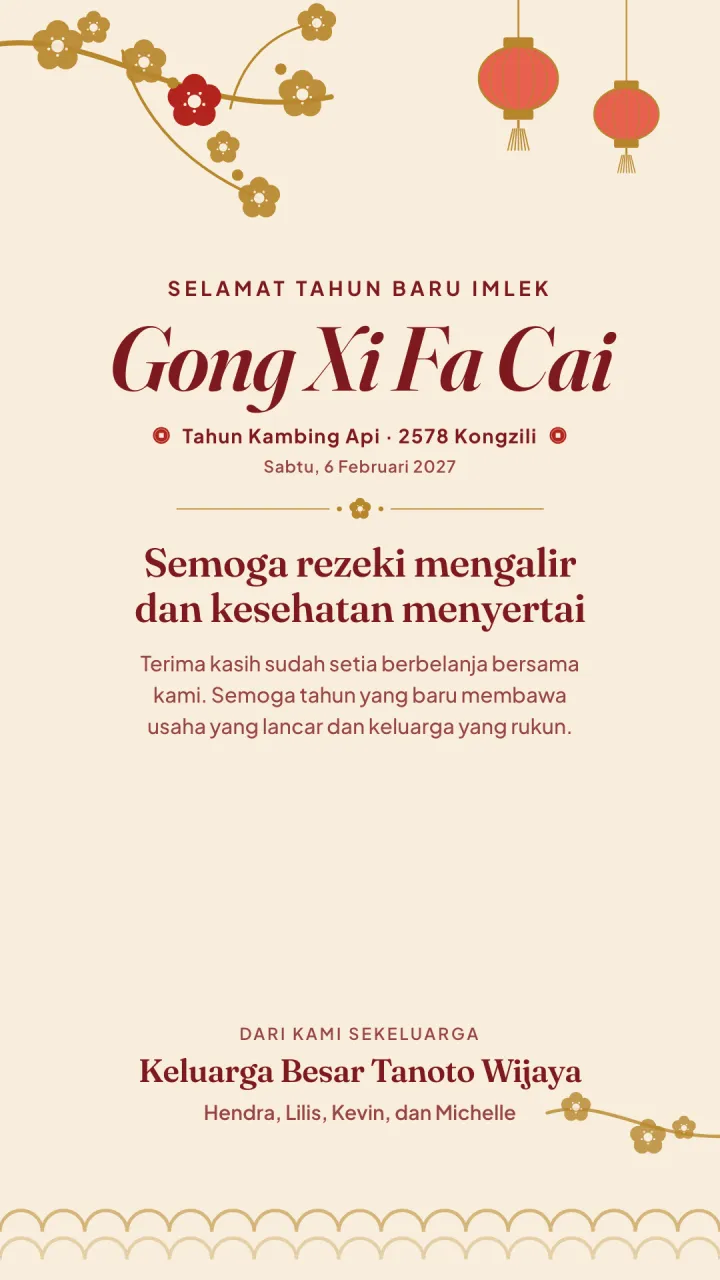
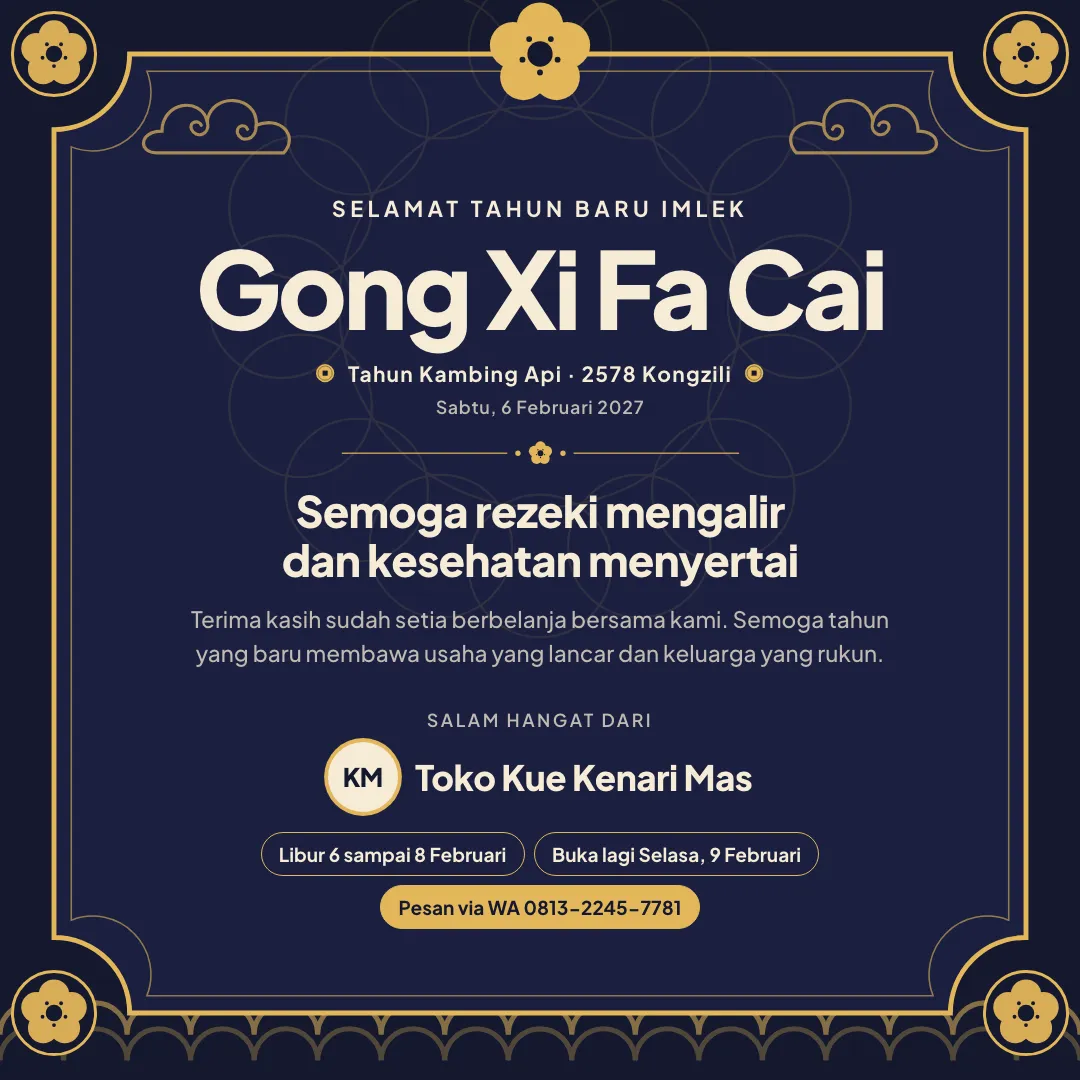
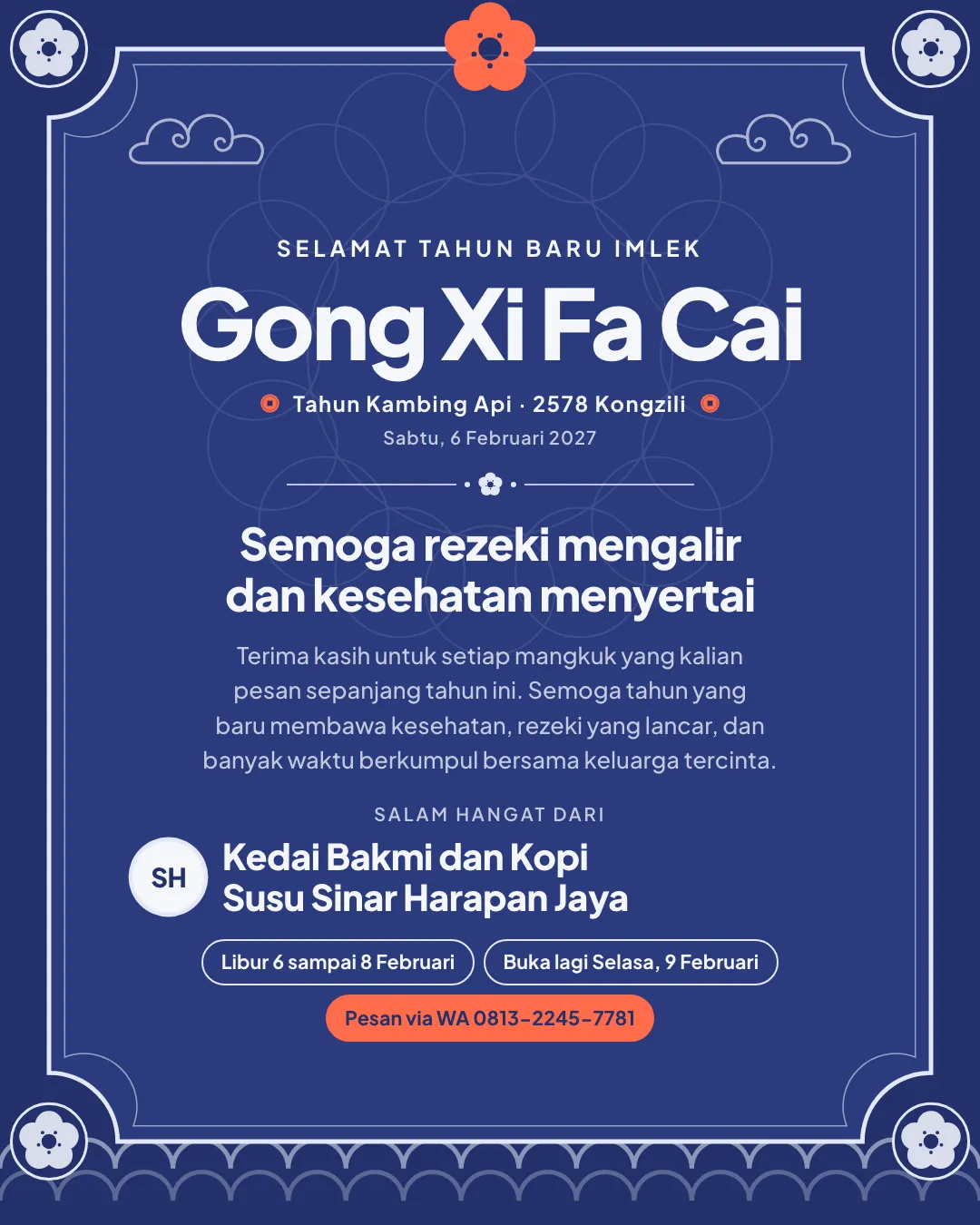
A static Lunar New Year greeting card for feeds, Stories, and chat groups: three self-drawn ornaments (hanging lanterns, a paper-cut frame, a plum blossom branch with lanterns), a large title, and a line with the zodiac animal and element, the year count, and the date of the new year worked out automatically. The bottom block is a shop name with logo, closing dates, reopening, and contact, or a family name with its members. Feed, story, and square from one set of content, exported to PNG. No generated Chinese characters that could be written wrong.
Verified by SkillFlow
We checked every file in this skill automatically: no command that downloads and runs a program, no hidden code, no instruction telling your AI to ignore you.
- Loads from outside
- Fonts: Google Fonts
See the 5 files inside
skill.json7 KBSKILL.md7 KBprompt.md5 KBprompt.en.md5 KBfiles/kartu.html23 KB
Checked 14 Nov 2026
Included in Basic and Pro
Basic copies the prompt. Pro also downloads the ZIP, sends to AI, installs into agents, and opens every category.
Get Pro Get Basic Already subscribed? Sign inWhat you get
- PNG card in 3 sizes from one set of content: feed 1080x1350, story 1080x1920, square 1080x1080
- 3 self-drawn SVG ornaments: hanging lanterns, paper-cut frame, plum blossom branch
- Zodiac animal and element, year count, and the date of the new year worked out from the Gregorian year
- Two sender modes: shop (logo, closing dates, reopening, contact) or family
- 4 palettes (red and gold, cream, night blue, indigo) + 2 type styles
- 3 greeting and wish options + an AI image prompt for a text-free background
Good fit
- Shops and food stalls sending greetings while announcing holiday hours
- Families wanting a neat card for the family chat group
- Hamper and bakery sellers needing a small card to print
Not for
- A still image, not a greeting video
- It does not write Chinese characters or draw zodiac animals
- Not a discount poster; the card deliberately carries no prices
- Public holidays are not guessed; you enter the shop's closing dates
About this skill
/kartu-ucapan-imlek Make a 2027 Lunar New Year card from Kenari Mas Bakery with lanterns, closed 6 to 8 February, reopening Tuesday 9 February, with the shop's contact
Show more
A static Lunar New Year greeting card for feeds, Stories, and chat groups: three self-drawn ornaments (hanging lanterns, a paper-cut frame, a plum blossom branch with lanterns), a large title, and a line with the zodiac animal and element, the year count, and the date of the new year worked out automatically. The bottom block is a shop name with logo, closing dates, reopening, and contact, or a family name with its members. Feed, story, and square from one set of content, exported to PNG. No generated Chinese characters that could be written wrong.
User reviews
FAQ
Are the zodiac animal and year count worked out for me?
Yes. Enter the Gregorian year. The template writes the animal and element (2027: Year of the Fire Goat), the year count, and the date of the new year with its weekday. Each can be overridden.
Why are there no Chinese characters on the card?
Fonts and image AI often produce characters that are wrong or meaningless, which is embarrassing on a greeting card. If you want them, place an image of characters you have checked yourself.
Which AI can I use it with?
Copy the prompt into a chat AI (ChatGPT, Claude, Gemini, DeepSeek); or download the ZIP and install it in an AI agent (Claude Code, Codex, Antigravity, Hermes Agent, Cursor, GitHub Copilot, Gemini CLI, OpenCode, Kimi Code, Trae), which then builds the files for you.
What is in the ZIP?
One folder named kartu-ucapan-imlek with SKILL.md (the instructions an AI agent reads) and the prompt, 5 files in all. Extract it into your agent's skills folder, or install it with npx skillflow-ai add kartu-ucapan-imlek. Pro only.
Is there a per-use fee or credits?
Not from SkillFlow. The skill runs on the AI you already use (and, for image prompts, the image AI you pick), so any cost follows that plan.
Which plan includes it?
Basic and Pro. Basic copies the prompt; Pro also downloads the ZIP, sends to AI, installs into agents and shares results by link.
Can I use my own colours and brand?
Yes. Pick a colour theme on this page, or fill in your brand profile once; both go into the prompt you copy and into the ZIP.
Can I share what I made?
Pro members can upload the result and get a page at share.skillflow.ai.id to send to anyone. The page carries a small "Made with SkillFlow AI" mark.
Is there a download limit?
Yes, per day: 50 skills on Pro, 10 on other plans. Downloading a skill again on the same day does not count.



