

Rendered sample video
SKILL.md contents
Premium subscribers can read, copy, and install this skill.
Unlock with Premium Sign inKinetic Quote
Description
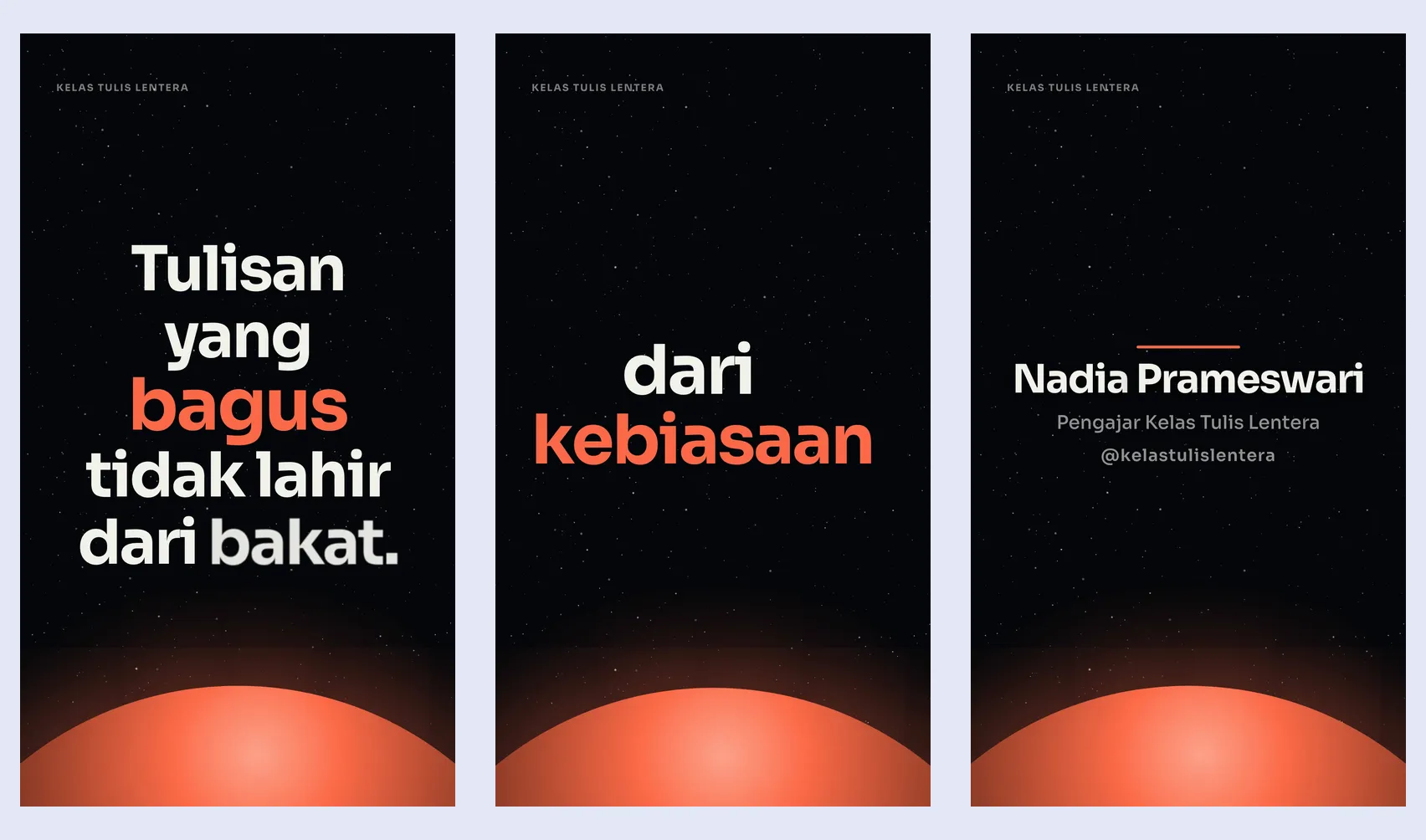
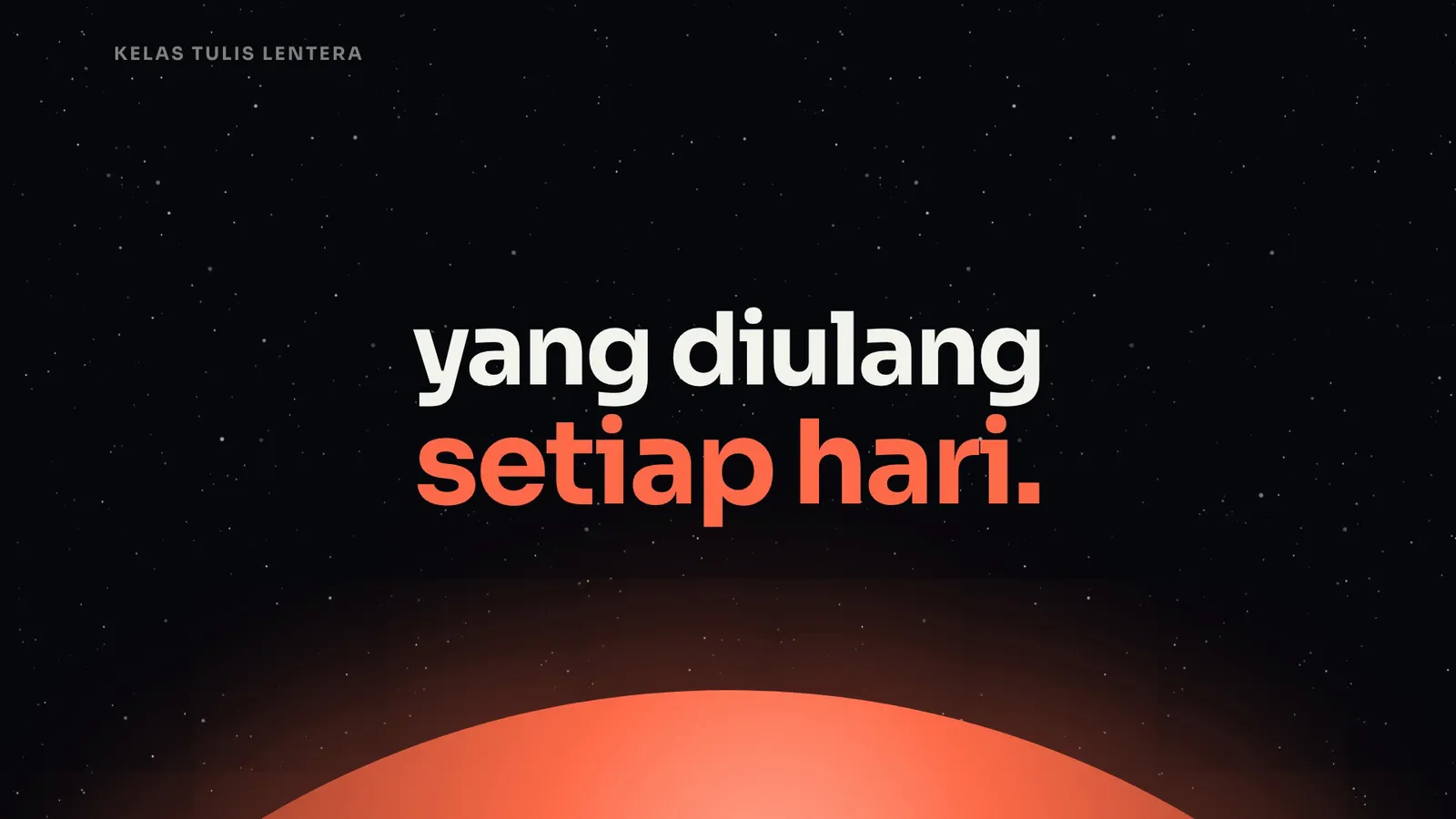
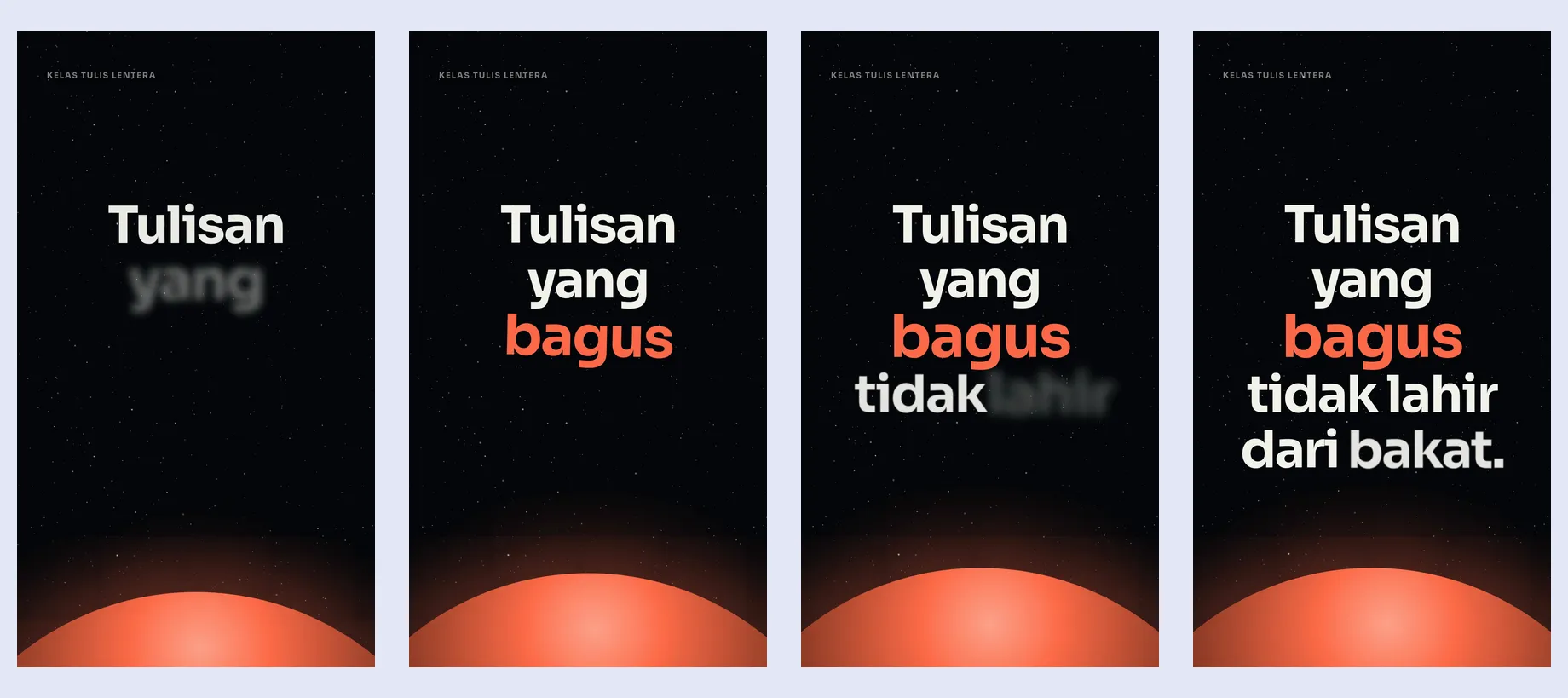
Turn one quote, short tip, or brand line into a 15-45 second kinetic typography video with no voice over, built by the agent on your computer: words appear one by one at a reading pace of about 2.5 words per second, pauses at commas and full stops, key words grow larger in the accent colour, some screens use one big word at a time, then the author's name and handle at the end. The last moment fades back into the first frame so the video loops on Reels, TikTok, and Story without a visible seam. 9:16 and 16:9 MP4, six themes, home-made sound effects.
Verified by SkillFlow
We checked every file in this skill automatically: no command that downloads and runs a program, no hidden code, no instruction telling your AI to ignore you.
Good to know: Starts programs on the computer (files/alat/motion-cut.mjs), Starts programs on the computer (files/alat/motion-mix.mjs), Starts programs on the computer (files/alat/motion-render.mjs), Starts programs on the computer (files/alat/motion-sfx.mjs), Starts programs on the computer (files/alat/motion-transcribe.mjs) . These are tools that run on your own computer when you ask your agent to use them.
- Loads from outside
- Fonts: Google Fonts
See the 13 files inside
skill.json8 KBSKILL.md8 KBprompt.md3 KBprompt.en.md3 KBfiles/alat/kit-lib.mjs7 KBfiles/alat/motion-check.mjs9 KBfiles/alat/motion-cut.mjs12 KBfiles/alat/motion-mix.mjs8 KBfiles/alat/motion-render.mjs9 KBfiles/alat/motion-sfx.mjs2 KBfiles/alat/motion-transcribe.mjs6 KBfiles/alat/package.json1 KBfiles/video.html118 KB
Checked 14 Nov 2026
Part of SkillFlow Pro
Pro opens every skill in every category: copy, ZIP, Send to AI, install, save, and request new skills.
Get Pro Already subscribed? Sign inWhat you get
- The text split into screens and beats with key words marked, shown before rendering
- 9:16 1080x1920 and/or 16:9 1920x1080 MP4, 30 fps, 15-45 seconds
- Word timing calculated from a reading pace, with a warning when a screen changes before it can be read
- An ending that joins back to the start for looping
- Home-made sound effects on each screen and key word, your own music optional
- 6 themes with two swappable brand colours, an HTML template for the next quote
Good fit
- Teachers and creators who regularly share quotes or short tips
- Brands that want their slogan or product promise as a short video
- Social media admins who need Story and Reels content without recording a face or voice
- Writers, coaches, and speakers who want their signature line easy to share
Not for
- It does not write quotes or verify who originally said them: you supply the text
- Not for long text: 10-40 words works best, about 16 words per screen at most
- No voice over and no sync to a song; the rhythm comes from a reading pace
- It does not run in an ordinary web chat: it needs an agent that can run programs on your computer
About this skill
/kutipan-kinetik Make a looping 9:16 kinetic quote video from this sentence for my writing class Reels
Show more
Turn one quote, short tip, or brand line into a 15-45 second kinetic typography video with no voice over, built by the agent on your computer: words appear one by one at a reading pace of about 2.5 words per second, pauses at commas and full stops, key words grow larger in the accent colour, some screens use one big word at a time, then the author's name and handle at the end. The last moment fades back into the first frame so the video loops on Reels, TikTok, and Story without a visible seam. 9:16 and 16:9 MP4, six themes, home-made sound effects.
User reviews
FAQ
How is the word speed decided?
The engine times each word from a reading pace (2.5 words per second by default) and adds pauses at commas, full stops, and before key words. If a screen changes less than 0.9 seconds after its last word appears, the automatic check rejects it before rendering.
Does it really loop without a visible seam?
The final moment fades back into the background of the first frame, before any text appears. Measured on the sample video, the last and first frames differ by only about 0.5%, so there is no visible jump when it repeats.
How long does rendering take?
A 20-second video takes about 10-15 seconds per format on a fast computer; an ordinary laptop can take 3-5 times longer. It needs Node, a browser, and ffmpeg, plus internet while rendering for the fonts.
Which AI can I use it with?
Download the ZIP and install it in an AI agent (Claude Code, Codex, Antigravity, Hermes Agent, Cursor, GitHub Copilot, Gemini CLI, OpenCode, Kimi Code, Trae), which then builds the files for you.
What is in the ZIP?
One folder named kutipan-kinetik with SKILL.md (the instructions an AI agent reads) and the prompt, 13 files in all. Extract it into your agent's skills folder, or install it with npx skillflow-ai add kutipan-kinetik. Pro only.
Is there a per-use fee or credits?
Not from SkillFlow. The skill runs on the AI you already use (and, if you use an AI voice instead of your own recording, the voice service you pick), so any cost follows that plan.
Which plan includes it?
SkillFlow Pro. It opens every skill in every category.
Can I use my own colours and brand?
Yes. Pick a colour theme on this page, or fill in your brand profile once; both go into the prompt you copy and into the ZIP.
Can I share what I made?
Pro members can upload the result and get a page at share.skillflow.ai.id to send to anyone. The page carries a small "Made with SkillFlow AI" mark.
Is there a download limit?
Yes, per day: 50 skills on Pro, 10 on other plans. Downloading a skill again on the same day does not count.



