

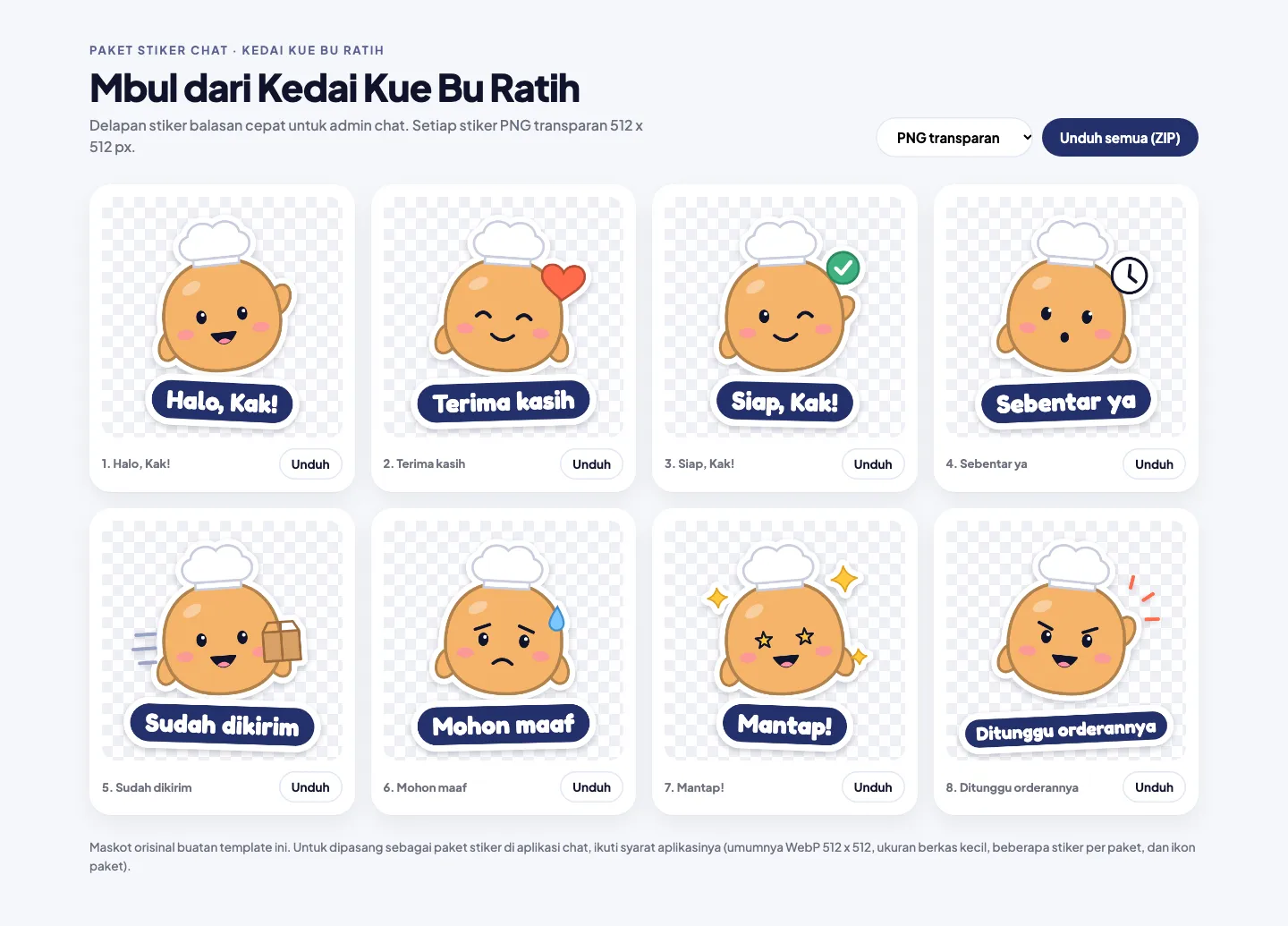
A sheet of 8 mascot stickers for a fictional bakery, ready to download one by one or as a ZIP
SKILL.md contents
Premium subscribers can read, copy, and install this skill.
Unlock with Premium Sign inBrand Chat Sticker Pack
Description
Eight mascot stickers for admins handling customer chats: a round, drop, or square mascot in brand colours with an accessory (chef hat, bow, leaf), eight ready expressions (hello, thank you, on it, one moment, shipped, sorry, awesome, cheer) with small props, and quick reply word labels you can change. The mascot is drawn in SVG by the template, and each sticker exports as a transparent 512 x 512 PNG or WebP with a white die cut border, one at a time or all at once as a ZIP, straight from the browser.
Verified by SkillFlow
We checked every file in this skill automatically: no command that downloads and runs a program, no hidden code, no instruction telling your AI to ignore you.
- Loads from outside
- Fonts: Google Fonts
See the 5 files inside
skill.json8 KBSKILL.md6 KBprompt.md3 KBprompt.en.md3 KBfiles/stiker.html22 KB
Checked 14 Nov 2026
Included in Basic and Pro
Basic copies the prompt. Pro also downloads the ZIP, sends to AI, installs into agents, and opens every category.
Get Pro Get Basic Already subscribed? Sign inWhat you get
- An HTML sticker sheet template from one config object (brand, mascot, label, 8 stickers)
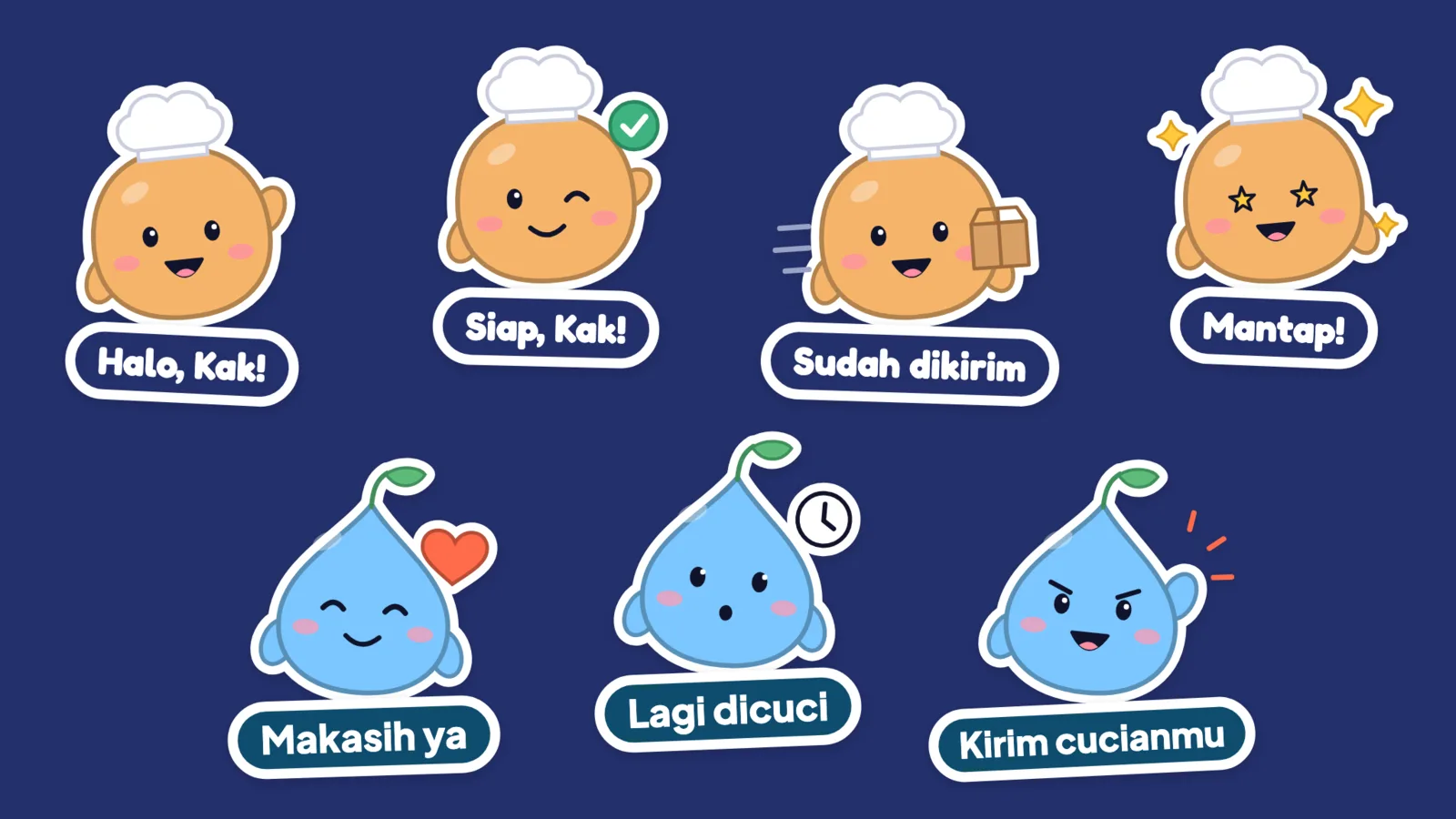
- A hand made SVG mascot: 3 body shapes, brand colours, 4 accessory options
- 8 expressions with props: hello, thank you, on it, one moment, shipped, sorry, awesome, cheer
- Quick reply word labels that shrink to fit, with a white die cut border
- Download a transparent 512 x 512 PNG or WebP per sticker, or all at once as a ZIP
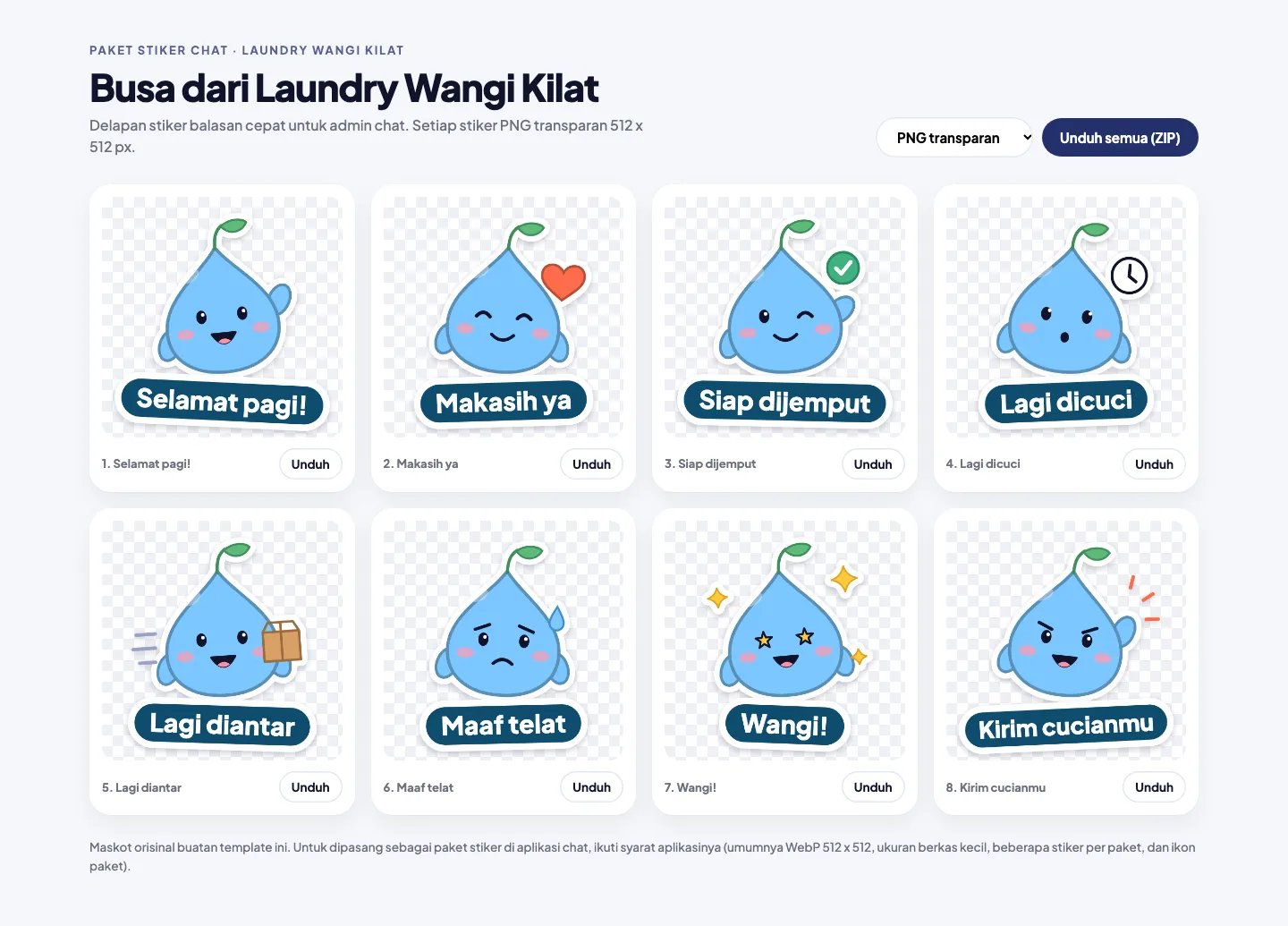
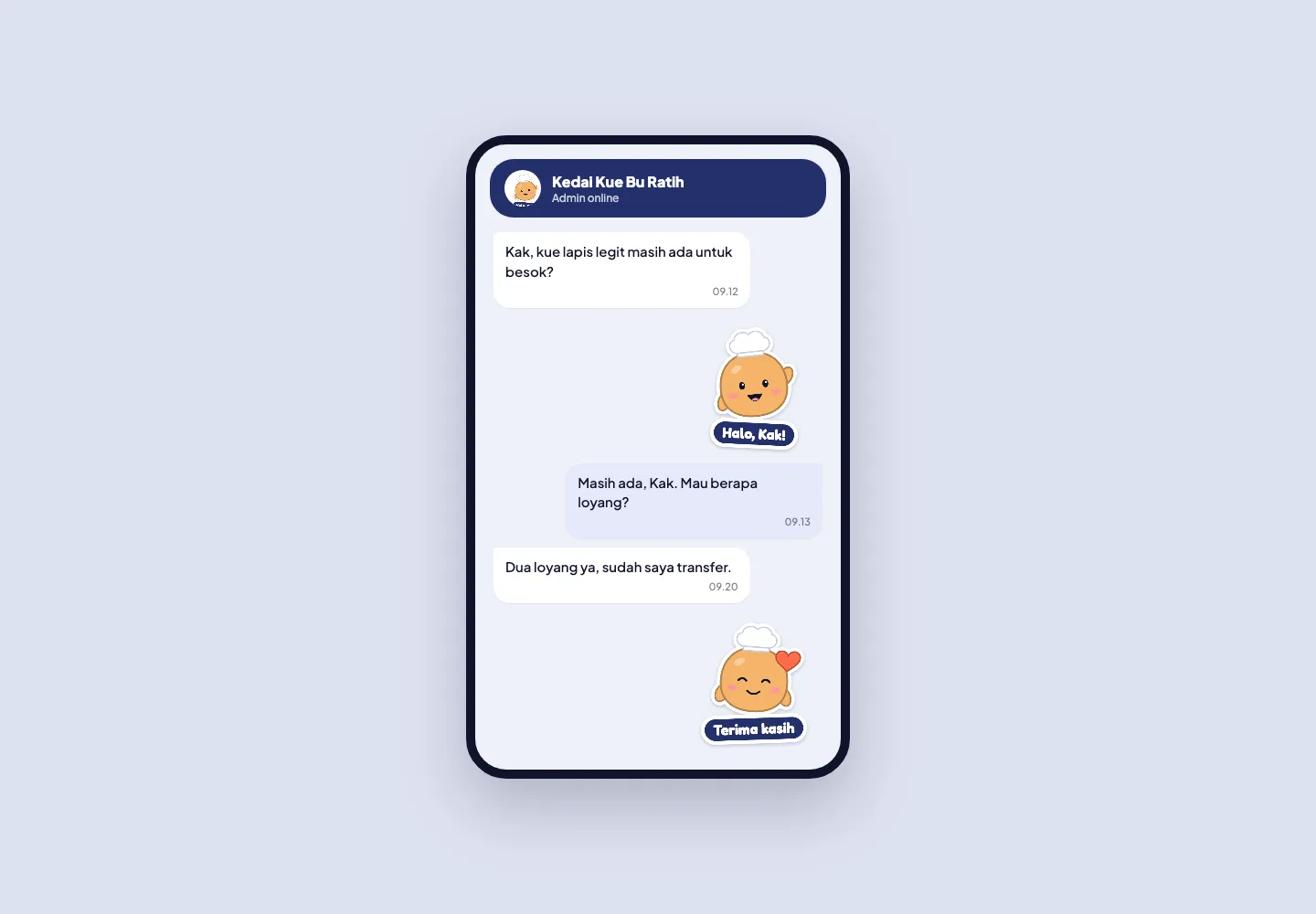
- A chat usage preview and a second sample brand (?contoh=2)
Good fit
- Online shop admins answering dozens of buyer chats a day
- Small businesses wanting chat replies that feel friendly and on brand
- Laundry, catering, courier, or salon services that send order status updates
- Brands without a mascot that want to start with something simple
Not for
- Not an AI image generator; the mascot is drawn in SVG code in one simple rounded style
- It does not install stickers into chat apps; follow each app's own rules and import steps
- It does not copy other brands' mascots or characters
- It does not make animated stickers
About this skill
/paket-stiker-chat-brand Make a pack of 8 chat stickers for my bakery, a round caramel mascot in a chef hat, with the replies Hello, Thank you, On it, One moment, Shipped, Sorry, Awesome, and Order soon
Show more
Eight mascot stickers for admins handling customer chats: a round, drop, or square mascot in brand colours with an accessory (chef hat, bow, leaf), eight ready expressions (hello, thank you, on it, one moment, shipped, sorry, awesome, cheer) with small props, and quick reply word labels you can change. The mascot is drawn in SVG by the template, and each sticker exports as a transparent 512 x 512 PNG or WebP with a white die cut border, one at a time or all at once as a ZIP, straight from the browser.
User reviews
FAQ
How do I change the mascot's colour and shape?
Edit the mascot object at the top of the file: a round, drop, or square body, a hex body colour, a cheek colour, and a chef hat, bow, leaf, or no accessory. The body outline is made darker than the body colour automatically.
How long should a reply word be?
One to three words, about 18 characters. The label shrinks for longer text, but stickers are seen small on phone screens, so short words read better.
Can I use them in a chat app right away?
The files are already transparent 512 x 512. Many chat apps ask for small WebP files, a minimum number of stickers per pack, and a pack icon, so choose WebP in the template and follow your app's sticker import steps.
Which AI can I use it with?
Copy the prompt into a chat AI (ChatGPT, Claude, Gemini, DeepSeek); or download the ZIP and install it in an AI agent (Claude Code, Codex, Antigravity, Hermes Agent, Cursor, GitHub Copilot, Gemini CLI, OpenCode, Kimi Code, Trae), which then builds the files for you.
What is in the ZIP?
One folder named paket-stiker-chat-brand with SKILL.md (the instructions an AI agent reads) and the prompt, 5 files in all. Extract it into your agent's skills folder, or install it with npx skillflow-ai add paket-stiker-chat-brand. Pro only.
Is there a per-use fee or credits?
Not from SkillFlow. The skill runs on the AI you already use (and, for image prompts, the image AI you pick), so any cost follows that plan.
Which plan includes it?
Basic and Pro. Basic copies the prompt; Pro also downloads the ZIP, sends to AI, installs into agents and shares results by link.
Can I use my own colours and brand?
Yes. Pick a colour theme on this page, or fill in your brand profile once; both go into the prompt you copy and into the ZIP.
Can I share what I made?
Pro members can upload the result and get a page at share.skillflow.ai.id to send to anyone. The page carries a small "Made with SkillFlow AI" mark.
Is there a download limit?
Yes, per day: 50 skills on Pro, 10 on other plans. Downloading a skill again on the same day does not count.



