

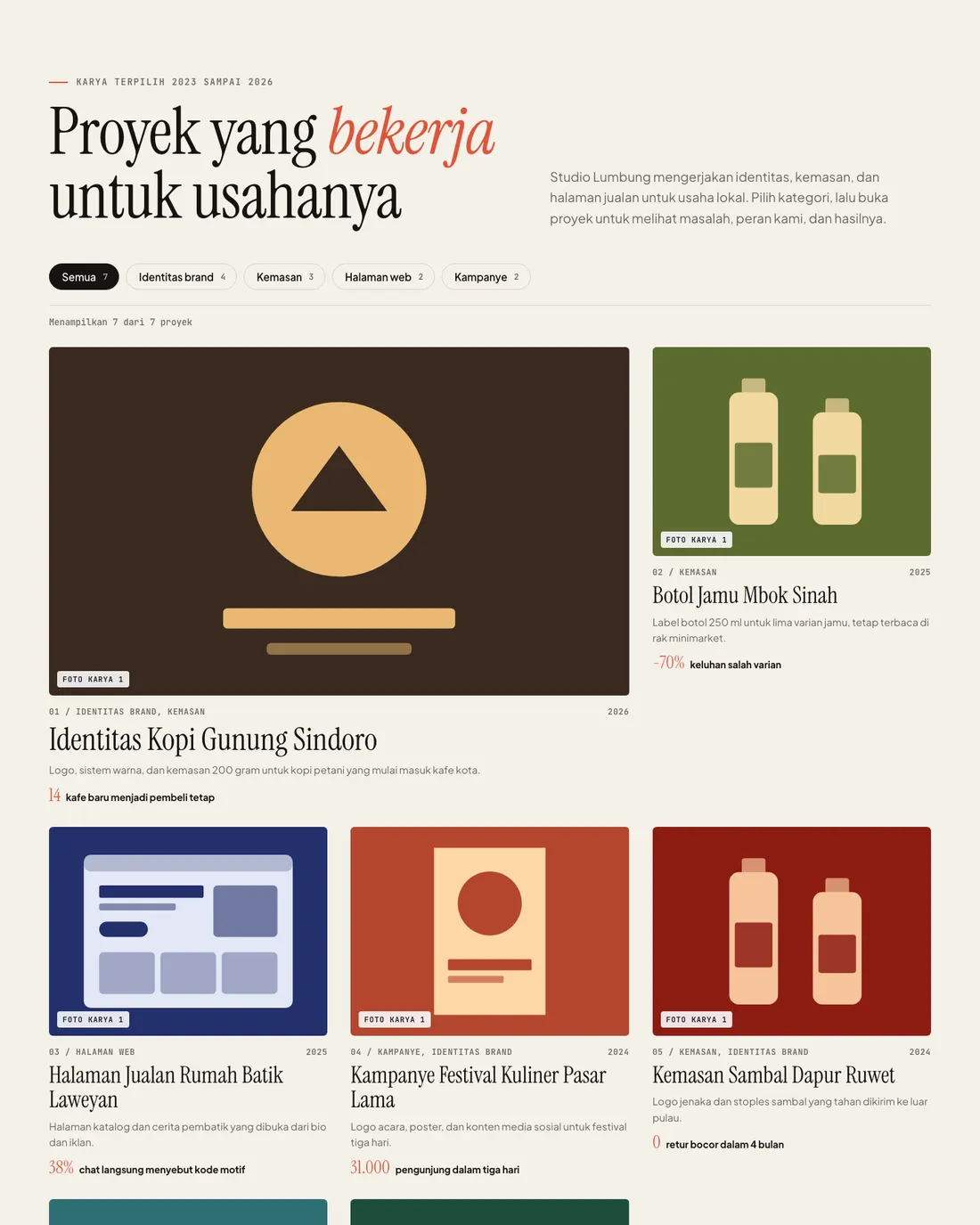
A fictional design studio: serif title, filters with project counts, a wide featured card
SKILL.md contents
Premium subscribers can read, copy, and install this skill.
Unlock with Premium Sign inFilterable Portfolio (Section)
Description
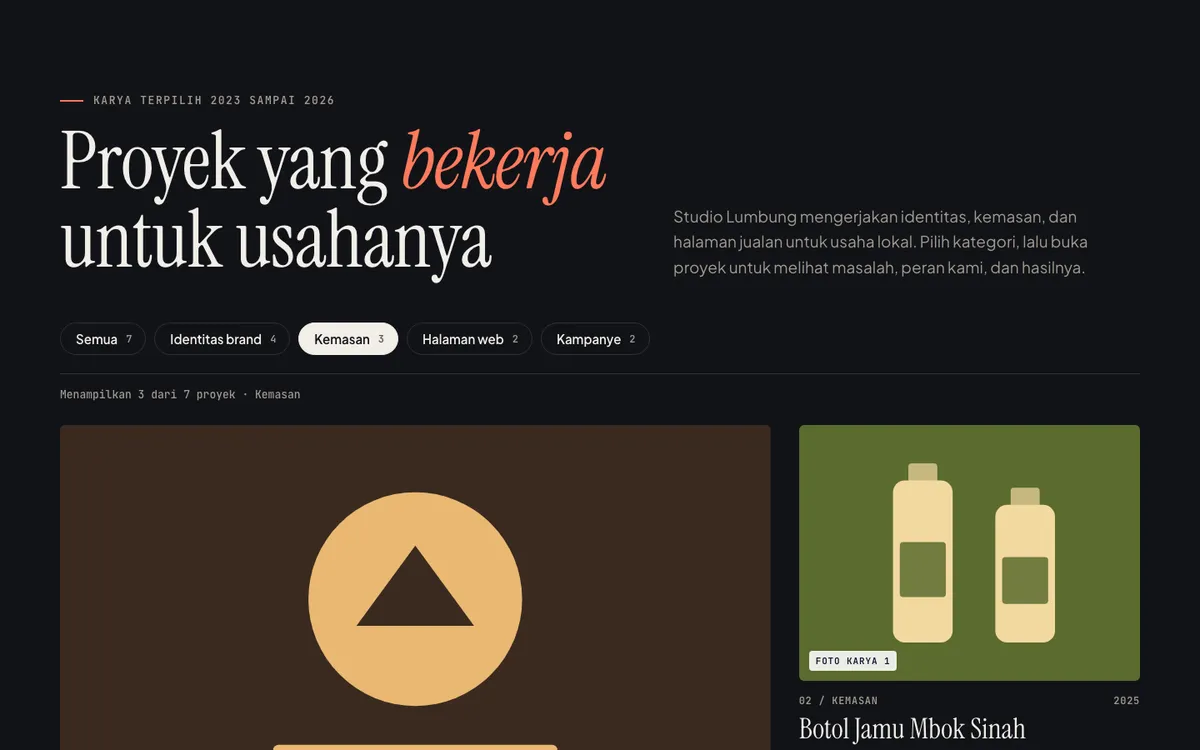
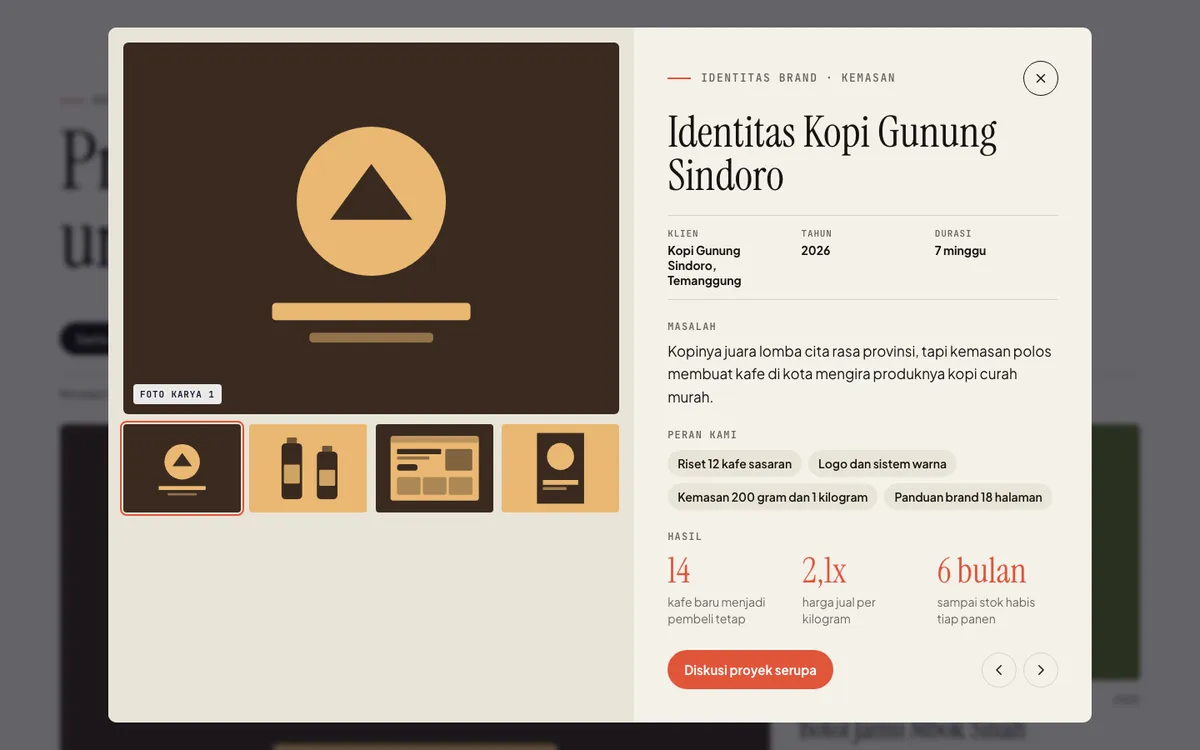
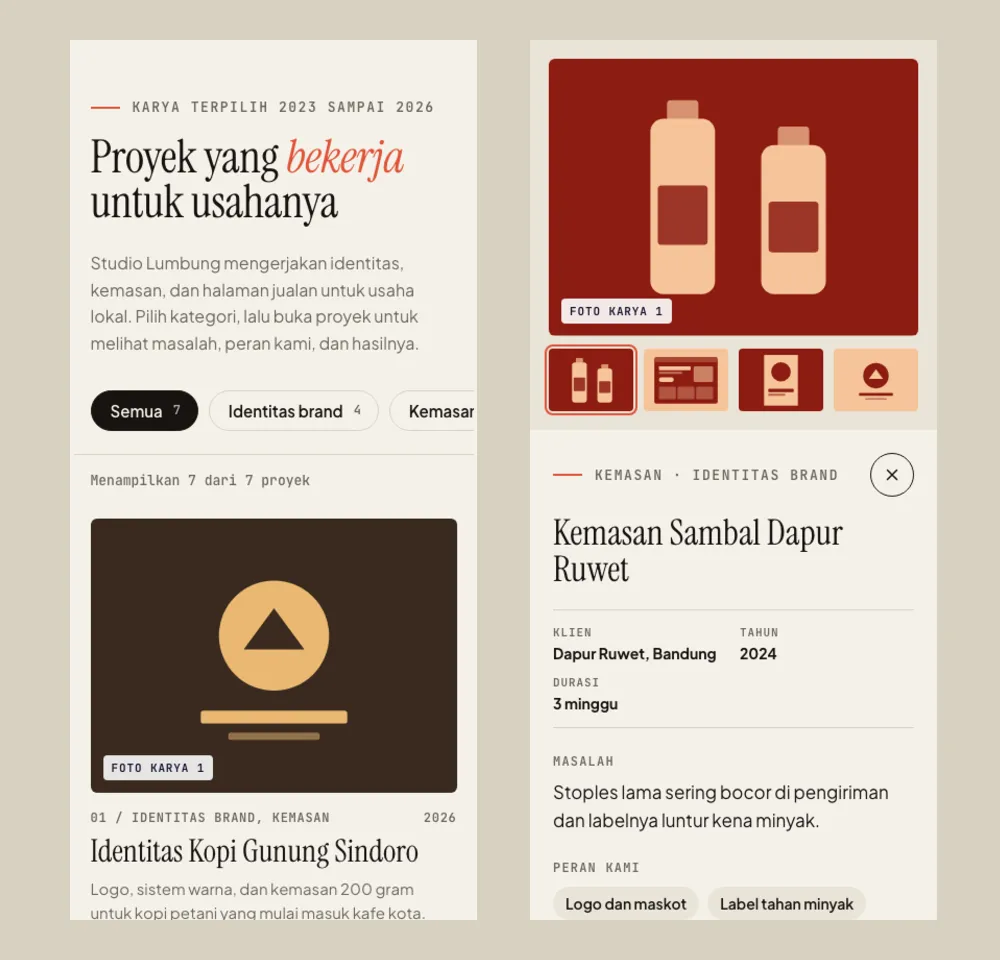
An editorial portfolio section for designers, studios, and agencies: a large serif title, category filter buttons with project counts, cards that slide into place when the filter changes, one wide featured card, and a project detail window with the problem, role, measurable results, a gallery, a WhatsApp enquiry button, and arrows to the next project. Filters and projects open from the address, it works by keyboard, Esc closes the detail, and it stays tidy from 320 to 1440 px wide.
Verified by SkillFlow
We checked every file in this skill automatically: no command that downloads and runs a program, no hidden code, no instruction telling your AI to ignore you.
- Loads from outside
- Fonts: Google Fonts
See the 5 files inside
skill.json10 KBSKILL.md6 KBprompt.md4 KBprompt.en.md5 KBfiles/portofolio.html27 KB
Checked 14 Nov 2026
Part of SkillFlow Pro
Pro opens every skill in every category: copy, ZIP, Send to AI, install, save, and request new skills.
Get Pro Already subscribed? Sign inWhat you get
- One ready-to-paste HTML section file, every class prefixed pf- so nothing clashes
- Category filters with project counts, a sliding animation on change, and a results count line
- Project cards with a mono label, a serif title, a summary, and the first result figure
- Project detail in a dialog: problem, role, measurable results, gallery, WhatsApp button, next project
- #category and #karya-slug addresses, full keyboard use, Esc to close, focus returns to the card
- SVG placeholder art per category until real photos are added, 3 palettes (paper, night, indigo)
Good fit
- Freelance designers, studios, and agencies who want their work sorted by type
- The Work part of a services page, between the hero and the pricing
- Prospects who need to read real results, not just look at pictures
Not for
- Not a full page; it is one section pasted into an existing website
- It does not host photos or video; you replace the placeholders with your project photos
- Not a content management system; adding a project means editing the object in the file
- For a photo gallery without project stories, a photo gallery skill fits better
About this skill
/portofolio-berfilter Make a portfolio section for my design studio with Brand identity, Packaging, Web pages, and Campaigns filters, seven projects with problem, role, and results, plus a WhatsApp enquiry button
Show more
An editorial portfolio section for designers, studios, and agencies: a large serif title, category filter buttons with project counts, cards that slide into place when the filter changes, one wide featured card, and a project detail window with the problem, role, measurable results, a gallery, a WhatsApp enquiry button, and arrows to the next project. Filters and projects open from the address, it works by keyboard, Esc closes the detail, and it stays tidy from 320 to 1440 px wide.
User reviews
FAQ
Can I share a link straight to one category or one project?
Yes. Add #identitas (the category slug) to the end of the address to open that filter, or #karya-kopi-gunung-sindoro (the project slug) to open its detail directly. Handy for sending to a prospect who asks for a specific kind of work.
What if I do not have result figures for every project?
Result figures are the most convincing part, but never invent them. Ask the client (sales, sign-ups, fewer complaints) or write a short sentence about what really happened. A project with no result at all should not be the featured one.
Which AI can I use it with?
Copy the prompt into a chat AI (ChatGPT, Claude, Gemini, DeepSeek); or download the ZIP and install it in an AI agent (Claude Code, Codex, Antigravity, Hermes Agent, Cursor, GitHub Copilot, Gemini CLI, OpenCode, Kimi Code, Trae), which then builds the files for you.
What is in the ZIP?
One folder named portofolio-berfilter with SKILL.md (the instructions an AI agent reads) and the prompt, 5 files in all. Extract it into your agent's skills folder, or install it with npx skillflow-ai add portofolio-berfilter. Pro only.
Is there a per-use fee or credits?
Not from SkillFlow. The skill runs on the AI you already use, so any cost follows that plan.
Which plan includes it?
SkillFlow Pro. It opens every skill in every category.
Can I use my own colours and brand?
Yes. Pick a colour theme on this page, or fill in your brand profile once; both go into the prompt you copy and into the ZIP.
Can I share what I made?
Pro members can upload the result and get a page at share.skillflow.ai.id to send to anyone. The page carries a small "Made with SkillFlow AI" mark.
Is there a download limit?
Yes, per day: 50 skills on Pro, 10 on other plans. Downloading a skill again on the same day does not count.



