

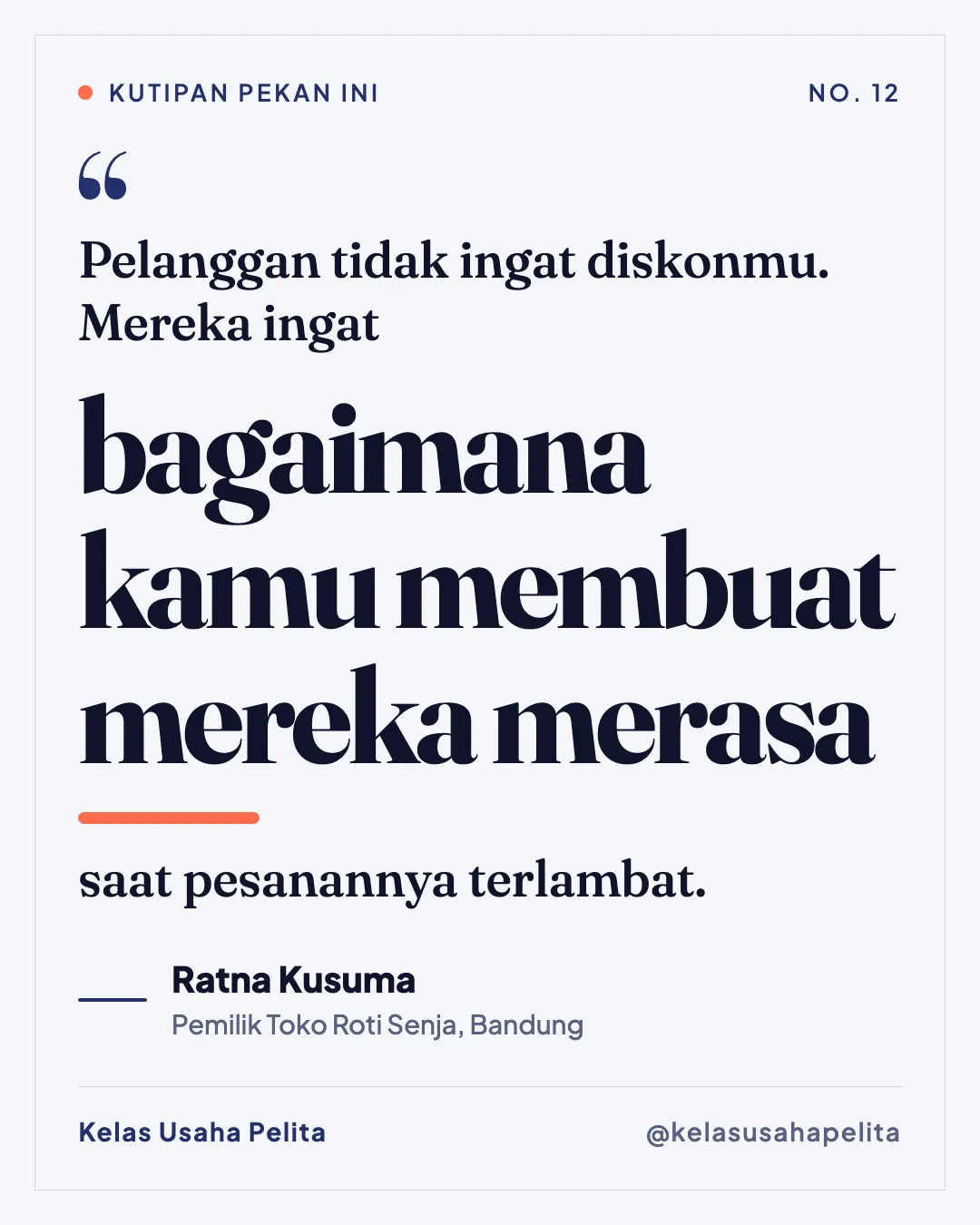
Feed 4:5, key phrase layout: the most important phrase blown up to the poster width
SKILL.md contents
Premium subscribers can read, copy, and install this skill.
Unlock with Premium Sign inTypographic Quote Poster
Description
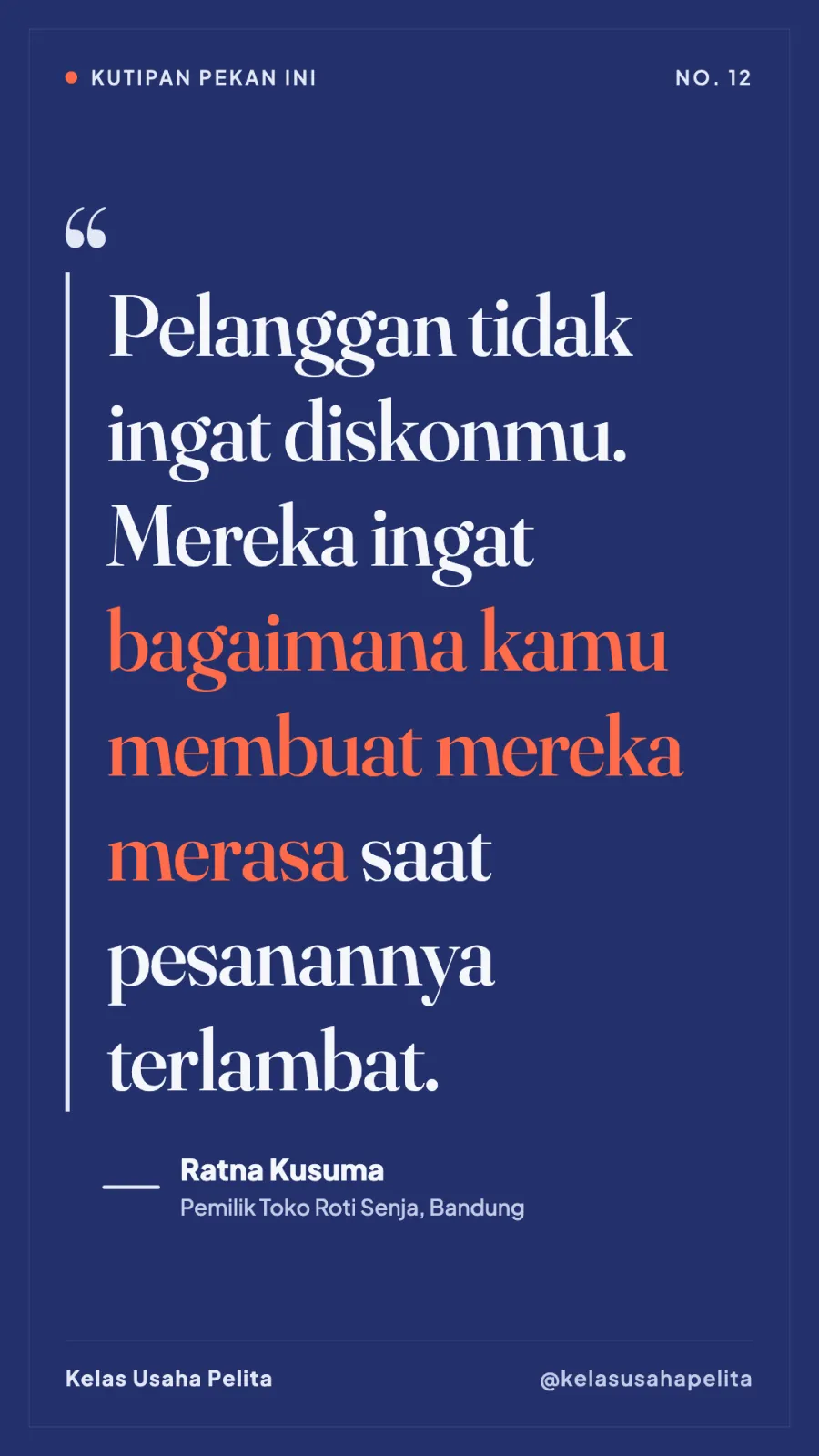
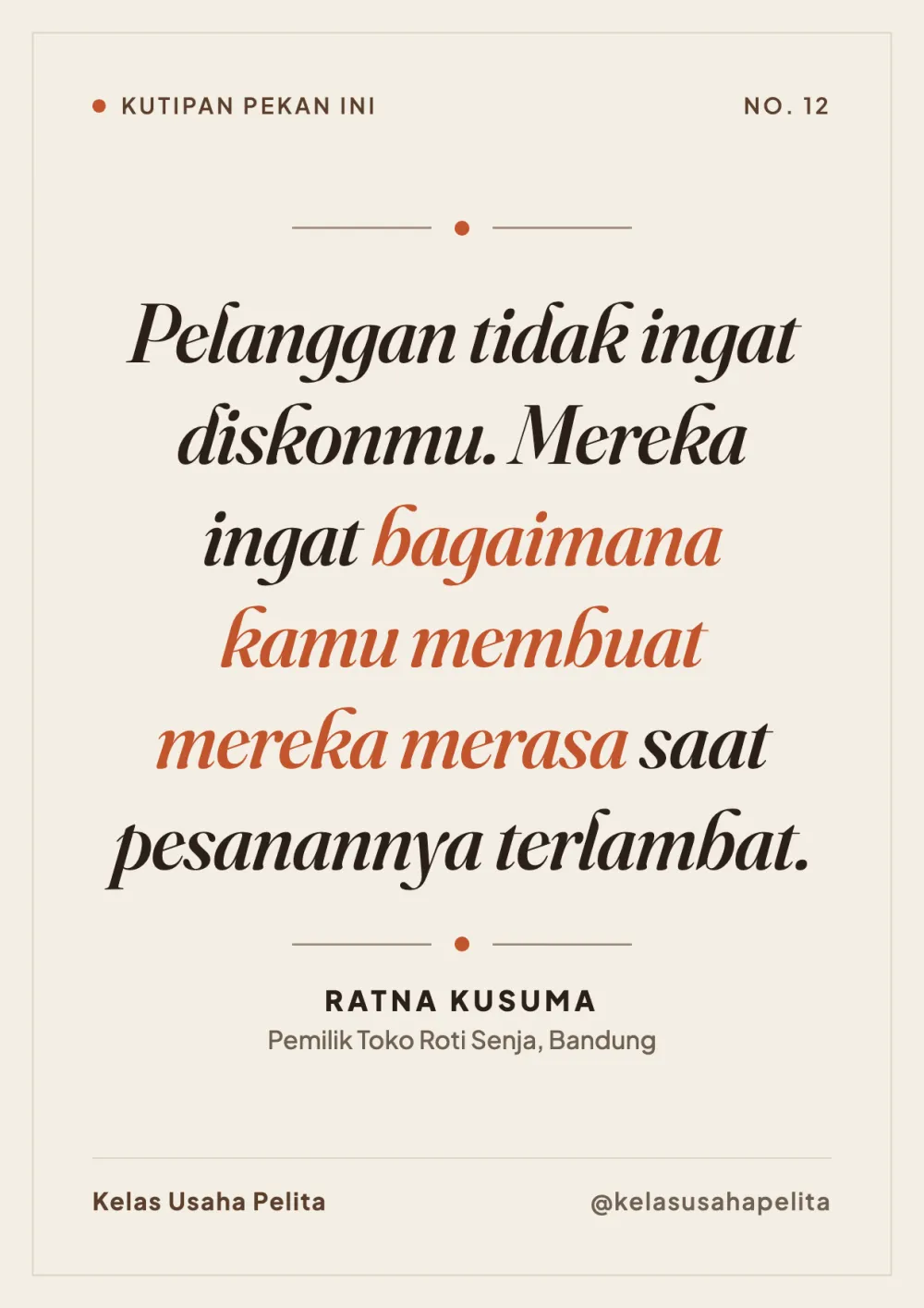
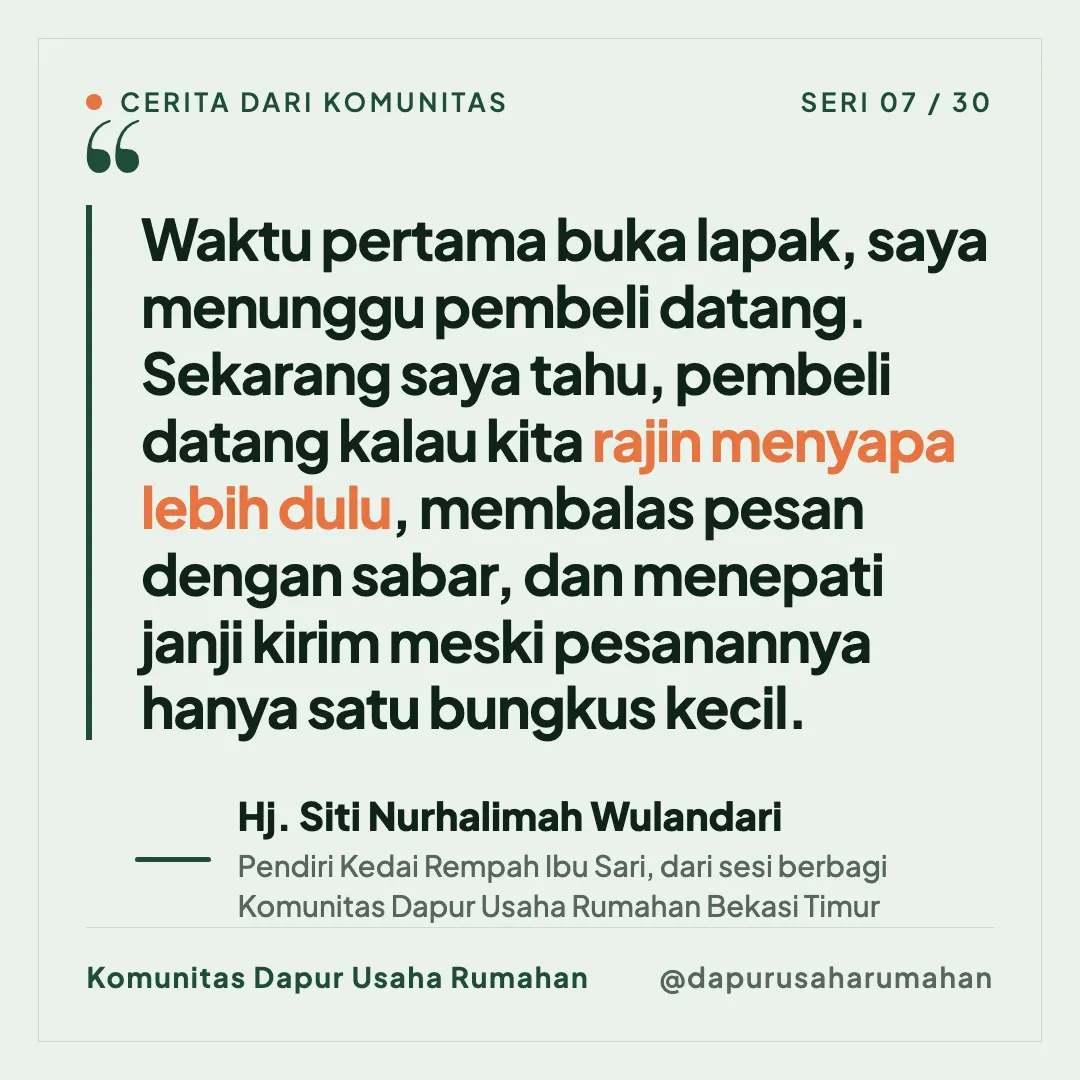
A still poster holding one quote set in tidy typography: a large quote mark, wording that sizes itself to fit, the source's name and role, a series label, and a calm thin-line frame. Three layouts (key phrase blown up, editorial left-aligned, classic centred), five palettes, three type styles, in feed, story, square, and print-ready A4 sizes. For daily posts, customer or mentor quotes, and wall decoration for an office or classroom.
Verified by SkillFlow
We checked every file in this skill automatically: no command that downloads and runs a program, no hidden code, no instruction telling your AI to ignore you.
- Loads from outside
- Fonts: Google Fonts
See the 6 files inside
skill.json8 KBSKILL.md6 KBprompt.md4 KBprompt.en.md4 KBfiles/contoh/kutipan-panjang-persegi.html12 KBfiles/poster-kutipan.html13 KB
Checked 14 Nov 2026
Included in Basic and Pro
Basic copies the prompt. Pro also downloads the ZIP, sends to AI, installs into agents, and opens every category.
Get Pro Get Basic Already subscribed? Sign inWhat you get
- 3 quote arrangement options with the key phrase highlighted
- 1080 px PNG poster: feed 4:5, story 9:16, square 1:1
- An A4 version for 300 dpi printing (2480x3508 px)
- 3 layouts, 5 palettes, 3 type styles, type size that adapts to the quote length
- An HTML template you can refill for a numbered quote series
Good fit
- Creators, teachers, and coaches filling a daily feed with a numbered quote series
- Shops or communities that want to show a customer's or mentor's words neatly
- Offices, classrooms, or cafes needing an A4 wall poster with one sentence
Not for
- It never invents quotes in someone's name; quotes from famous people must be source-checked first
- One poster, one quote, about 40 words at most; not for articles or tip lists
- No photos or illustrations; for a speaker portrait use a testimonial card skill
- A still image, not an animated quote video
About this skill
/poster-kutipan-tipografi Make a quote poster for the Kelas Usaha Pelita Instagram feed, a quote from our mentor Ratna Kusuma about customers remembering how we served them, with the key phrase blown up
Show more
A still poster holding one quote set in tidy typography: a large quote mark, wording that sizes itself to fit, the source's name and role, a series label, and a calm thin-line frame. Three layouts (key phrase blown up, editorial left-aligned, classic centred), five palettes, three type styles, in feed, story, square, and print-ready A4 sizes. For daily posts, customer or mentor quotes, and wall decoration for an office or classroom.
User reviews
FAQ
When do I use the key phrase, editorial, or classic layout?
Key phrase for short quotes with one strong phrase. Editorial for longer quotes read like a magazine. Classic for wise sayings or wall posters that should look formal.
What if the quote is long?
The type shrinks by itself until it fits without breaking words. Past about 40 words it gets too small for a feed post, so the skill suggests trimming it or using the story format.
Can I use it for quotes by famous people?
Yes, as long as the quote is accurate and the source is clear. The skill asks for the original source and writes 'unknown' when the origin cannot be confirmed, instead of guessing a name.
Which AI can I use it with?
Copy the prompt into a chat AI (ChatGPT, Claude, Gemini, DeepSeek); or download the ZIP and install it in an AI agent (Claude Code, Codex, Antigravity, Hermes Agent, Cursor, GitHub Copilot, Gemini CLI, OpenCode, Kimi Code, Trae), which then builds the files for you.
What is in the ZIP?
One folder named poster-kutipan-tipografi with SKILL.md (the instructions an AI agent reads) and the prompt, 6 files in all. Extract it into your agent's skills folder, or install it with npx skillflow-ai add poster-kutipan-tipografi. Pro only.
Is there a per-use fee or credits?
Not from SkillFlow. The skill runs on the AI you already use (and, for image prompts, the image AI you pick), so any cost follows that plan.
Which plan includes it?
Basic and Pro. Basic copies the prompt; Pro also downloads the ZIP, sends to AI, installs into agents and shares results by link.
Can I use my own colours and brand?
Yes. Pick a colour theme on this page, or fill in your brand profile once; both go into the prompt you copy and into the ZIP.
Can I share what I made?
Pro members can upload the result and get a page at share.skillflow.ai.id to send to anyone. The page carries a small "Made with SkillFlow AI" mark.
Is there a download limit?
Yes, per day: 50 skills on Pro, 10 on other plans. Downloading a skill again on the same day does not count.



